
Handle HDR10 footage in Premiere Pro
Latest version of Premiere Pro.
Running on an SDR monitor
Have 4k HDR10 footage
Want to use Neat Video to reduce grain on some older 4k footage.
Export losslessish (like ProRes)
Want to then run thru ffmpeg with x265 and reduce the final output.
Problem I'm having is when I open the source in Premiere or play it in my system it has what you'd expect I guess for a washed out look considering SDR monitor with HDR10 footage.
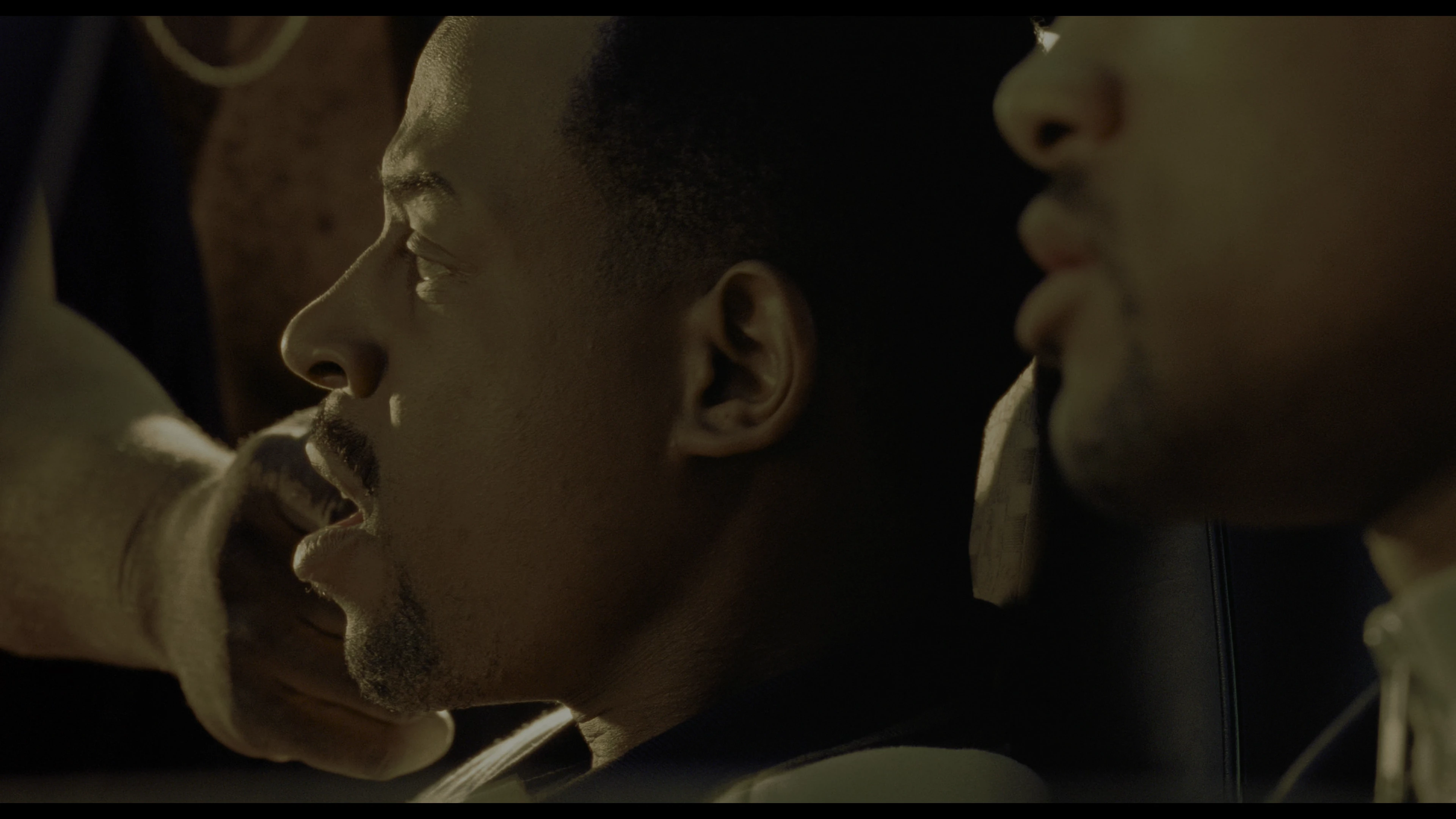
I open the source in Premiere Pro and it comes up as I would expect as Rec 2100 PQ in the sequence. No matter what format I export in the footage comes out looking like it was converted to SDR
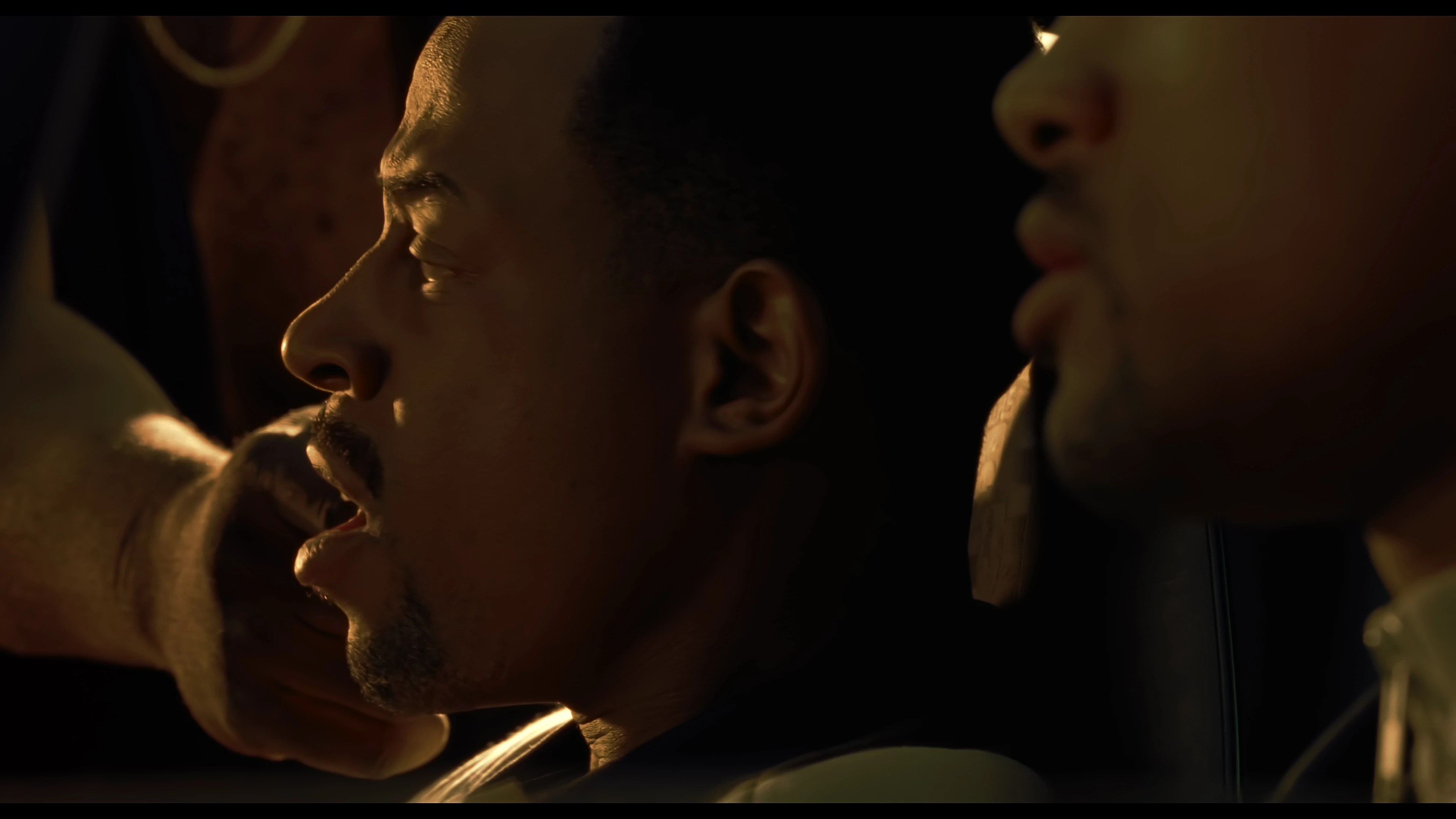
Only way I can get the final output to look at all like the source is to interpret footage on the original import and change the color space to Rec 709 but then the final output is Rec 709. When I then export the above MXF footage, injecting the HDR10 metadata with ffmpeg it's weird. Looks the same in VLC in a snapshot.
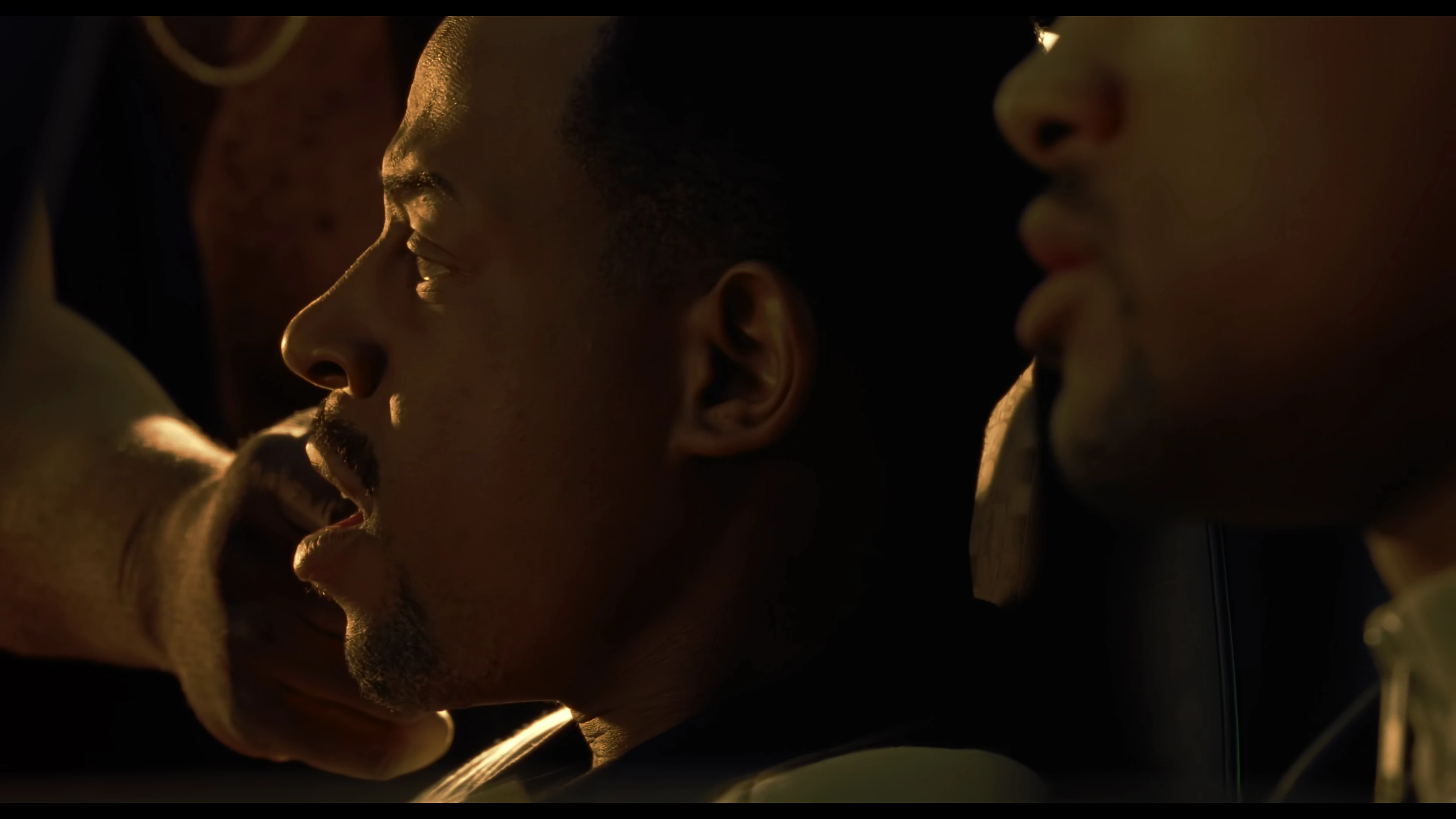
But it's super red on my non HDR screen. I'm hoping I don't need an HDR screen for Premiere to work to complete this workflow.
For this workflow only wanted to use Premiere Pro to use Neat Video as own it and proving to be a challenge.
 AdChoices