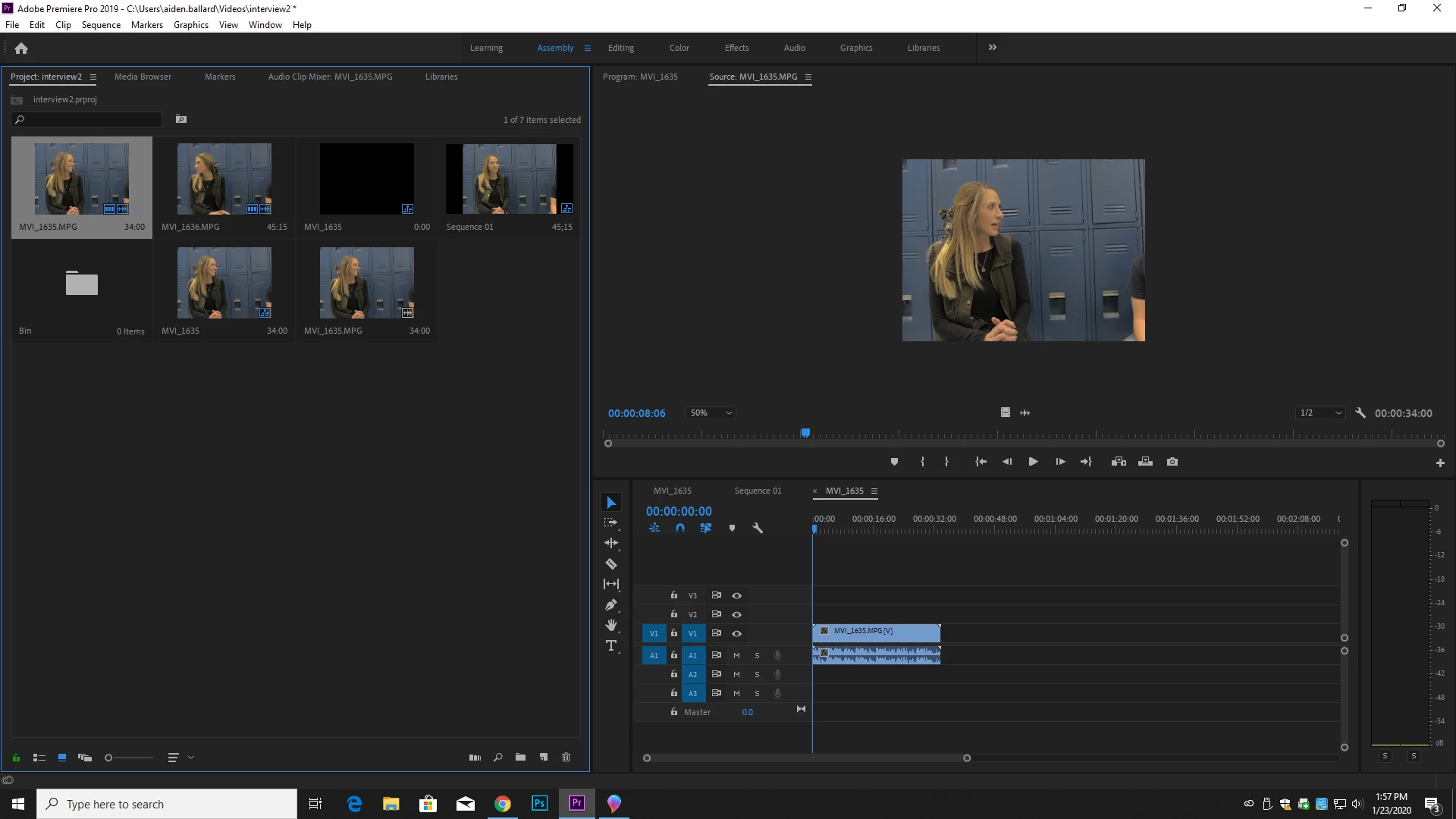
What are your sequence settings, and how did you create that sequence? How did you import/ingest the clip into Premiere? How did you move the clip to the sequence?
The most stable operation is to use the Media Browser panel to navigate to and select media for importing/ingesting. This adds all proper metadata from that media into the project's database, and puts the media in the Project panel.
The easiest way to get accurate sequences for your video clips is to drag/drop a clip from the Project panel to a blank timeline panel which causes Premiere to create a sequence to match the clip. Or drag the clip onto the New Item icon in the lower right of the Project panel, which also creates a new sequence to match the clip.
Unfortunately, I can't see what the "zoom" setting is in the Program monitor lower-left corner as the image is SO small. Is that set to Fit, or to a numerical percentage number?


 AdChoices