
Participant
November 22, 2021
Question

Help! Importing video became over exposed on sequence. Adobe Premiere 2022 v.22

  • November 22, 2021
  • 1 reply
  • 1026 views

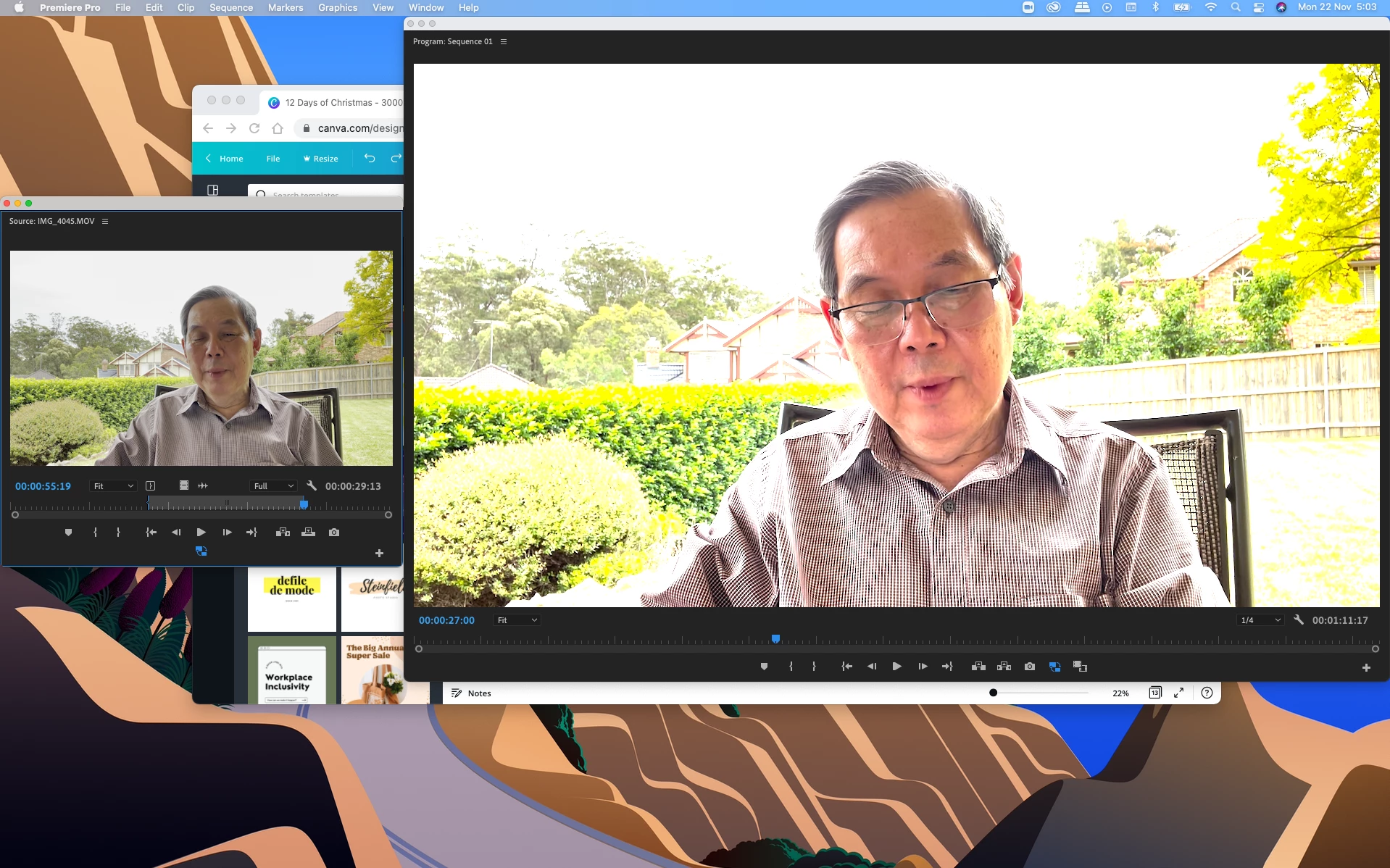
Help! My imported video became over exposed when I drag and drop it to the sequence. It look fine on the preview tab, but not the Composite video tab. Anyone knows how to fix it? Thanks!
This topic has been closed for replies.

1 reply

Mike Dziennik
Community Expert
Community Expert
November 22, 2021

Check the working colour-space in your sequence settings, and check the colour-space of your file by right-clicking on the file and choosing 'Properties'. There is probably a mismatch here.

laurab4713275
Participant
November 29, 2021

Hi Mike-

I am having the same issue. Something screwy with the newest Premiere Pro update. I don't understand what you are asking to do here to fix it. The video looks fine when I preview it, but when I drag and drop it in the sequence like I always did, the clip is over exposed. 

Laura

R Neil Haugen
Legend
November 29, 2021

Check out my FAQ here ... because they have added quite a few color management changes to the 2022 version. Some are new CM options in various places, and some are new default behaviors. Your issues are probably involving both.


It's a bit of a read, but do understand: this is the beginning phase of major color management changes coming. Premiere has been a locked-down Rec.709 application up through 2021 version. We are getting major management options and defaults because of media like your clip that are HLG or PQ rather than Rec.709.


And the increased possibility that the user wants to work, and end up with, HLG or PQ HDR projects at export time.


As users, we're going to have to learn a bit more about how to use the new options and defaults.


Neil


FAQ: PremierePro 2022 Color Managment for Log/RAW Media

Everyone's mileage always varies ...