
Participant
September 17, 2021
Answered

HELP! My Premier Pro projects are all over the place when i go back into them after exporting
  • September 17, 2021
  • 1 reply
  • 248 views


Moving from Using the Community (which is about the forums) to the correct forum... Mod
To ask in the forum for your program please start at https://community.adobe.com/
This topic has been closed for replies.
Correct answer Ann Bens

so 

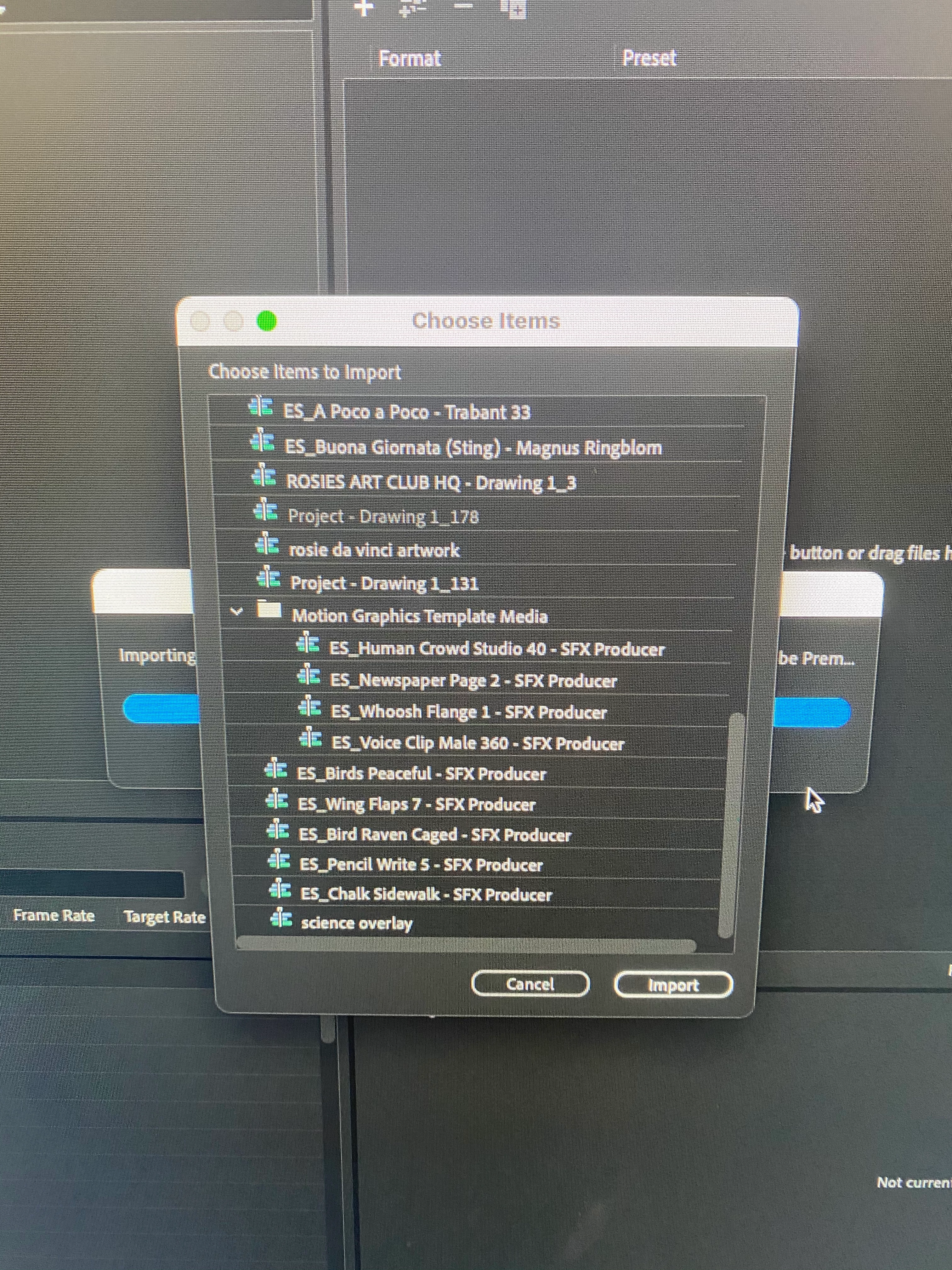
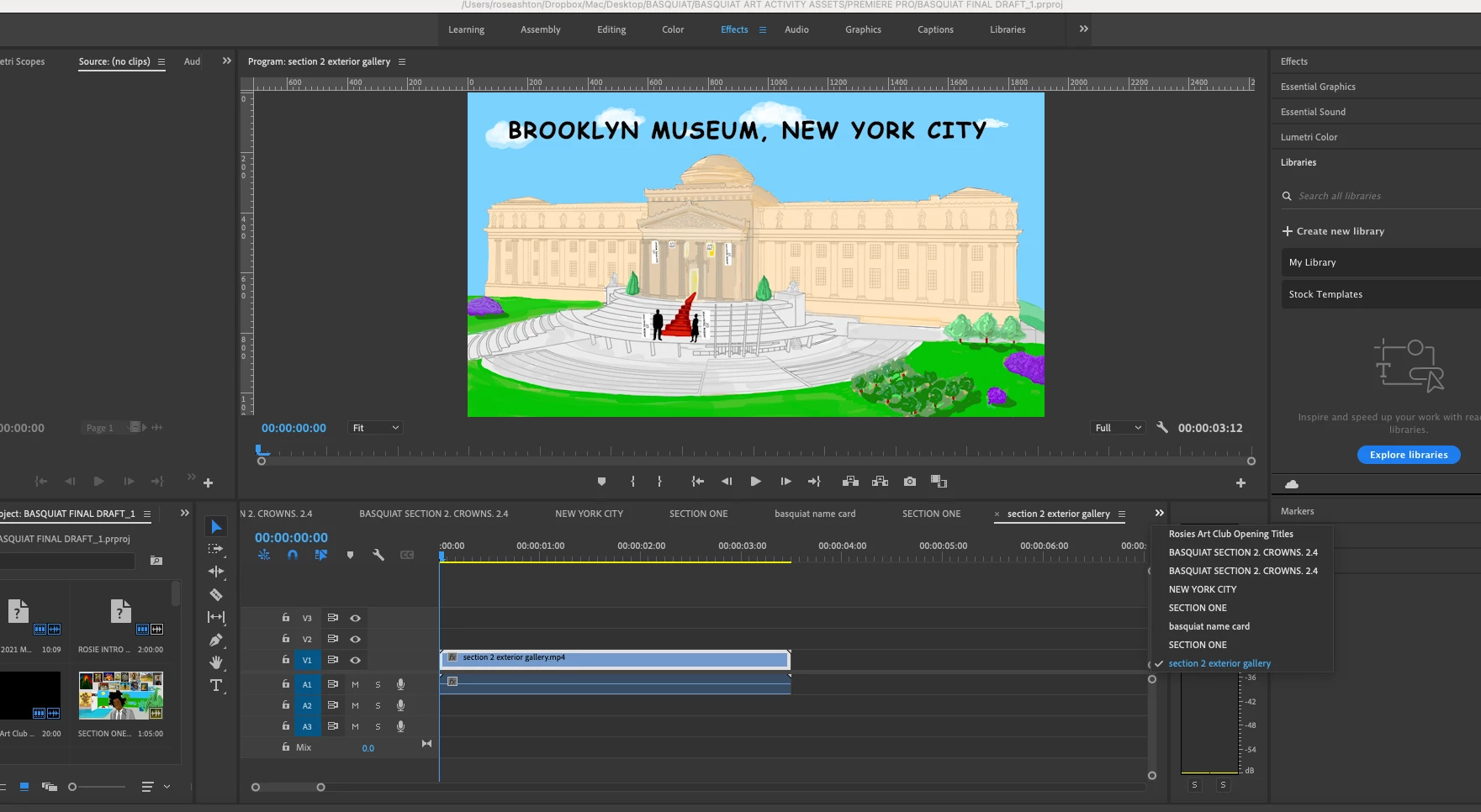
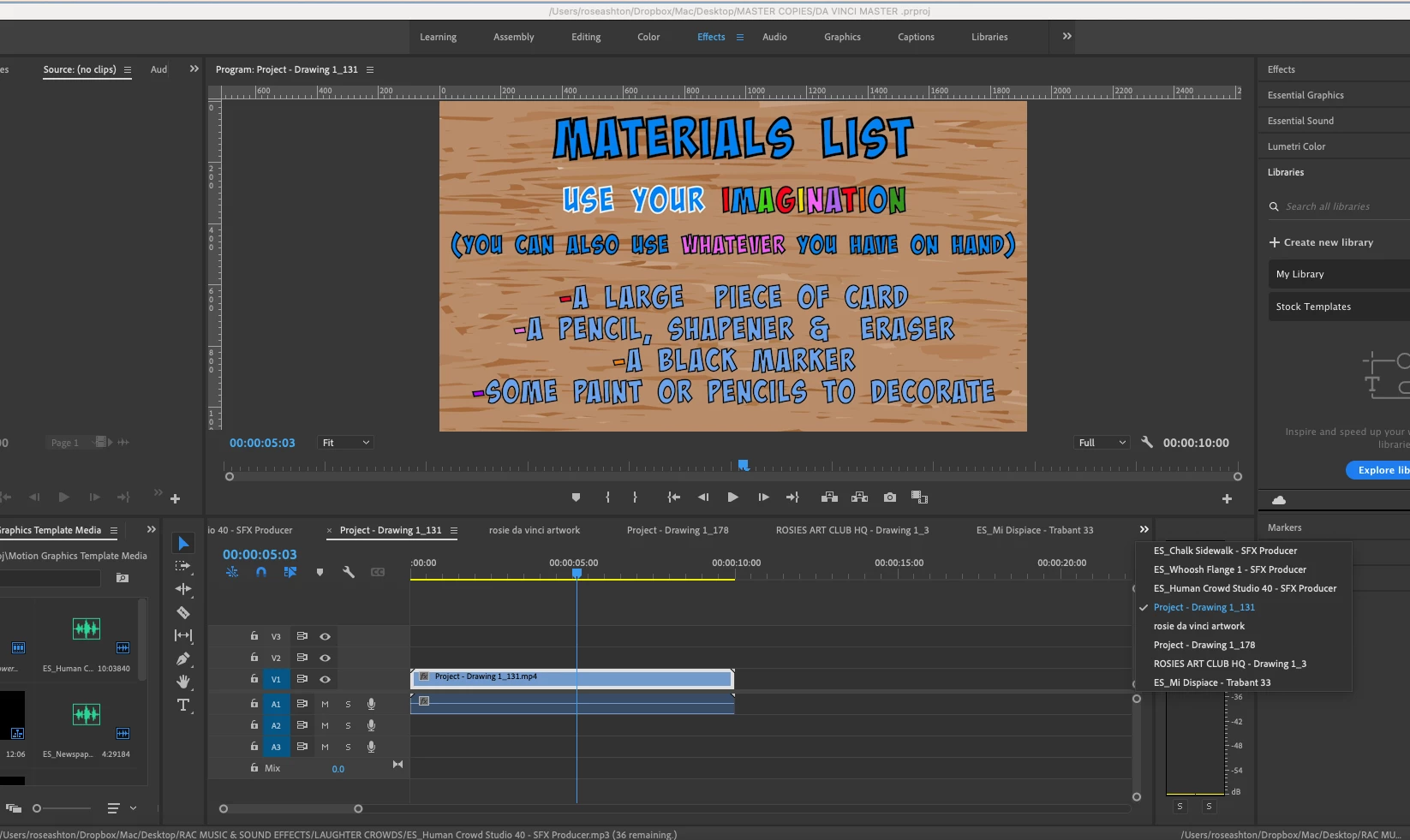
I have aattached two screenshots of what i see when i have opened two of the projects in question.

The 'tabs' open are not complete -and the final sequence was in a atab - does that make sense?

Sorry i am so new at this - but this is a new business i have started and is a whole years worth of work! eek!


I would close them all but one in the timeline, and work from the project panel in list view.


1 reply

Ann Bens
Community Expert
Community Expert
September 17, 2021

You are looking at sequences not projects or exported files.

RoseGirlAuthor
Participant
September 23, 2021

Hi Anne! Thanks! Yes - the thing is - when i reopen the projects in PR PRO - the sequence are all over the place? Im so stressed out that i have lost it all somehow?

RoseGirlAuthor
Participant
September 24, 2021

Are the actual edit points changed? Or is the media just loaded in incorrectly? Are you getting zebra stripes on clips and that kind of thing?


so 

I have aattached two screenshots of what i see when i have opened two of the projects in question.

The 'tabs' open are not complete -and the final sequence was in a atab - does that make sense?

Sorry i am so new at this - but this is a new business i have started and is a whole years worth of work! eek!