
HELP! "Bad allocation while creating disk aligned video frame" Error
Can anyone help me pinpoint as to why I am continuing to receive this error across all my videos when I try to export them? I have been trying to wrap my head around this for almost a week now. From what I have gathered it's a memory or RAM issue but I find this hard to beleive as I am using a Legion laptop, AMD Ryzen 5 5600H with Radeon Graphics (3.3GHz), 32 GB RAM and 1 TB storage. I am using the latest version of Premiere Pro (Version 23.1)
I want to provide as much detail as possible so i'm sorry if I go overboard! I am trying to export videos for my youtube channel of playing tabletop board games. I have 2 views (a front view and a top down view). I am using a Samsung galaxy 10se for the front view footage and a samsung galaxy S22 for the top view footage. I am wanting to have both views going at the same time. This is what it should look like
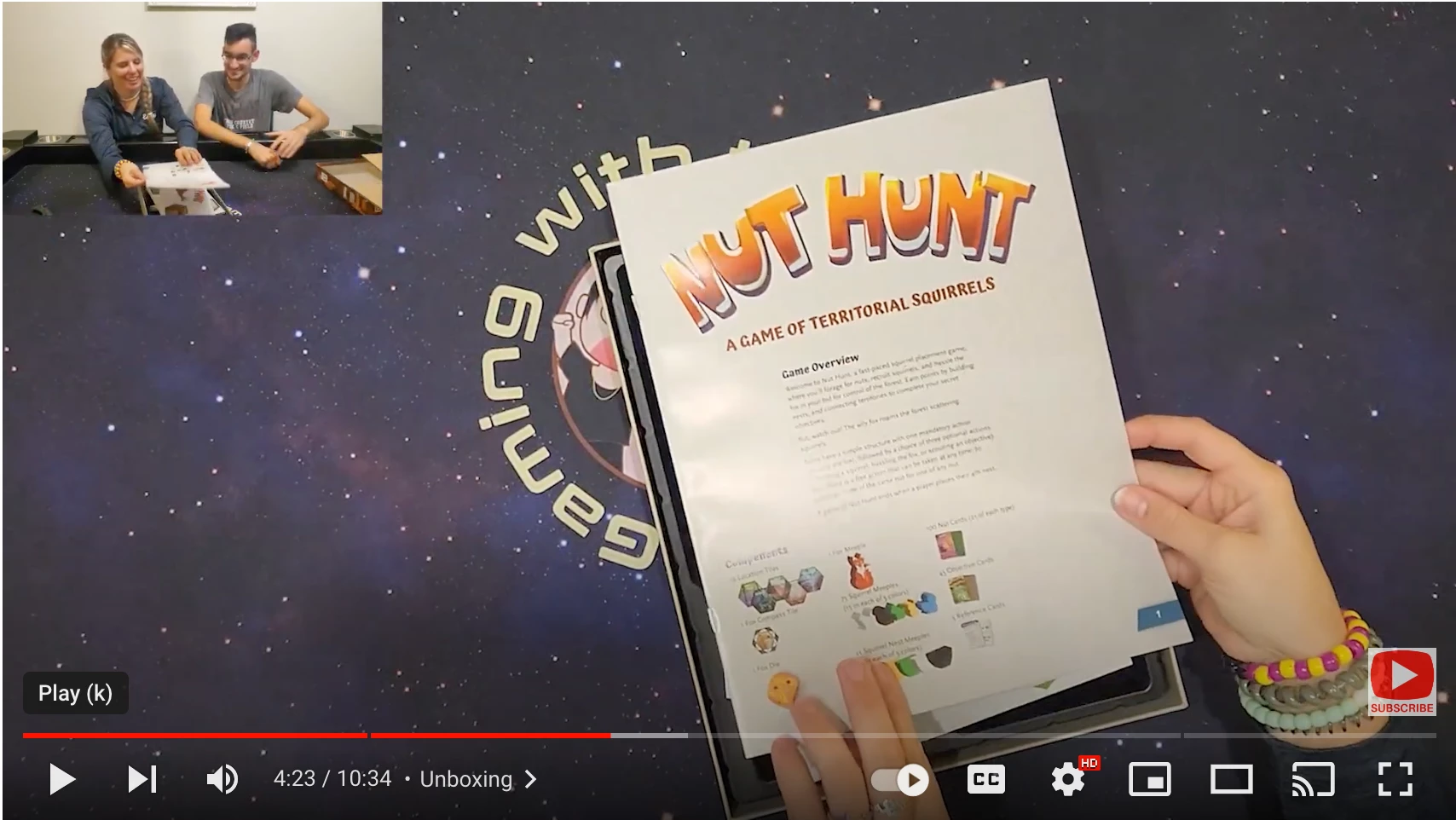
The top view being the main bulk of the screen and the front view smaller in the top corner. The only "effects" I am using is changing the scaling and positioning of the video. Besides that I am just cutting and trimming the footage down. I am able to export smaller length videos like the 10 min unboxing video pictured above. But it seems when I try to do this and export playthrough videos of around 20-45 minutes I always recieve the error "Bad allocation while creating disk aligned video frame". The timecode will always vary and be different everytime I try and export the same video. For example I tried to export a 35 min video and the first time it gave me the error message with a timecode at (29:07 - 29:50). I had no effects on the timeline at the timecode. I restarted PP cut out that section of timecode and tried to export again and this time I got the same error message"Bad allocation while creating disk aligned video frame" with the time code (27:02 - 27:15). If you need anymore information let me know and I will happily provide you with it!
I have tried everything:
- Uninstall and Reinstall PP
- Try in AME (Will fail)
- I have max render unchecked
- Turned off accerlated GPU (CUBA) and using software encoding
- Downloaded restoro and ran that, restarted computer and tried to export again
- closed all programs except PP when exporting
- increased the amount of RAM allocated to PP (29 GB of the 32 available)
- cleared the media cache
- The drive I am scrathcing to has 328 GB of space avaialable
- Tried using external SSD as well as my computer SSD drive
- updated my graphics card driver


 AdChoices