
Participating Frequently
September 4, 2024
Question

Help rendering render 1440x1080 properly

  • September 4, 2024
  • 2 replies
  • 6110 views

I am having a lot of trouble with my 1440x1080 footage and I'm desperate for help.


My camera accidentally recorded at 1440x1080 instead of the 1920x1080 that I usually use. The original footage looks fine, but I am having a terrible time figuring out how to export my footage so it doesn't end up looking like garbage. I've tried tons of advice I've found on the internet (and in this forum) but none of it results in footage that looks anything like the original.


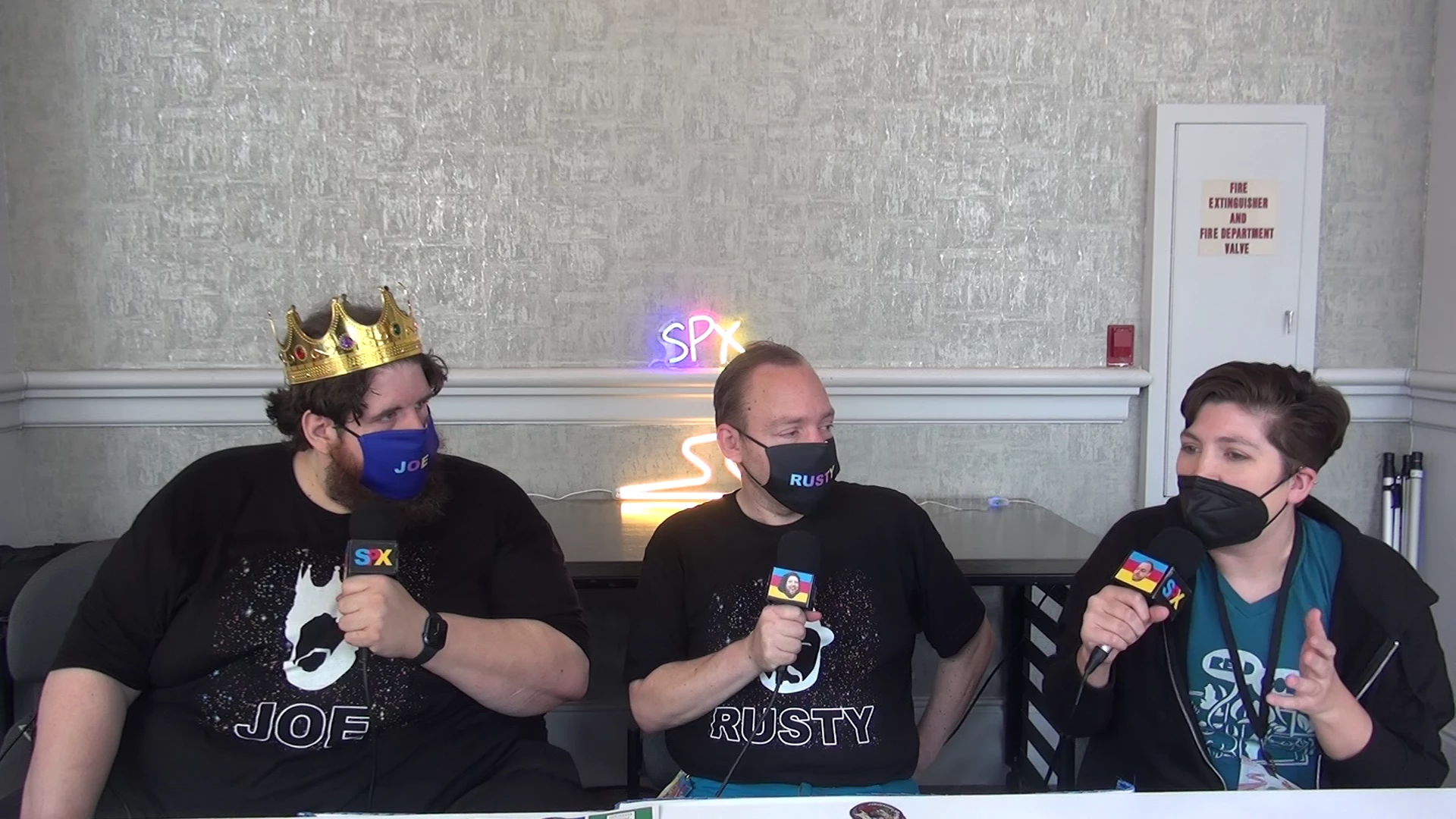
In order to show the problem, I used VLC to take snapshots of the footage. They both look okay! I had to take an actual screenshot for the difference to be visible.


Original footage:
 

Screenshot of footage exporeted from Premiere Pro:
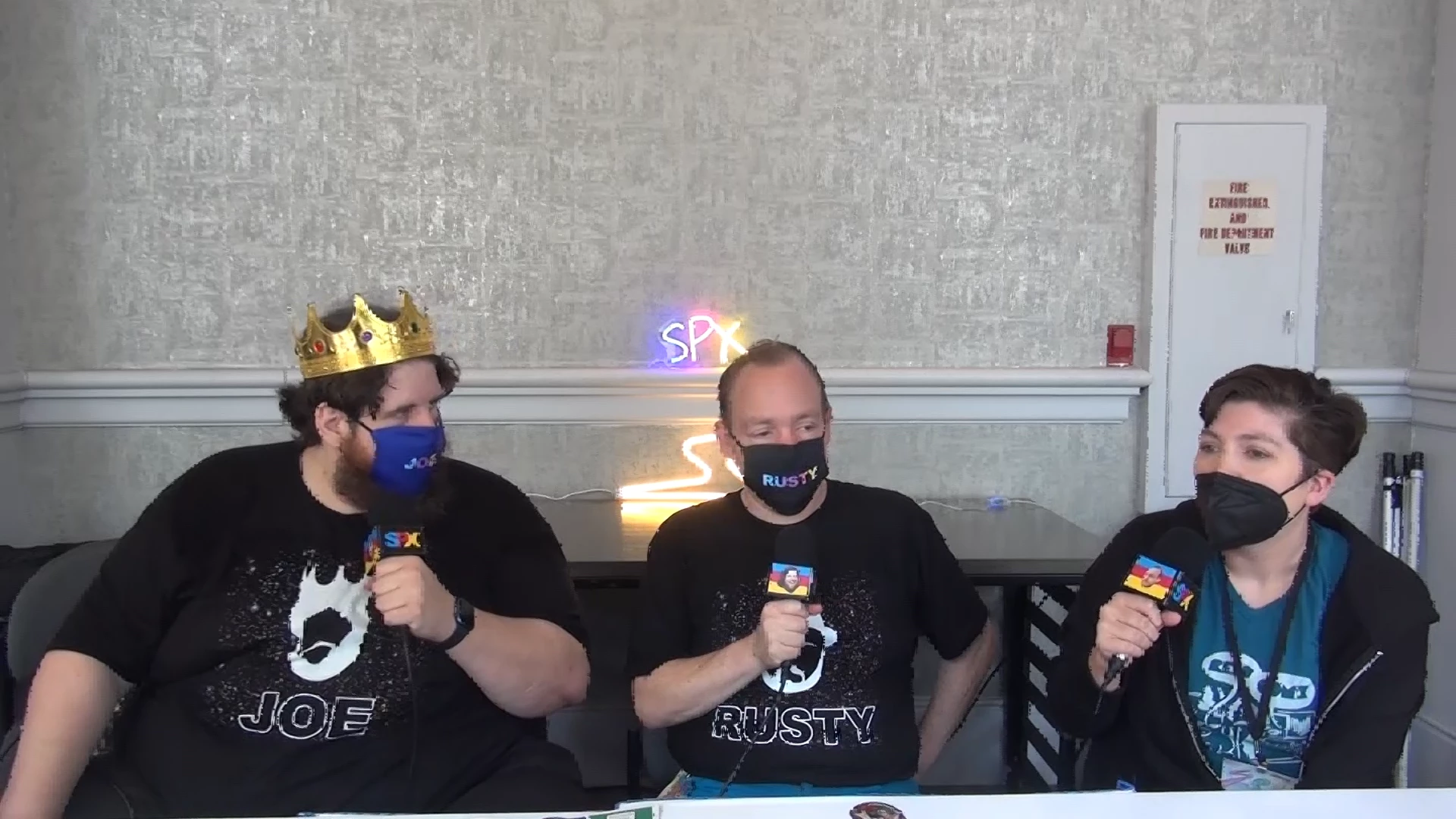


When the video is in motion, there is a weird pixelization around people when they move. The edges are all rough and blocky.


I have tried exporting this in so many ways. What am I doing wrong?


Also, here are snippets on YouTube of both the raw footage and rendered using the "Match Highest Bitrate".


Raw footage: https://youtu.be/AiBefJErJww

"Highest Bitrate": https://youtu.be/P6GE_vCaqWE


Any help would be amazing. This has confused me for hours.


This topic has been closed for replies.

2 replies

joe_7305Author
Participating Frequently
September 4, 2024

Repyling to myself with a new idea:


Here is a short clip of test footage we ran when setting up. Maybe someone can fiddle with it and figure out what I'm doing wrong.


https://we.tl/t-vymK9orlKX


Thanks again to everyone with their help. I can't tell you how much I appreciate it.

Participating Frequently
September 4, 2024

Ok, based on this, I made a mistake in that earlier preset I sent. I neglected to change the output to Progressive (as opposed to upper field first). Here's a link that has a revised preset, and an output of the "00000.MTS" file run through Media Encoder with that applied. If the MOV file I've uploaded exports ok from your edit, you should be able to just run all of your footage through Media Encoder with that preset applied. (Reminder that you'll likely need to change your sequence settings to match up with the settings of the MOV; or just create a new sequence from clip to see if it works).
Theoretically should resolve issues with the 1.333 pixel aspect ratio and interlacing.

joe_7305Author
Participating Frequently
September 5, 2024
quote

There really is something about this video format and my system or version of Premiere.


By @joe_7305


There is nothing wrong with the format itself since it works here so there is something at your end that causes the issue.


  • What version of Premiere Pro do you use, version+Build number? (Help > About Premiere Pro)
  • Post a screen dump of your Sequence Settings.
  • Post a screen dump of your Export Settings, similat to the one i posted here.


Premiere vers. 22.6.2 (build 2)


And I'll go through the last few steps we did and provide output details.

  1. Using this file (https://we.tl/t-vymK9orlKX) I am going to render it using the Preset created by @Hutch Harris  since we know this worked for him.
  2. Here are my Sequence settings. I creatd the Sequence based off of the clip (dragging it to the "New" button and creating a Sequence). I then compared it to the settings @Averdahl suggested before.

  3.  I render this clip using the aforementioned Preset. Here are those settings:
  4.  
  5.  
  6.  This is the result:


    Compare that to the same moment in the video @Hutch Harris rendered using the same settings:

    You can especially see the difference in the cord.

  7. Now, there is one difference I notice possibly worth noting: for some reason, the total file size for my render is slightly different than @Hutch Harris's render. Mine is 138mb and theirs is 133mb. May be nothing, but I wanted to add it here.


Let me know if you notice anything I can try. Thanks again for taking the time to help.

R Neil Haugen
Legend
September 4, 2024

You don't say what framesize you used for both the sequence and the export. As if you are changing framesize, then the method of interpolation/blending is something to be aware of.


So ... what are the actual specs?

Everyone's mileage always varies ...
joe_7305Author
Participating Frequently
September 4, 2024

First, thanks for replying!


Next, framesize.  Please let me know if this helps. When I check the properties of the raw footage in Premiere, here what I get:

Type: MPEG Movie
File Size: 1.06 GB
Image Size: 1440 x 1080
Frame Rate: 29.97
Source Audio Format: 48000 Hz - Compressed - Stereo
Project Audio Format: 48000 Hz - 32 bit floating point - Stereo
Total Duration: 00:16:20:15
Pixel Aspect Ratio: 1.3333
Alpha: None
Color Space: Rec. 709
Color Space Override: Off
Input LUT: None
Video Codec Type: AVCHD H.264 4:2:0


I've tried exporting it in about five or so formats, both to specific presets and modified presets, and they all turn out similar to the sample video. Let me know if you need any of those details, as well.


Again, thanks!

R Neil Haugen
Legend
September 4, 2024

PAR of 1.33 is not surprising with that framesize. Gave you checked that the PAR out is the same?

Everyone's mileage always varies ...