
Question
HEVC files cannot be imported on Windows 11 with CPUs that have more than 32 cores
Dealing with a weird issue right now, and figured I would report it on the forum in case others are seeing the same thing.
On Windows 11, we've been having a problem with HEVC files not being able to import with either a "The importer reported a genertic error" or "A low-level exception occurred in: ImporterMPEG (Importer:39)" depending on where you look.
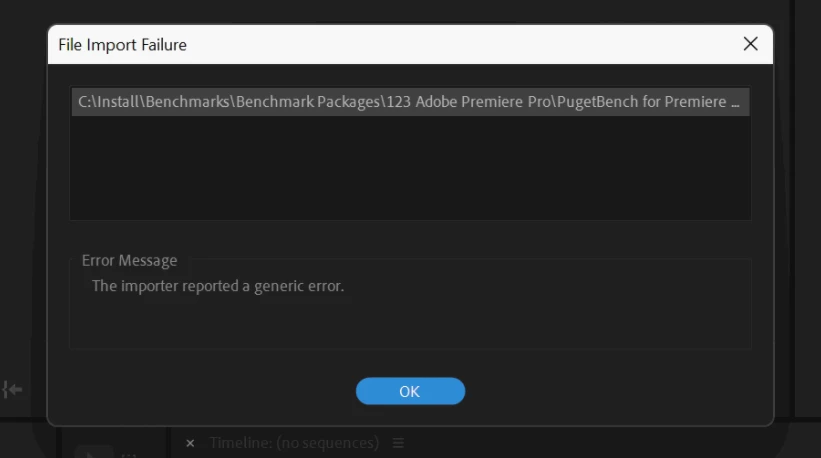
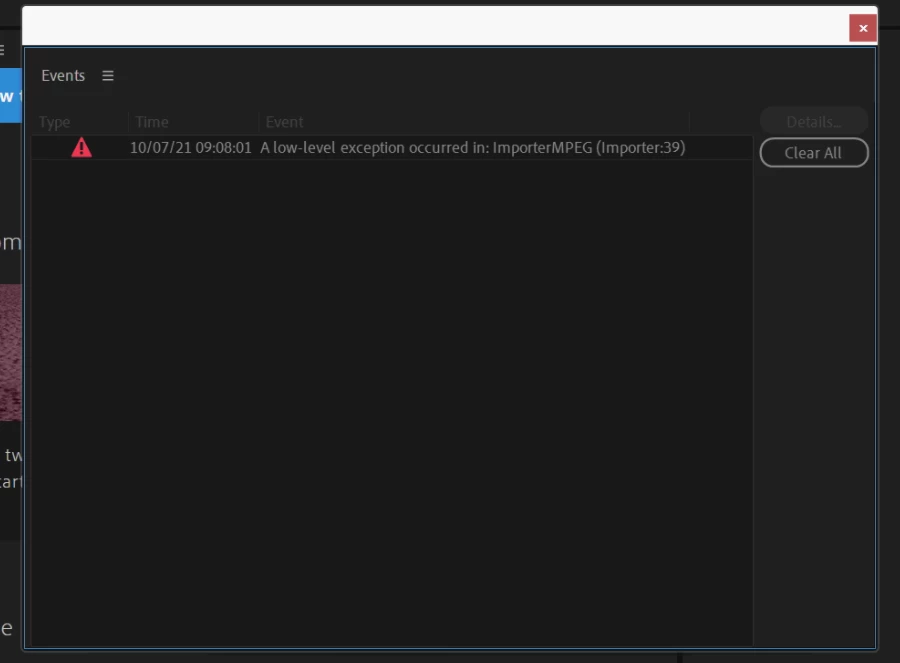
The behavior is pretty weird though:
- It only happens on CPUs with more than 32 cores. Anything with 32 cores or less has been fine, but higher core count CPUs like the AMD Threadripper Pro 3995WX 64 Core and Intel Xeon W-3375 38 Core have this issue. So perhaps related to Windows Logical Processor Groups (used when there are more than 64 threads)? Tested this on about a dozen platforms so far with various Intel and AMD CPUs.
- Pretty sure we were able to import HEVC videos a few times before the errors started. And initially, we could import the clips, but they only had audio when bringing to the timeline. Then, they start to give these errors.
- Happens with a number of sample clips I could find online, so not a matter of file corruption. https://jell.yfish.us/ has a number of clips you can download if you want to replicate.
- Tried disabling hardware encoding/decoding and GPU acceleration, clearing app preferences, updating Windows/drivers, and reinstalling Pr.
- Happens in both the release version and the beta. Even walked back to version 15.2 and still had the same issue. 15.1 actually worked for a bit, then started to give a slightly different error (but the same end result)
- Did a full OS reinstall on both systems as well with no change.
At first I thought we had a hardware issue, but then when we got identical behaviour with every >32 core CPU we have. So, it seems to be more of a Windows 11 / Premiere Pro issue.
Anyone with Windows 11 and a >32 core CPU able to replicate?
 AdChoices