Answered
How can I change the background of Adobe Premiere Pro 2020 appearance from dark-brown to white.
How can I change the background of Adobe Premiere Pro 2020 appearance from dark-brown to white.

How can I change the background of Adobe Premiere Pro 2020 appearance from dark-brown to white.
You mean Premiere's UI?
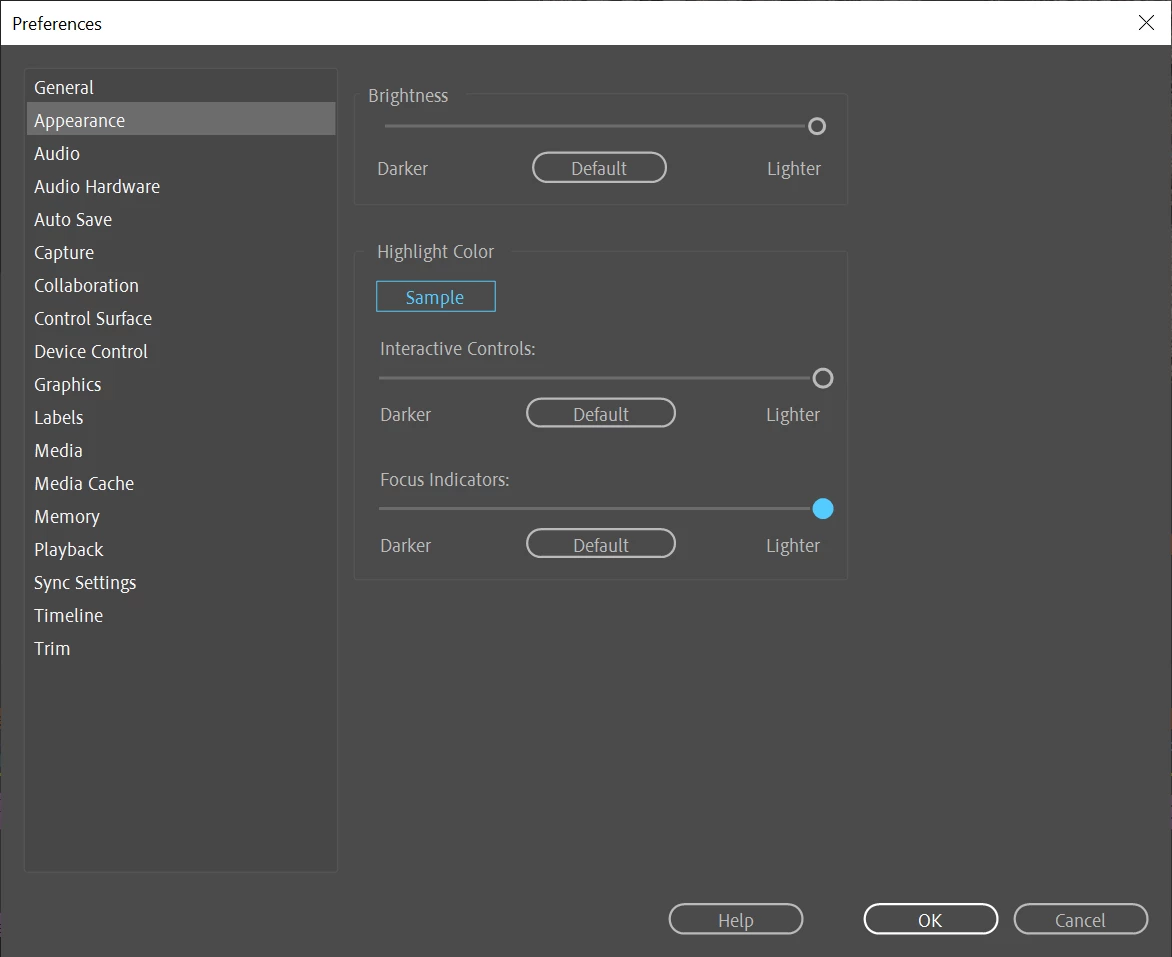
There is a setting in the preferences.
This is as far as you can go.
You mention dark brown but infact it is dark gray: might want to check your display settings.
Already have an account? Login
Enter your E-mail address. We'll send you an e-mail with instructions to reset your password.
 AdChoices