
Answered
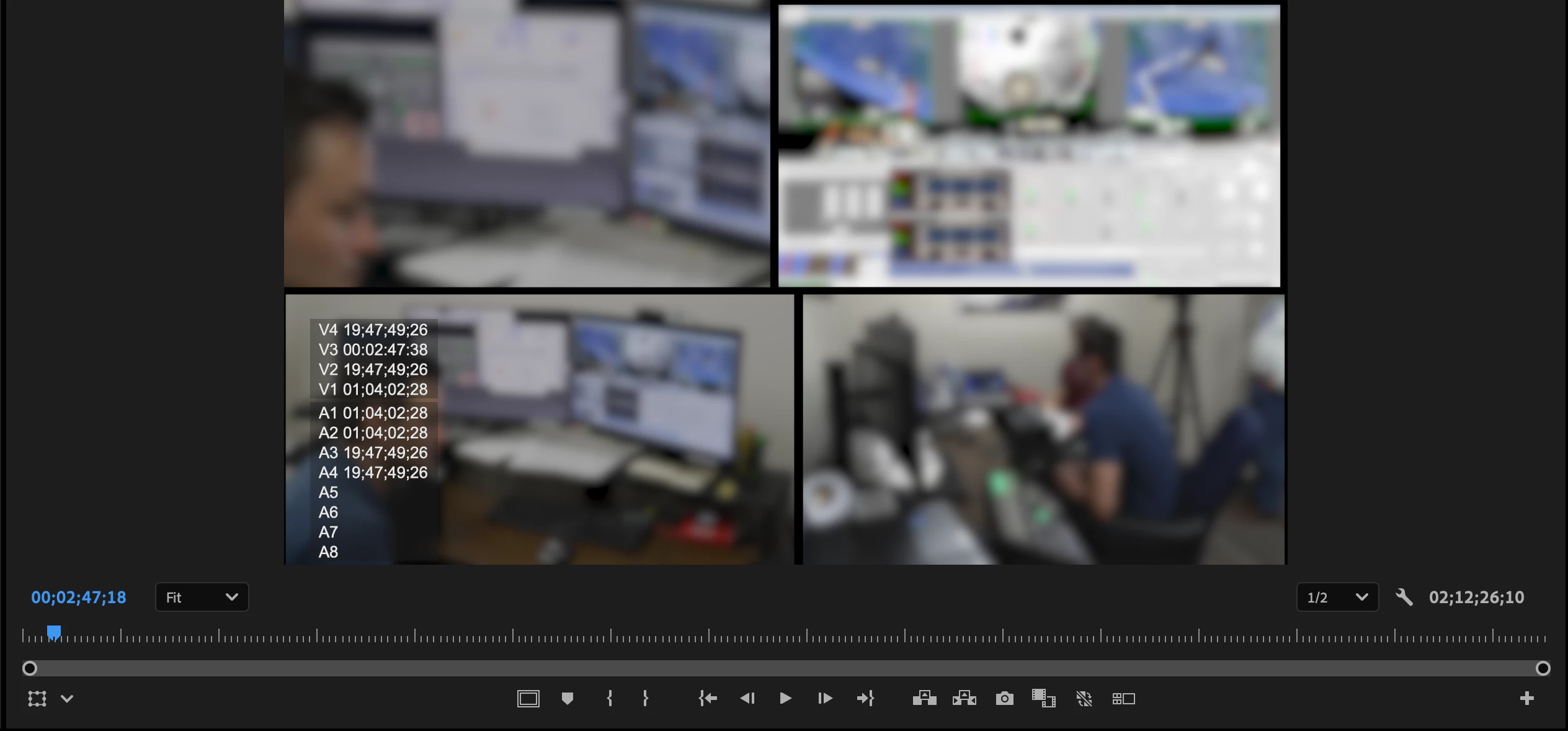
How can I move the Timeline Timecode Overlay to the left/right of the video source monitor

Hi jim.hansen-1,
To define or customize the region where overlays are displayed in Premiere Pro, please click the wrench icon in Program Monitor, then select Overlay Settings > Settings. This opens the Overlay Settings dialog, where you can control which overlays are displayed & their alignment on the monitor. Hope it helps.
Thanks,
Sumeet
Already have an account? Login
No account yet? Create an account
Enter your E-mail address. We'll send you an e-mail with instructions to reset your password.


 AdChoices