Answered
How can I remove grey border around my video
Hello!
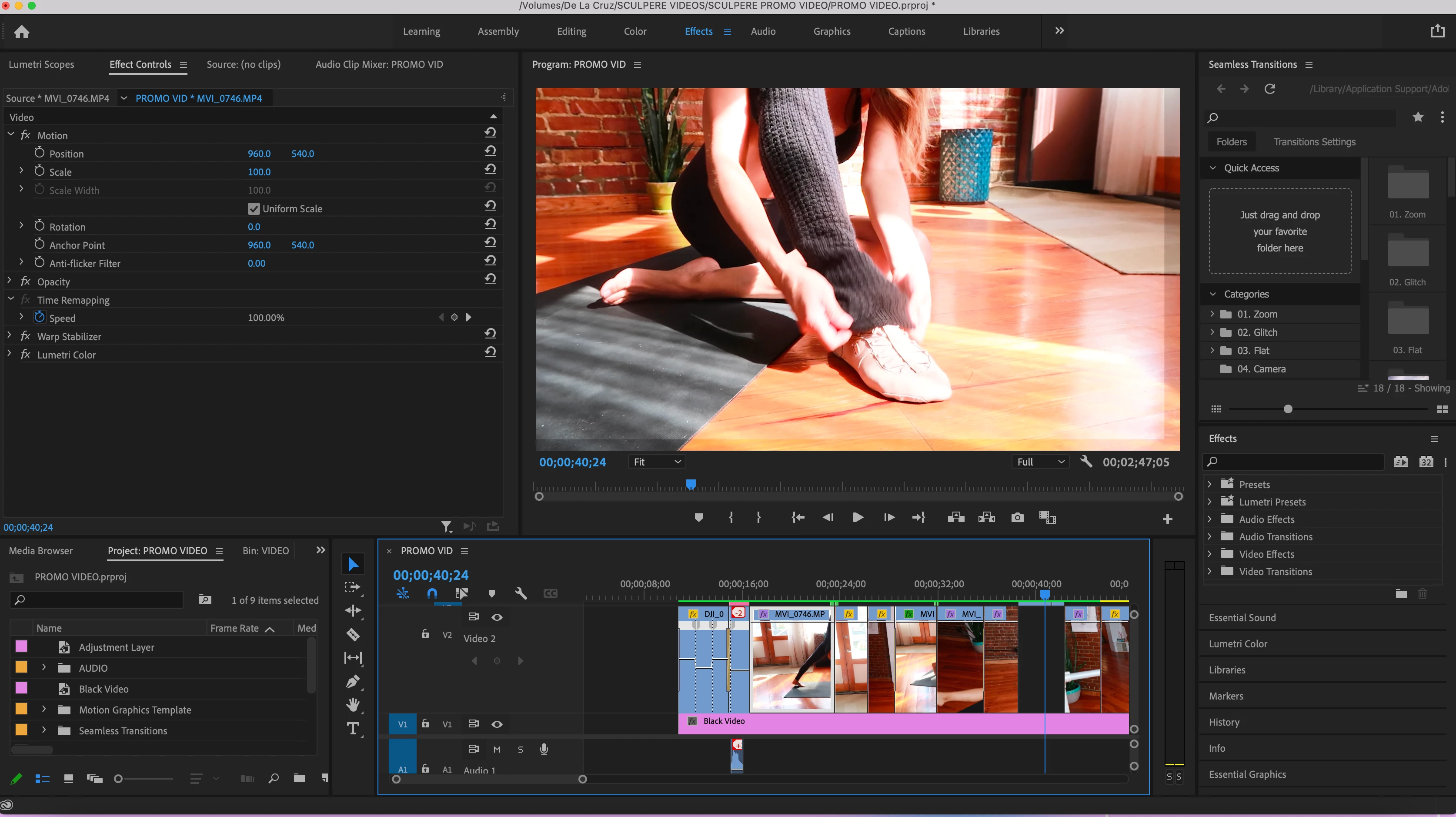
Can anyone help me? How can I get rid of this grey border on the bottom and left side of my clips? it's on all of my clips and I didn't have that there before.

Hello!
Can anyone help me? How can I get rid of this grey border on the bottom and left side of my clips? it's on all of my clips and I didn't have that there before.
I can't see all of the layers in your timeline. Is there an adjustment layer above? If so maybe the position was shifted. If so you can select the layer and then hit the curved arrow in position in the Effect Controls panel to reset the position.
Already have an account? Login
Enter your E-mail address. We'll send you an e-mail with instructions to reset your password.
 AdChoices