
Question
How do I apply this transition?
So, I bought this transition, but I've spent hours still couldn't figure out how to apply it. I am stuck at the step at 0:56 where he/she says " copy and paste". I couldn't figure out how I could copy paste like he was showing! Here is the tutorial. If someone could help me figure it out, I'd be so grateful! Literally, spent hours- couldn't find the author's contact anywhere either.
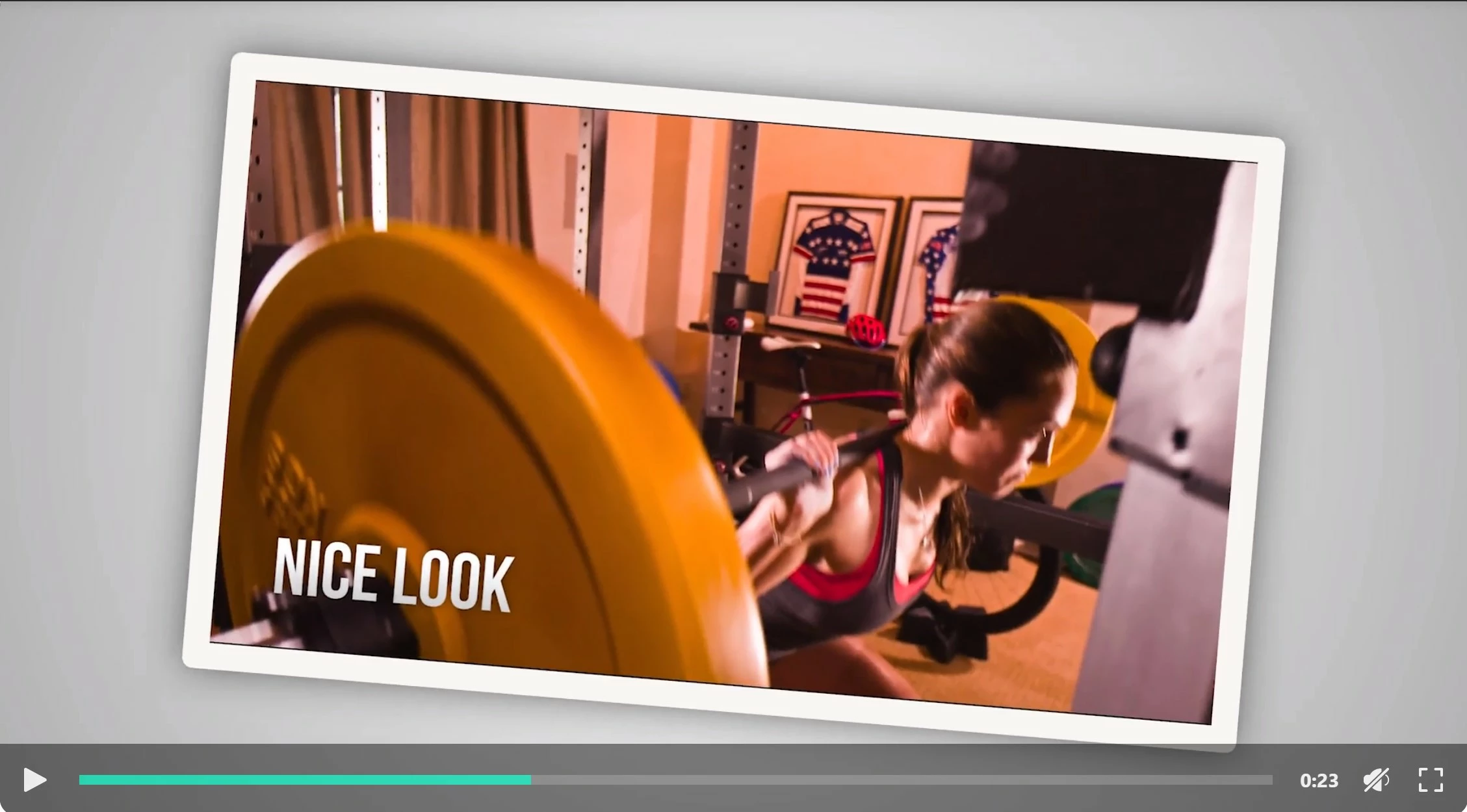
The end result is supposed to look like this, i,e. it takes a snapshot of the clip and make it a polaroide looking shot, as the transition.
 AdChoices