


Participant
November 26, 2024
Question

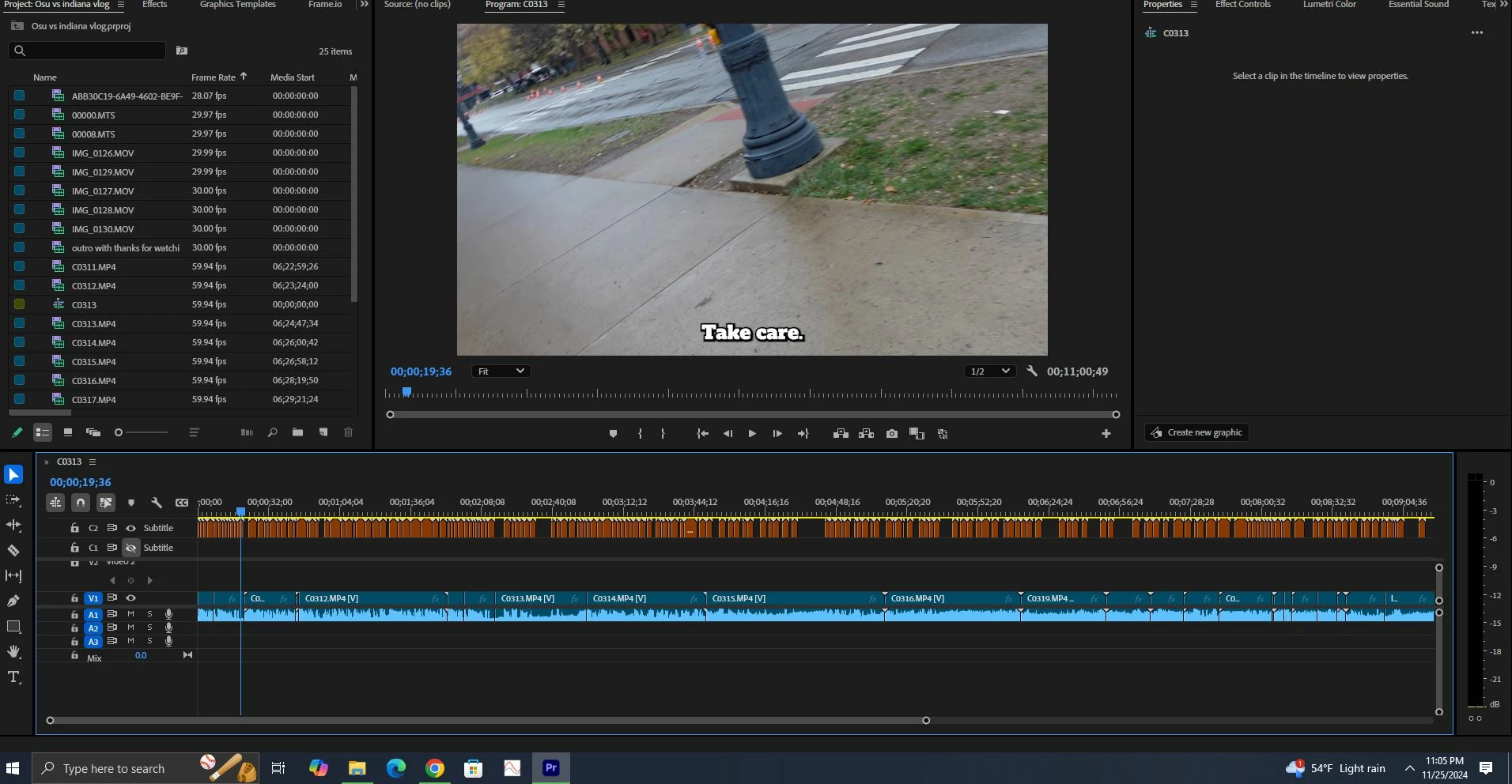
how do I copy text attributes and save it as a preset?

  • November 26, 2024
  • 2 replies
  • 1190 views

I came here from Capcut, honestly its been very frustrating me the very simple things I want to do with premier pro has been a pain. 

I've been using Capcut for quite a while now and they always make it simeple and easy. I came to premier pro to see if I can gain more features to edit my videos and so far its not going very well.  
I want to copy the text attributes and paste it to my entire video captions and also save it as a preset.


here an image of what im working with
 

This topic has been closed for replies.

2 replies

Warren Heaton
Community Expert
Community Expert
November 26, 2024


Adobe Premiere Pro User Guide > 

Create, apply, and redefine text styles


R Neil Haugen
Legend
November 26, 2024

All the text mod options are in the Properties panel but it is now "context aware".


In other words, it changes depending on what you have selected in the program. Select some text on screen, and then you have the text modding options show in their entirety in the Properties panel.

Everyone's mileage always varies ...