
Pregunta
How do I edit the font of multiple captions at once in the new "properties" panel in Adobe Premier?
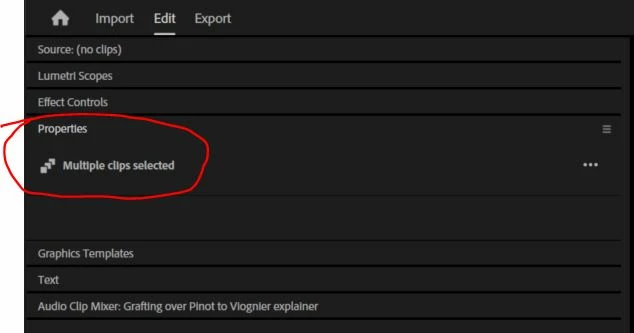
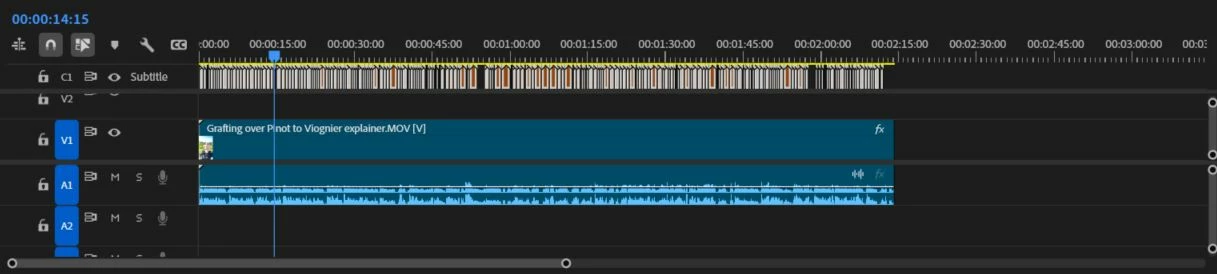
The new update for Premier Pro removed the "Essential Graphics" tab and replaced it with the "Properties" and "Graphics Templates" tabs. I am trying to change the font and size of the generated captions and the minimal literature I found says that is done in the "Properties" tab now; however, all it says is "Multiple clips selected" and won't let me change anything. I've looked for a solution everywhere, but this is a new update and there isn't much information.
 AdChoices