
Participant
November 22, 2024
Question

How do I export captions to SRT file?

  • November 22, 2024
  • 2 replies
  • 660 views

I'm trying to export the captions in SRT file but I only see 'text file' or 'CSV file' options on Text tap. I want to put SRT file to YouTube so I can edit to another language but I'm having a problem to do it.
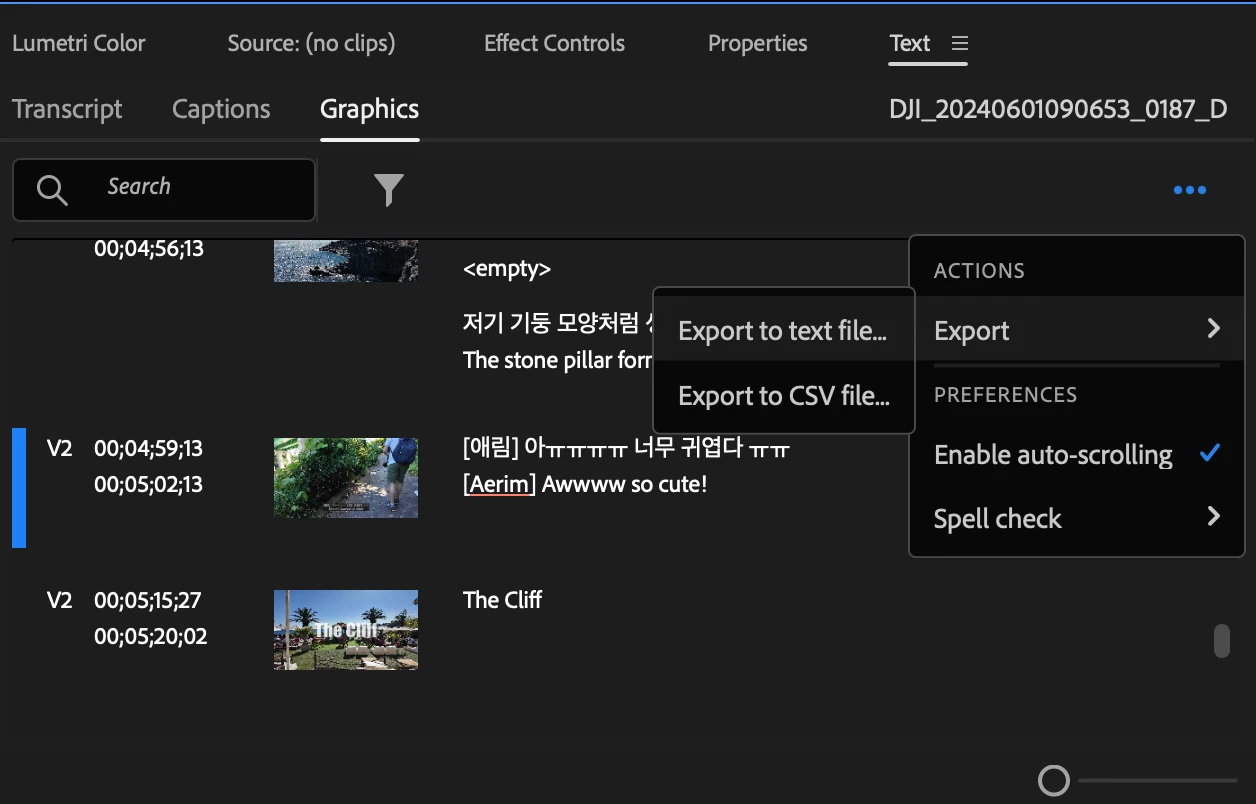
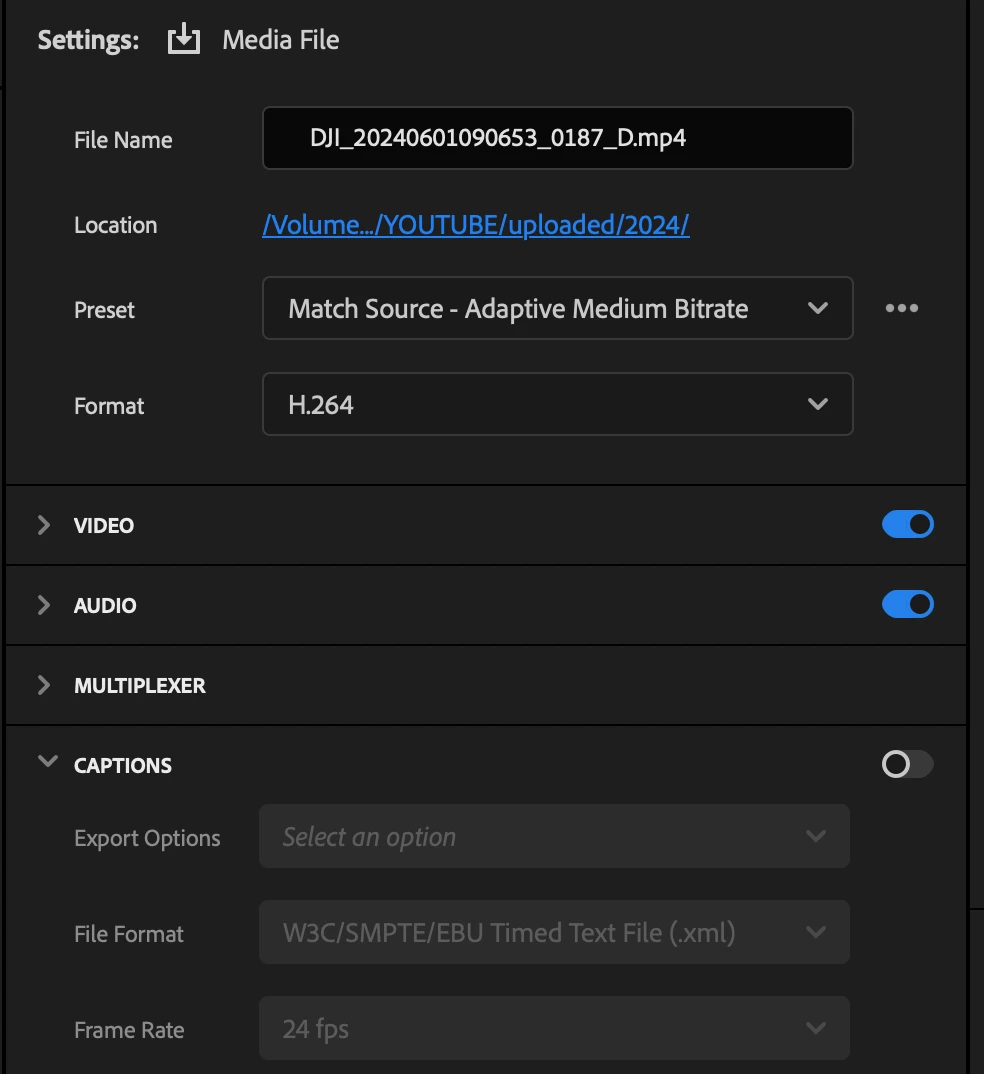


Also I'm unable to click next to the Captions in Export tap. Could anyone help with this?

This topic has been closed for replies.

2 replies

MarekMularczyk
Community Expert
Community Expert
November 22, 2024

You need to be in the Captions tab in the Text panel to have the option to export your captions as .srt file.


Adobe Community ExpertAdobe Certified Professional
MarekMularczyk
Community Expert
Community Expert
November 22, 2024

Here's the screenshot (Captions tab in the Text panel):


Adobe Community ExpertAdobe Certified Professional
Averdahl
Community Expert
Community Expert
November 22, 2024

I tried it here in Pr 25.0 and captions were enabled by default when exporting. The button is hard to move for some reason. To move it you cannot click on the black part, click to the right of that. On the attached image you can see where to click. I hope Adobe fixes this soon.