
Participating Frequently
November 5, 2024
Answered

How do I rotate horizontal to vertical in the Preview window?

  • November 5, 2024
  • 2 replies
  • 7221 views

I shot 350 vertical clips on a Sony A7r iii and when I bring them into Premiere Pro 2025, they display as horizontal which makes it almost impossible to cull through. My question is how do I rotate them in the Preview window so I can start editing?  I know I can rotate on the timeline, but want to scrub in the preview window. Or is there a way to change the metadata? Bridge and LR Classic don't help either. How should I have shot vertical? What should I have done differently?
This topic has been closed for replies.
Correct answer Ann Bens

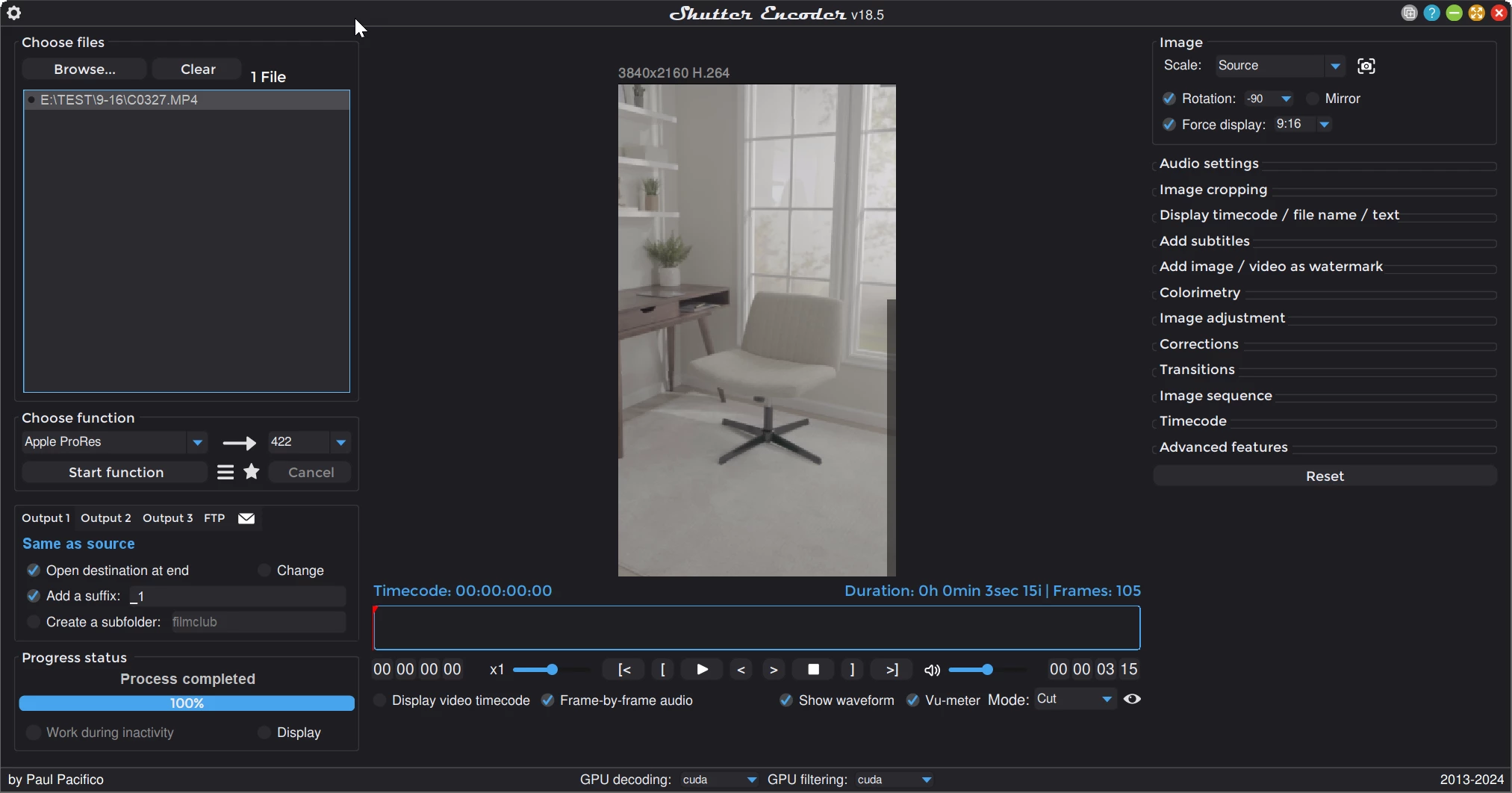
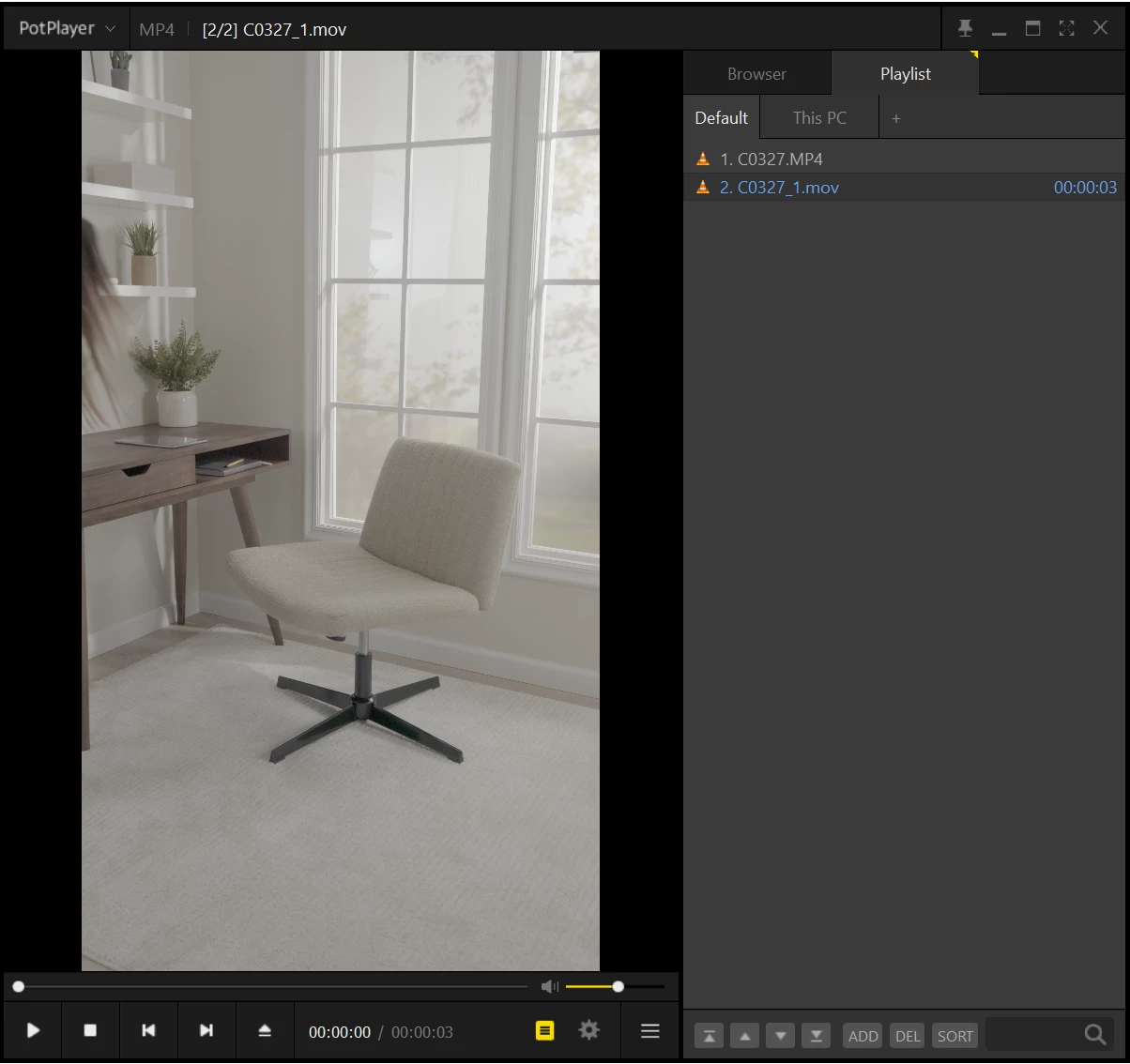
Sure! I can certainly rotate in the timeline, etc, but it's a pain that I can't cull through them as previews. I have both MAC and PC, so send a screenshot if you can figure it out please! All shutter encoder could do for me is to output an image sequence that was properly rotated which isn't really workable for me.


Try this:

2 replies

Ann Bens
Community Expert
Community Expert
November 5, 2024

Might have shot the clips vertical but it looks like the camera saved them as horizontal.

Apply the transform effect/rotation as clip effect in and it will show vertically but alas not the entire clip (as the source is horizontal.

There is a way to change the orientation on the Mac but I dont know any way on Windows

Ann Bens
Community Expert
Community Expert
November 5, 2024

Shutter encoder might do the trick.

Participating Frequently
November 6, 2024

Try this:


Thanks! Looks like that will work too, although with an extra export. But good to know that has an option too. I just didn't see the ability to rotate with video.


Participating Frequently
November 5, 2024
Screenshot_2024-11-05_162754.jpg