
Answered
How to adjust image input length?
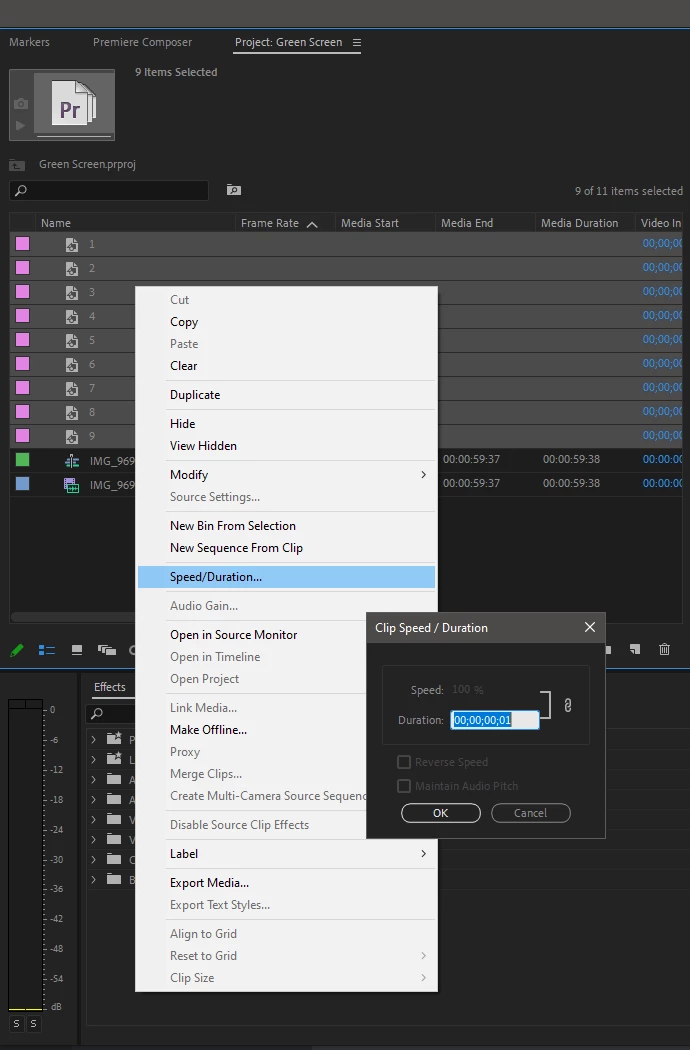
Ok so, here's the situation. I have a bunch of images that need to be collected together to form 1 video, and each image is supposed to be 1 frame. Now, when I input these image into Premiere's timeline, the length is longer than 1 frame. The problem is, these pictures only need to be 1 frame in length, and having to input them and then crop them is time consuming. I want to just imput these images and have them occupy only 1 frame automatically so I could complete my project quickly or just in less time. Does Premiere have a setting, pluggin or a feature to change the length of images when they are inputted into the timeline?
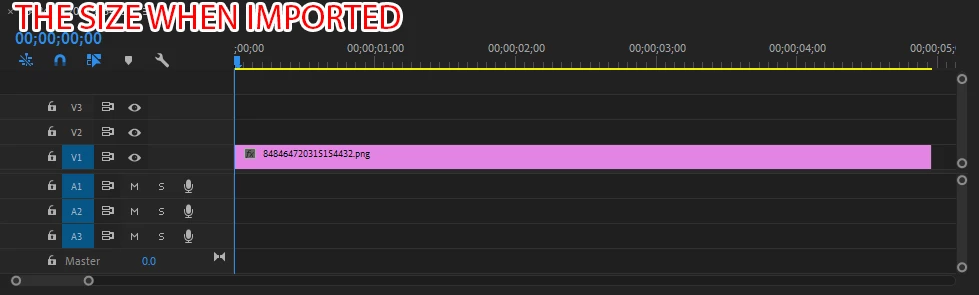
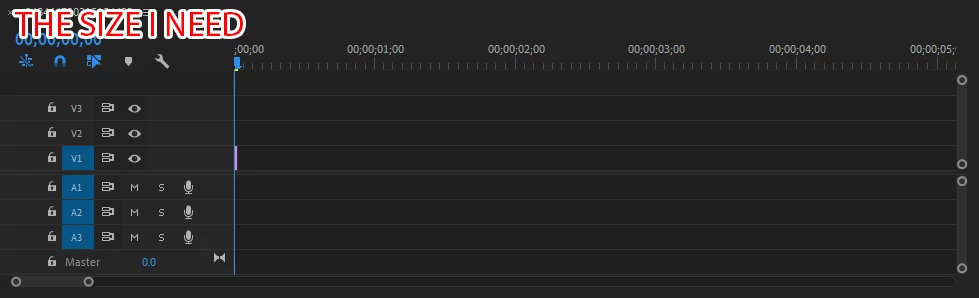
 AdChoices