Answered
How to change a media without changing it's settings?
hi, I just wanted to change this media called"bunu kullans 5.psd" without changing it's settings like I want to import a new media instead of that, is this even possible to do it?
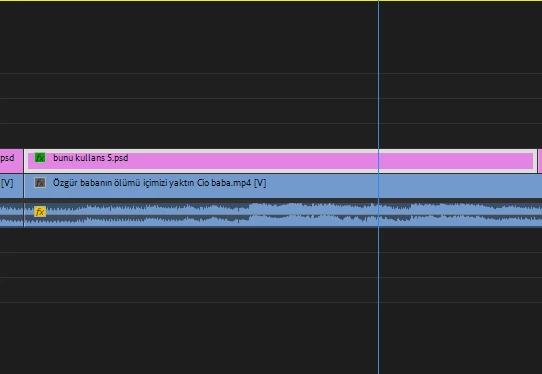
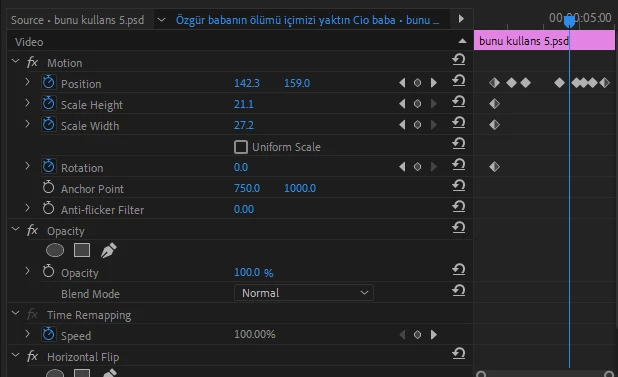

hi, I just wanted to change this media called"bunu kullans 5.psd" without changing it's settings like I want to import a new media instead of that, is this even possible to do it?
First import new media then right click the old media on the timeline and choose Replace With Clip > From Bin
Already have an account? Login
Enter your E-mail address. We'll send you an e-mail with instructions to reset your password.
 AdChoices