
Premiopolis
Inspiring
March 9, 2024
Answered

How to get an Adobe Panel Extension (CEP) dev'd on MacOS for Premiere to run on Windows?

  • March 9, 2024
  • 1 reply
  • 2933 views

I've got a panel extension that works fine on MacOS, and when dropped into the extensions folder of PC appears in Premiere's menu Windows > Extensions, but does not run. The panel opens but that's it. No errors, just a dark panel.

I'm surprised it got that far that easily, but what does it take to get a panel extension developed for Mac fully running on Windows?
This topic has been closed for replies.
Correct answer Premiopolis

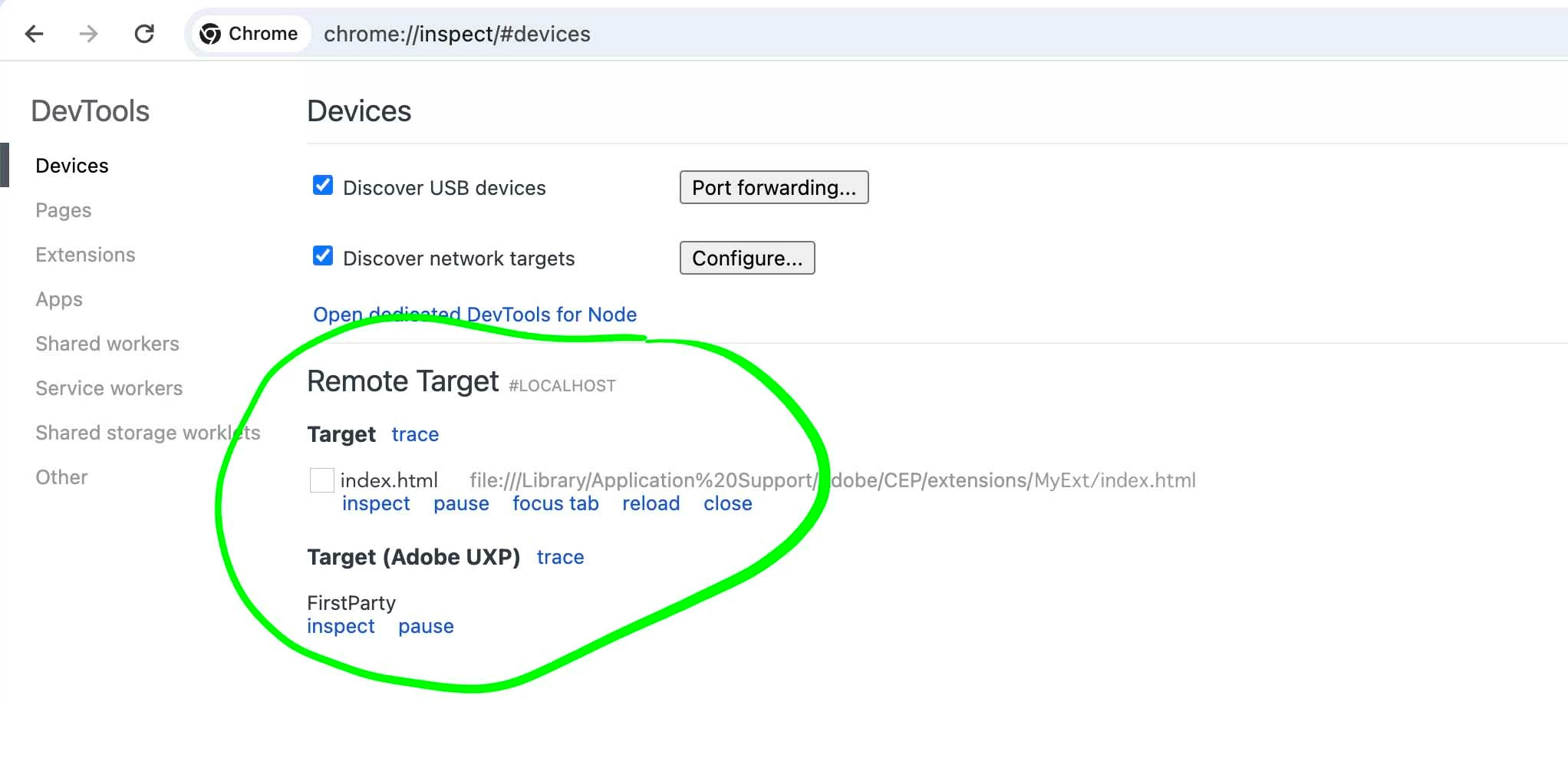
FWIW - this panel has debugger enabled which I typically make use of via Google Chrome.

This too works fine on Mac, but is not accessible in Win (See attached screen grab)


)


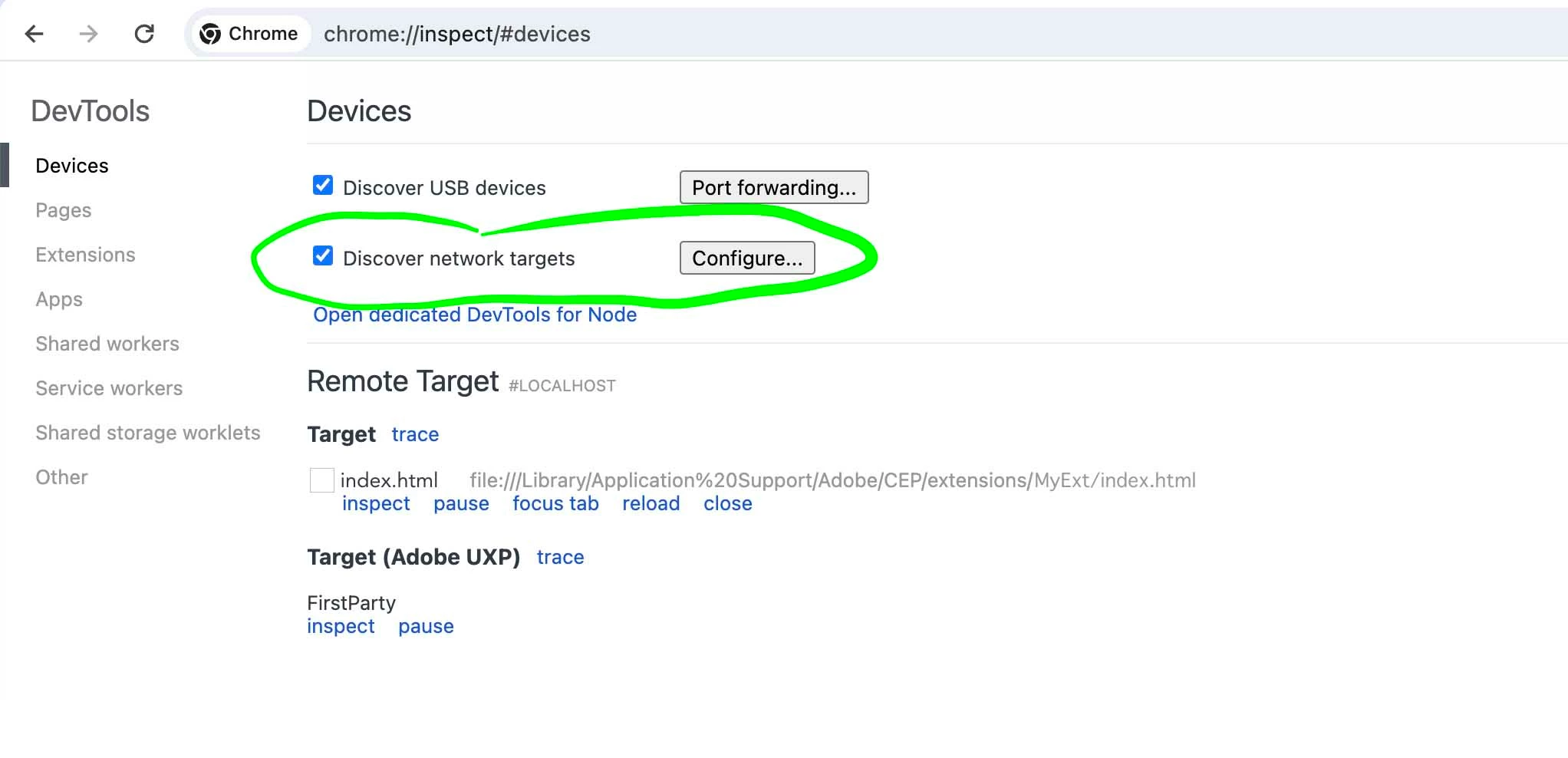
I take that back too.  Debugger problem solved!  Hadn't added the proper `localhost:xxxx` for the debugging port to the "Discover network targets" config. 


1 reply

Bruce Bullis
Legend
March 9, 2024

That sounds like the panel is unsigned; have you enabled PlayerDebugMode on your Mac? 

Windows enablement here: 

https://github.com/Adobe-CEP/Samples/tree/master/PProPanel#2-enable-loading-of-unsigned-panels

Yours to consider: It may be easier to distribute a signed .zxp of your panel; even if you don't want to distribute through Creative Cloud, CC Desktop installs command line utilities that can install signed panels. 

https://helpx.adobe.com/creative-cloud/help/working-from-the-command-line.html

A command line is a little fiddly, but it's a little less fiddly than asking users to edit the Registry. 🙂


Premiopolis
Inspiring
March 9, 2024

Hi Bruce, thanks for the followup!  Actually the panel is signed (using ZXPSignCmd on Mac).  That it didn't work on Windows made me wonder if it needed to be signed on a PC?  I wasn't able to find ZXPSignCmd for PC though

Premiopolis
Inspiring
March 9, 2024

Wow, that response showed up in the nick of time.  Saves me the trouble of testing.  Thanks!!!

BUT it means there's some other reason the exension that does work on Mac fails to do anything on Windows.

Testing that now.  Any ideas? 


FWIW - this panel has debugger enabled which I typically make use of via Google Chrome.

This too works fine on Mac, but is not accessible in Win (See attached screen grab)


)