dzgnr89
Inspiring
May 30, 2022
Answered

How to set a default export preset for h264?

  • May 30, 2022
  • 1 reply
  • 4393 views


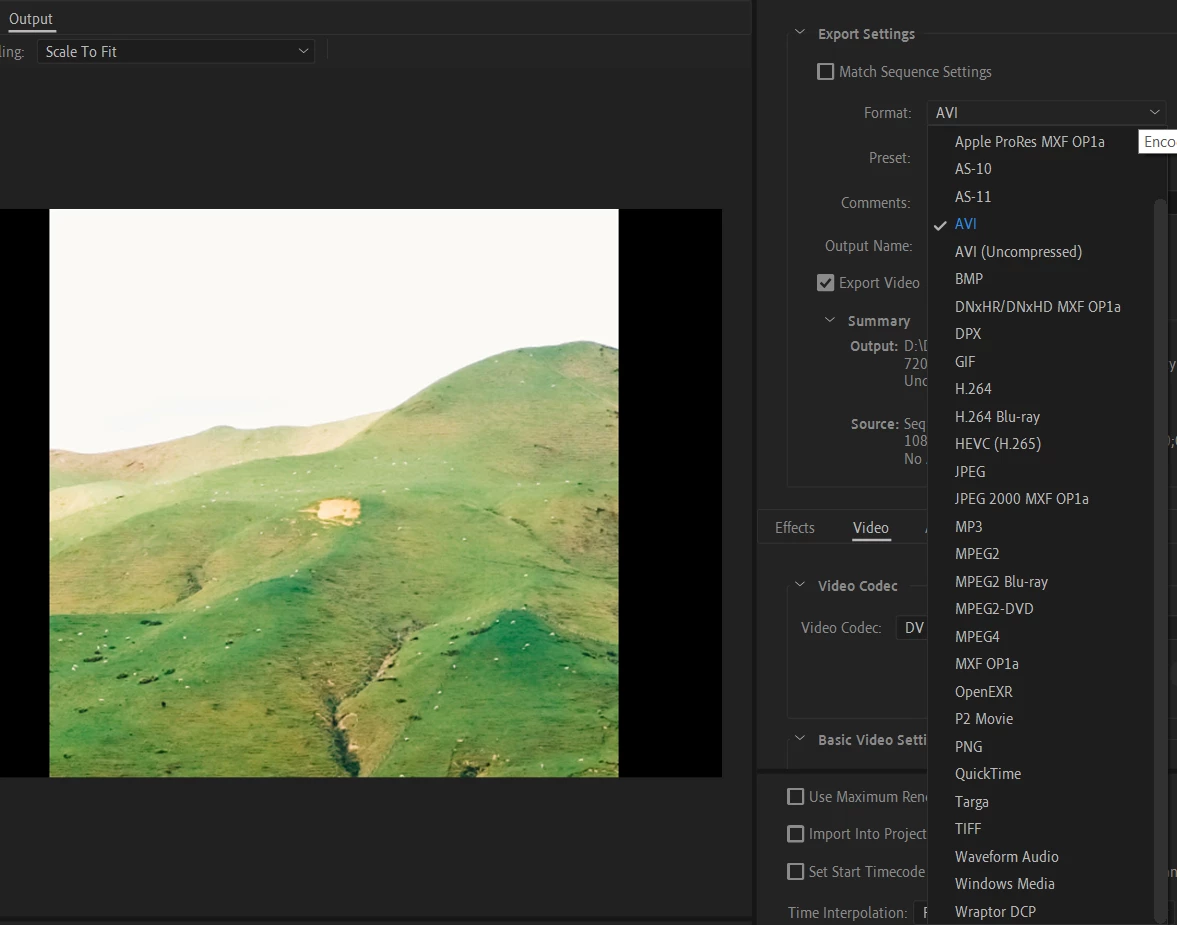
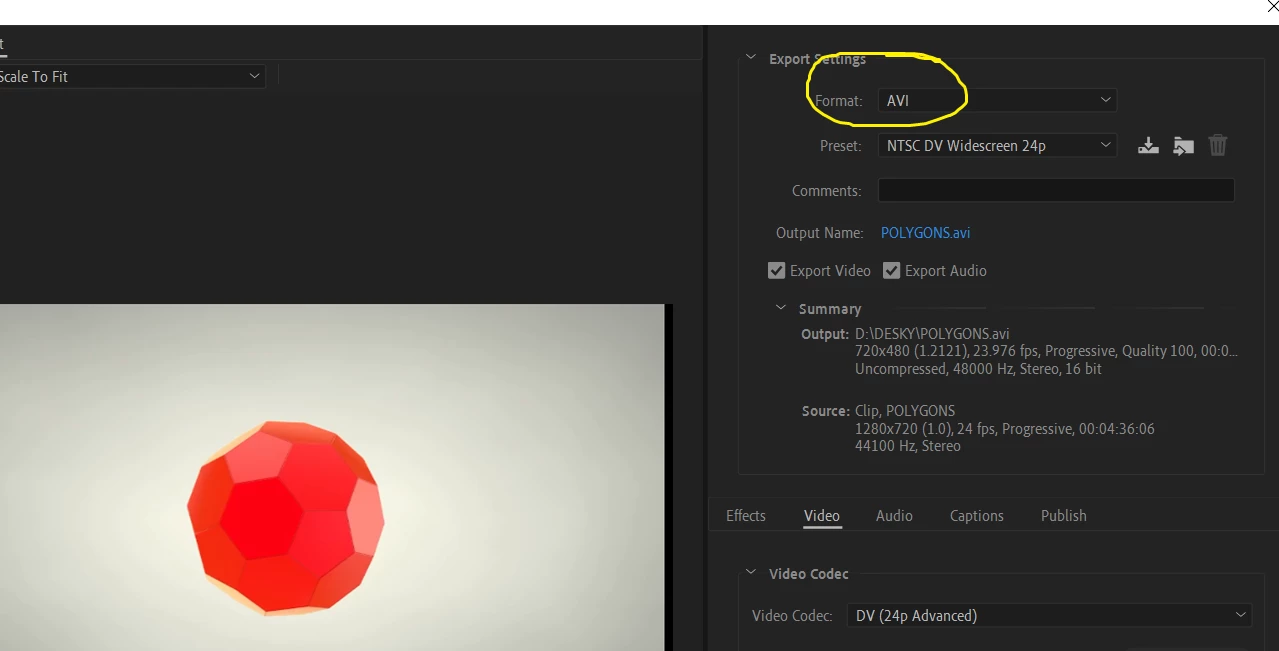
I always use h264 preset to export my videos. Since probably 5-6 months, I have been having this issue where Premiere Pro shows me export as AVI in the export settings by default. I have to change it to h264 everytime.

How can I set it to h264 as default so that I don't have to change it everytime when I work on a new project?

I am using Premiere Pro CC 2022 (22.2) on Windows 10.


Correct answer R Neil Haugen

There's no option to star any preset. How do I mark a preset by a star?


That's in the 'old style' Export dialog.


You star (favorite) things in the new Export page, in the preset manager/settings dialog.


Neil

1 reply

R Neil Haugen
Legend
May 30, 2022

Use the new 'quick export' option, that will do it.


Neil

Everyone's mileage always varies ...
dzgnr89
dzgnr89Author
Inspiring
May 31, 2022

Quick export options doesn't have settings to change parameters like bitrate, etc. 

R Neil Haugen
Legend
June 1, 2022

No, it doesn't. The 'idea' is that it uses simply whatever settings you last used. So supposedly, if you fully setup an export, the next time, if you do the QuickExport option, it just does what you did the last time.


Having detailed presets for the various variants of an export "type" that you need is useful.


Neil

Everyone's mileage always varies ...