
Answered
How to turn off scrolling to adjust effects?
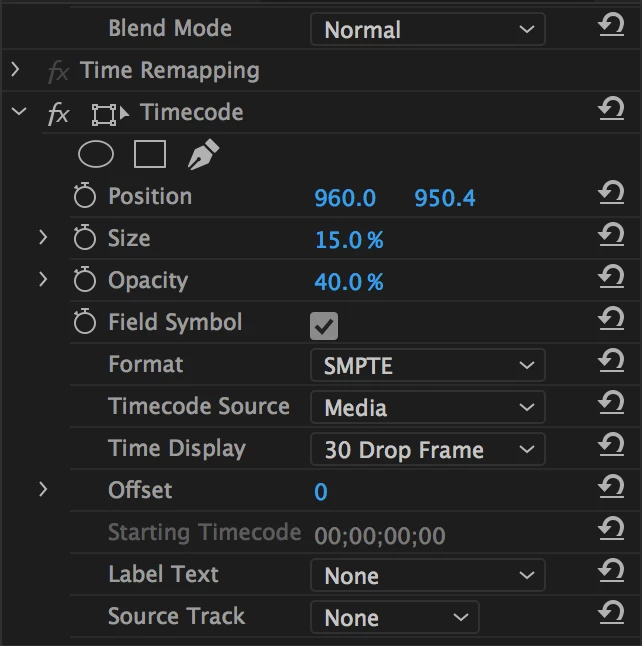
Hi there! I'm using Premiere Pro on my Macbook Pro, and one error I often make by mistake is using my touch pad to scroll over an effect window, accidentally editing the effect.
For example, I might be scrolling down to see more effects, but because my cursor is placed in the middle of the effects box, I'll change the Format away from SMPTE to something different.
Is there a way to turn off this function so that I can scroll without worrying about accidentally messing something up?
Thank you,
Zach
 AdChoices