

How to use a consistent text style across Premiere Pro projects?
I've created a captions track in Premiere Pro and styled it up so I'm happy with it. I've created a text style in Essential Graphics:
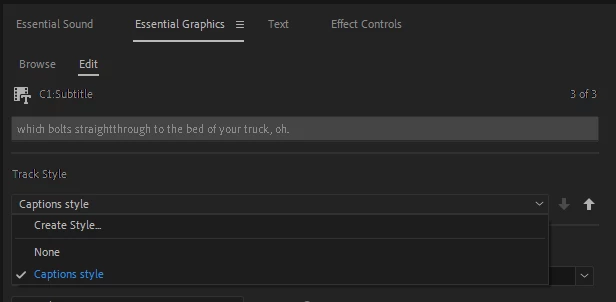
and the style appears in my project.
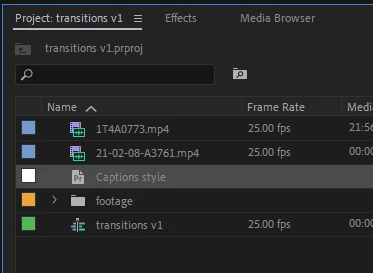
I'd like to add the style to CC Libraries so that I can use it in future videos. How can I do this?
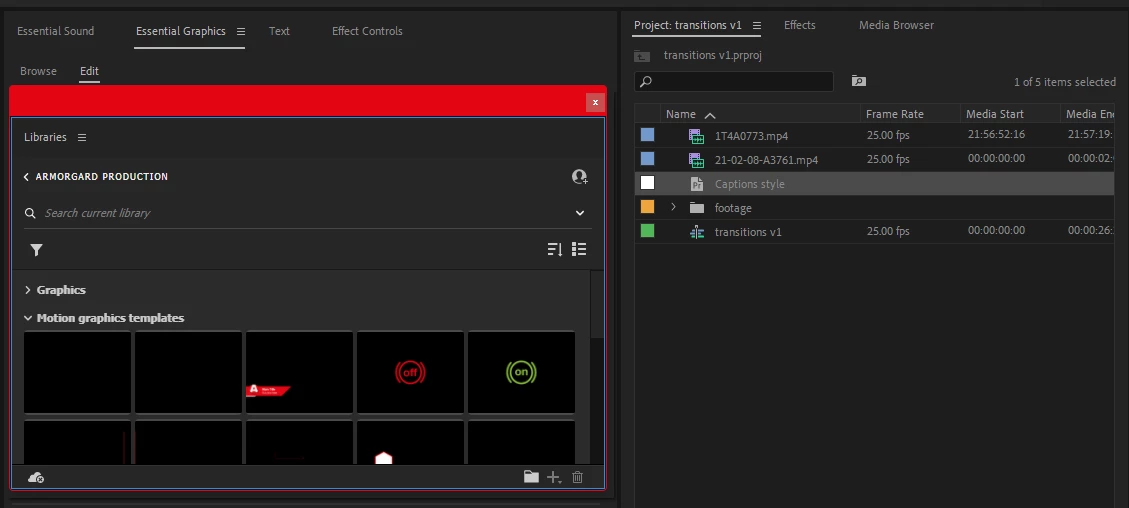
Dragging and dropping doesn't work. I have also notied that the "+" button on Libraries is permanently greyed out in Premiere Pro, so I'm wondering if there's a bug or issue or if this is normal behaviour? I haven't found a single situation where the "+" button is not greyed out and actually does something.
Alternatively, what is the workflow to use a consistent text style in Essential Graphics in future projects, including sharing the style to other team members? I have seen that on right click I can export the text style to a folder:
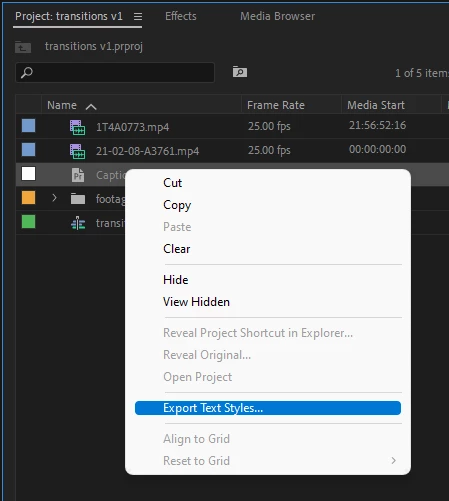
But it's not a very efficient workflow ongoing to have to remember where I keep a random file and import it into every new project. Isn't this exactly what CC Libraries is for?
Be really interested in any feedback on this.
 AdChoices