

How to Zoom In and Out in Premiere Pro's Timeline on Windows like on Mac
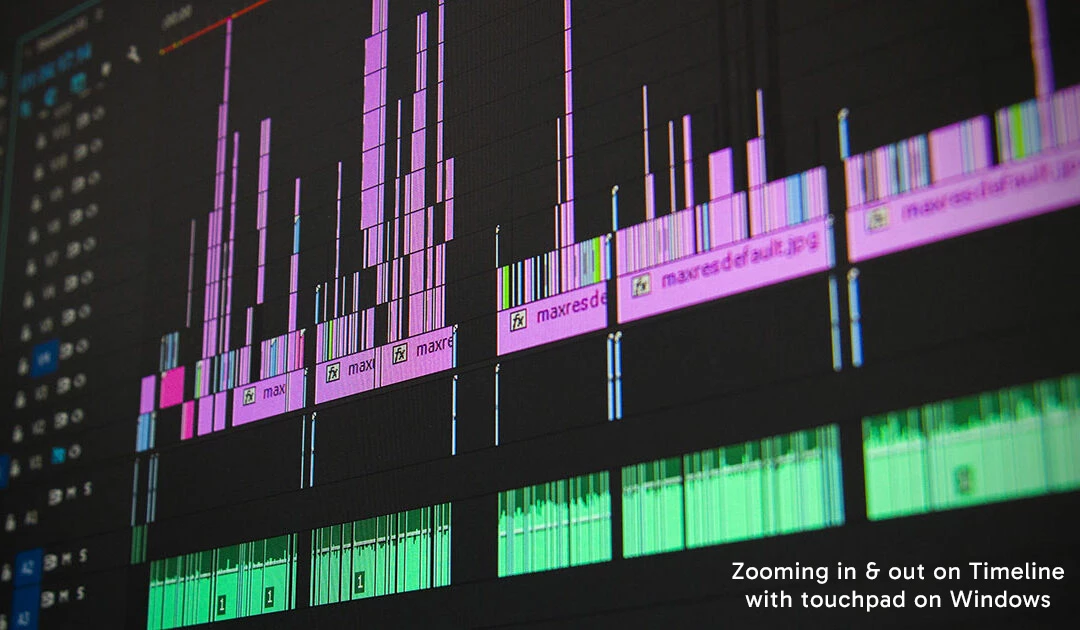
Hello, I use a MacBook to video edit in Premiere Pro and one feature I like is zooming in and out in the Timeline using the touchpad. It makes it easy to naviagte inside the Timeline to see the entire project and get up close to make refined edits.
Recently I've also been using Windows to video edit and when I try the same gesture on the touchpad, nothing happens. I did find holding the 'Alt' key while scrolling up/down or left/right on the touchpad or mouse will do the zoom gesture I wanted, but is there a way in settings to change it so I don't have to rely on using the 'Alt' key to perform the same gesture like on a Mac? Perhaps shortcut keys are the only option?
Any feedback would be appreciated as I'm sure many Windows users may have the same issue.
 AdChoices