Participating Frequently
April 26, 2017
Answered

I am trying to edit vertical video footage
  • April 26, 2017
  • 1 reply
  • 745 views

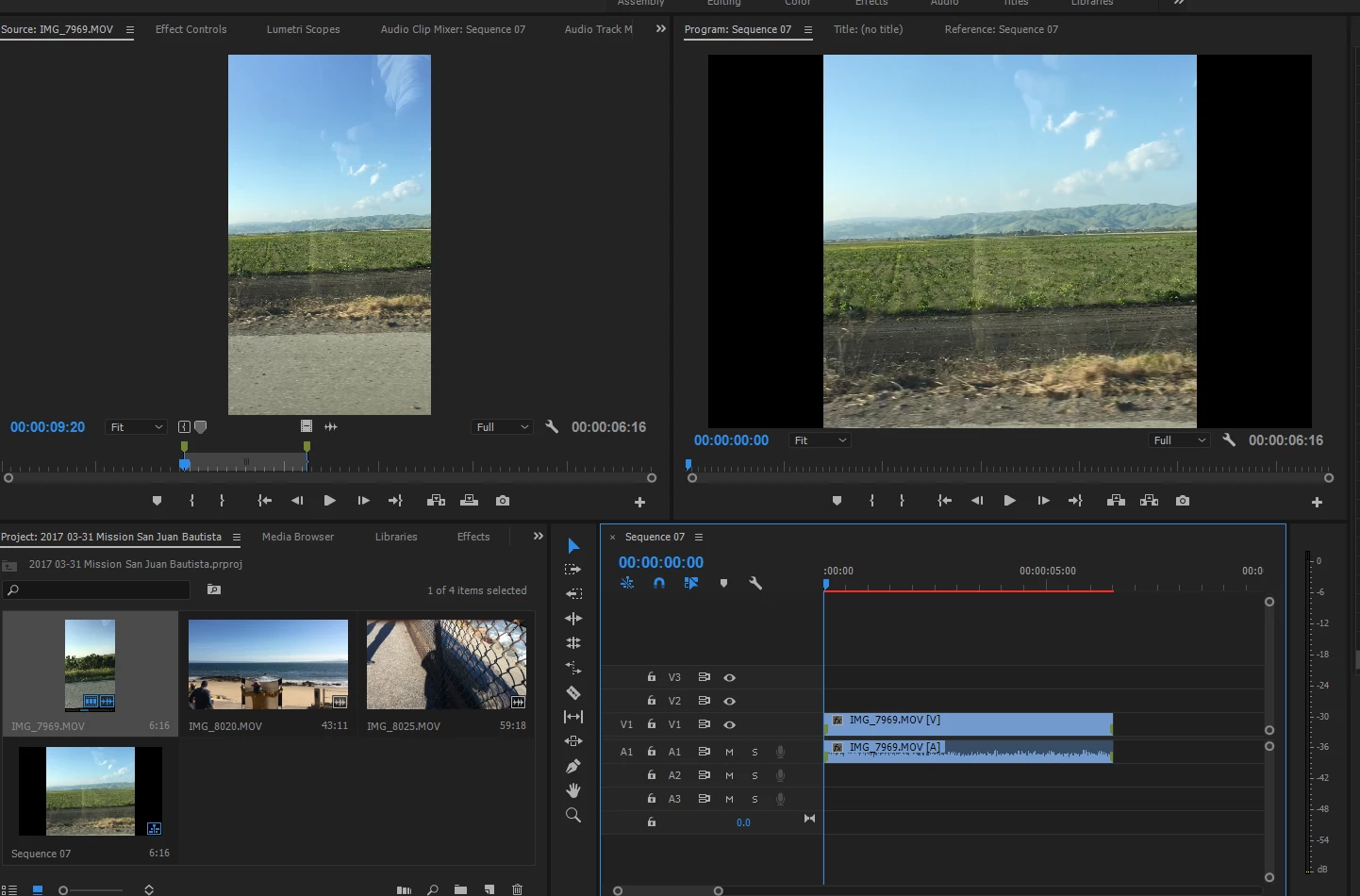
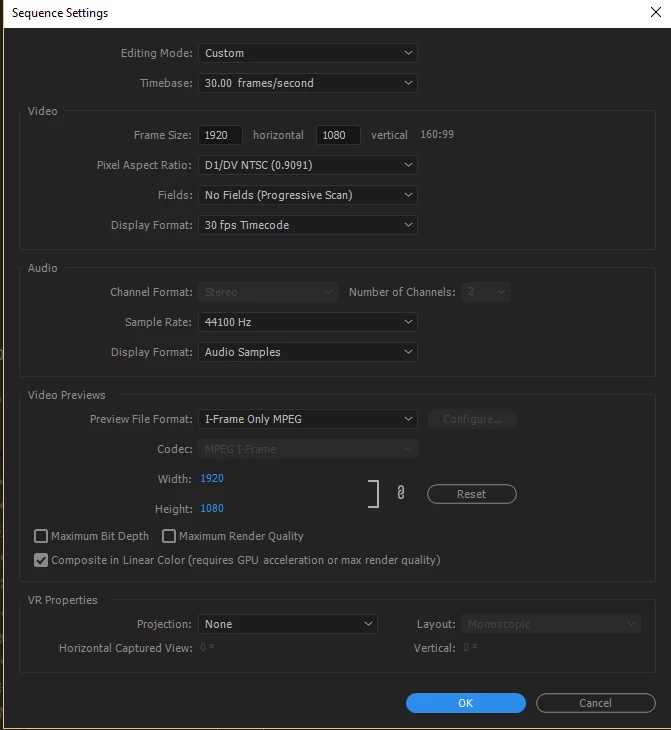
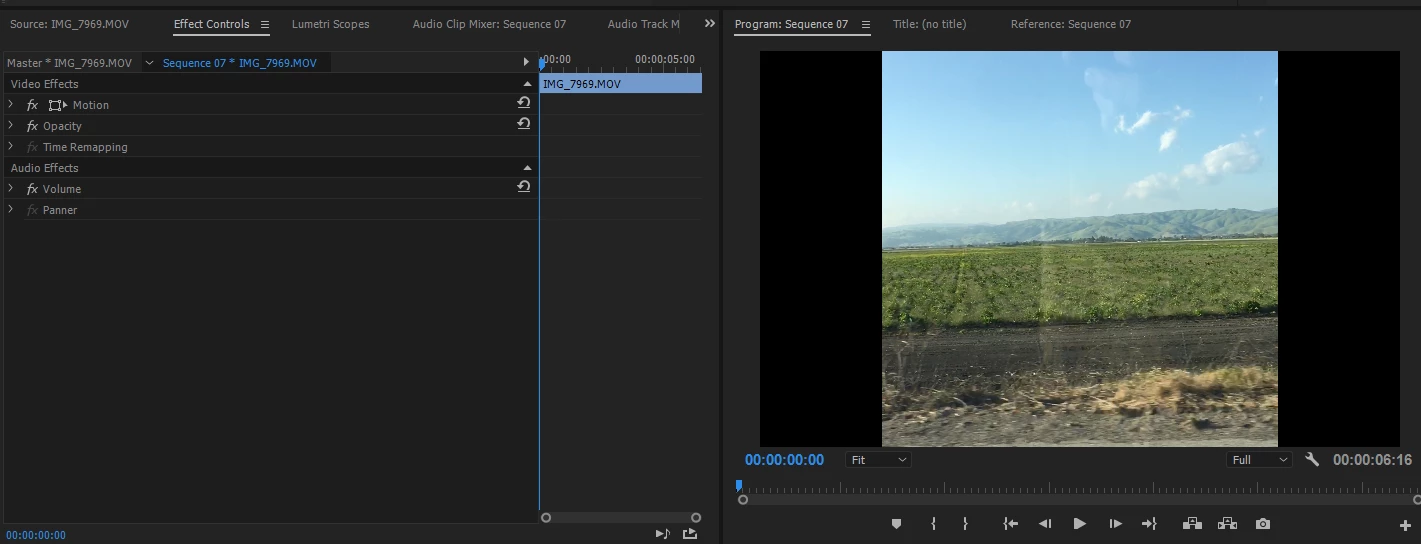
Here's a problem I'm facing now. I created sequence to 1920x1080, then I dragged vertical video clip to edit it, but as you see on the third picture, the clip is automatically zoomed in. How do I change this to original size?

Also, there's no 'blur' option under effects control.. How do I enable the option? Thank you in advance!
    This topic has been closed for replies.
    Correct answer Ann Bens

    If you want widescreen set the pixel aspect ratio to 1.0 in your original sequence.

    To make the video fit right click on clip in timeline and SET to Framesize.

    1 reply

    Ann Bens
    Community Expert
    Community Expert
    April 26, 2017

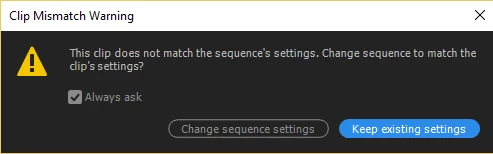
    Do one or the other to get a matching sequence:

    Ann Bens
    Community Expert
    Ann BensCommunity ExpertCorrect answer
    Community Expert
    April 26, 2017

    If you want widescreen set the pixel aspect ratio to 1.0 in your original sequence.

    To make the video fit right click on clip in timeline and SET to Framesize.

    Participating Frequently
    April 26, 2017

    Yes at the top of the Effects Panel.


    Thanks again! I was able to find it!