Participant
June 19, 2017
Answered

I can't change keyboard shortcuts

  • June 19, 2017
  • 2 replies
  • 5612 views

I am starting out with Premiere Pro CC and I need to change the shortcuts. I have read the support page on this:

Preset and customizable keyboard shortcuts in Premiere Pro CC

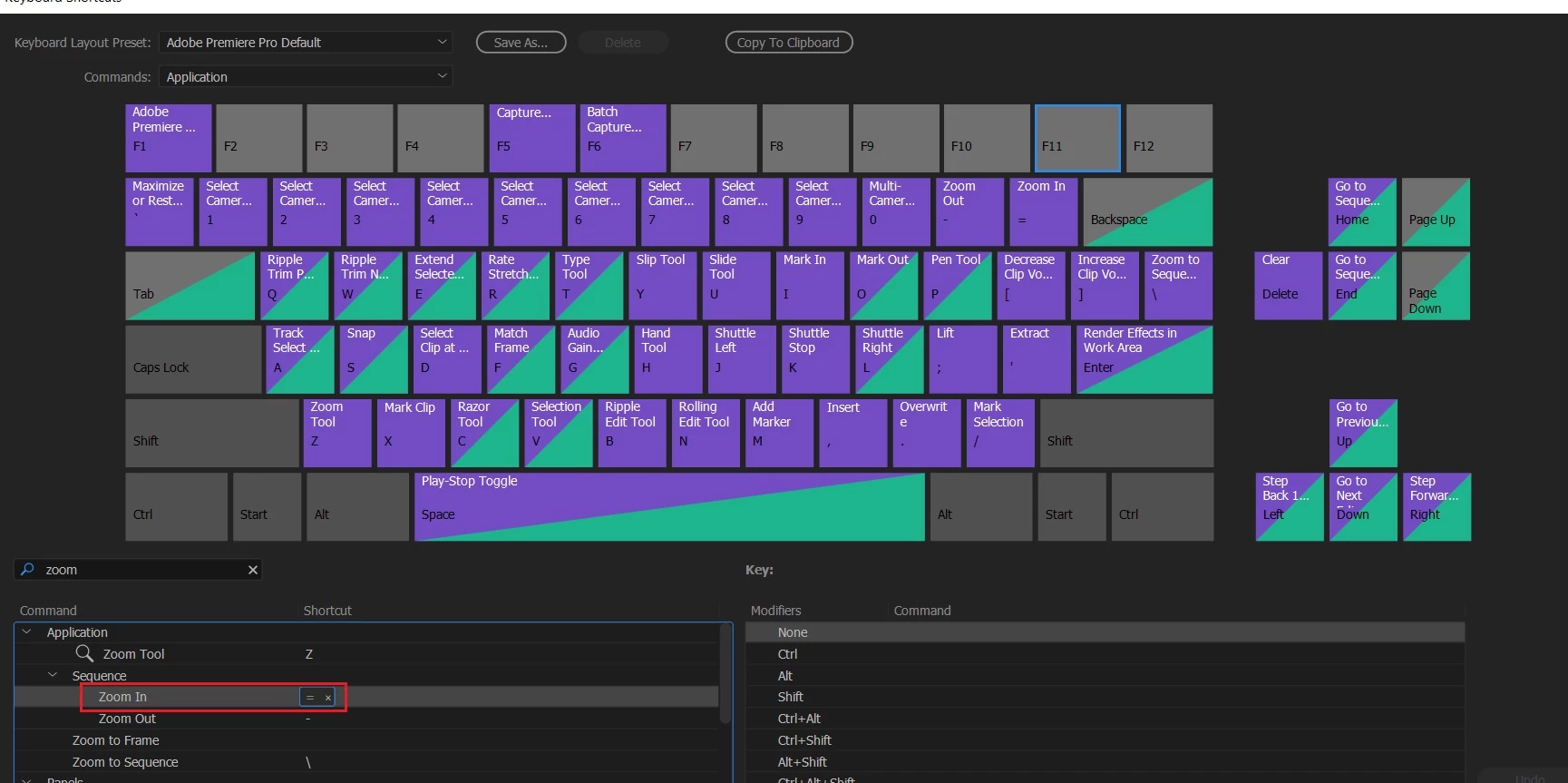
However, I can't figure out how to actually change a keyboard shortcut. What I want to do is change the zoom in to the + sign. So I get up the keyboard shortcuts window and finds that + is not assign, but how do I actually change it? Clicking on the command section is the below table has no effect. What to do?

Correct answer kulpreet singh

Hi NiklasR,

Thank you for posting here.

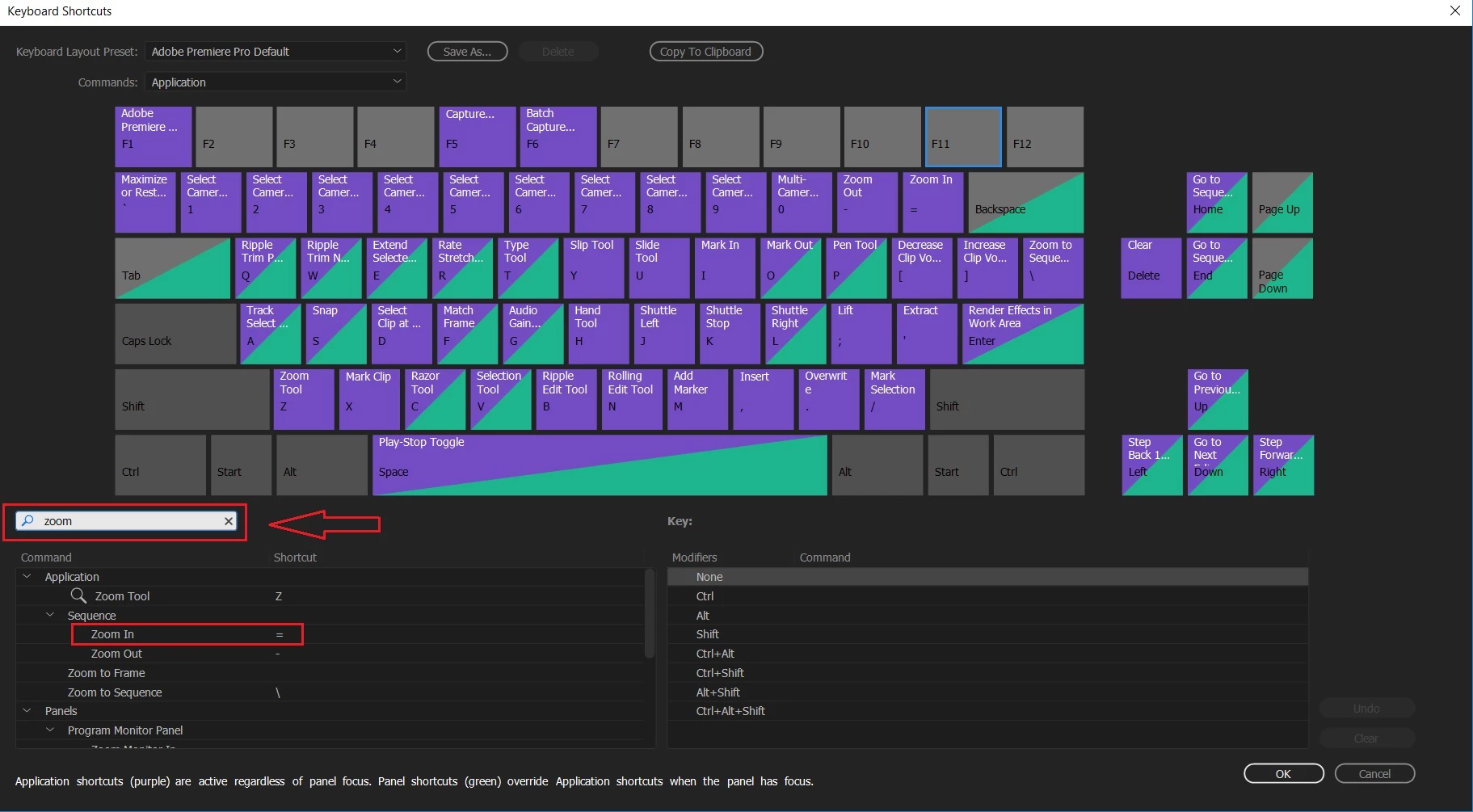
Type in the command (that you want to edit or assign) in the search bar and you can assign the Keyboard shortcut accordingly.

Let me know if that helps.

-Kulpreet Singh

2 replies

thalvorson_7fold
Participating Frequently
August 13, 2020

 Hi, I am attempting to set a shortcut in Premiere Pro on Windows 10 for "Select Nearest Edit Point as Trim In" but whatever I do it only reveals which shortcuts are around it but doesn't let me set the desired keystrokes. What are the limitations for assigning shortcuts? Is there a setting I need to adjust to be able to assign new shortcuts? I'm already working on my own custom Keyboard Layout Preset. Lemme know, thanks!

Dr Ennui
Participant
September 24, 2020

I'm in the same boat.  Nothing I appear to do shows me that changes have even been made, let alone to save my changes.

Dr Ennui
Participant
September 24, 2020

Actually, just tried the "drag-and-drop" method, which did work.

kulpreet singh
kulpreet singhCorrect answer
Inspiring
June 19, 2017

Hi NiklasR,

Thank you for posting here.

Type in the command (that you want to edit or assign) in the search bar and you can assign the Keyboard shortcut accordingly.

Let me know if that helps.

-Kulpreet Singh

Participant
June 22, 2017

Thanks!