Mano Mano
Participating Frequently
January 23, 2024
Question

I can't open a old Premiere Pro file and it crash when I try to update it

  • January 23, 2024
  • 3 replies
  • 211 views

Hello,

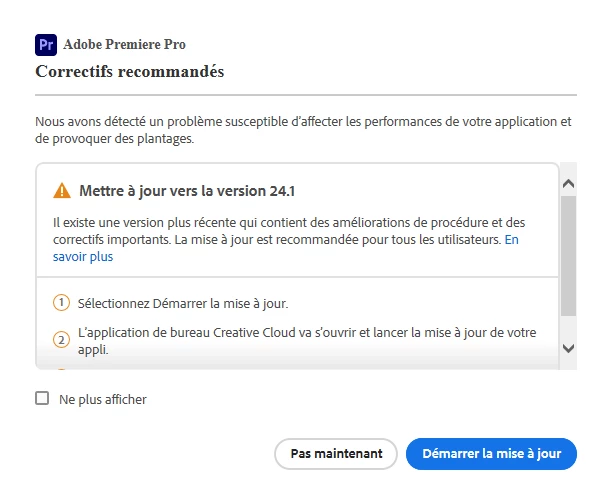
In last october, I worked on a PP project. Today, I tried to open it but the version was obsolete - ok, no reason to freak out, I will convert it in the new 24.1 version.

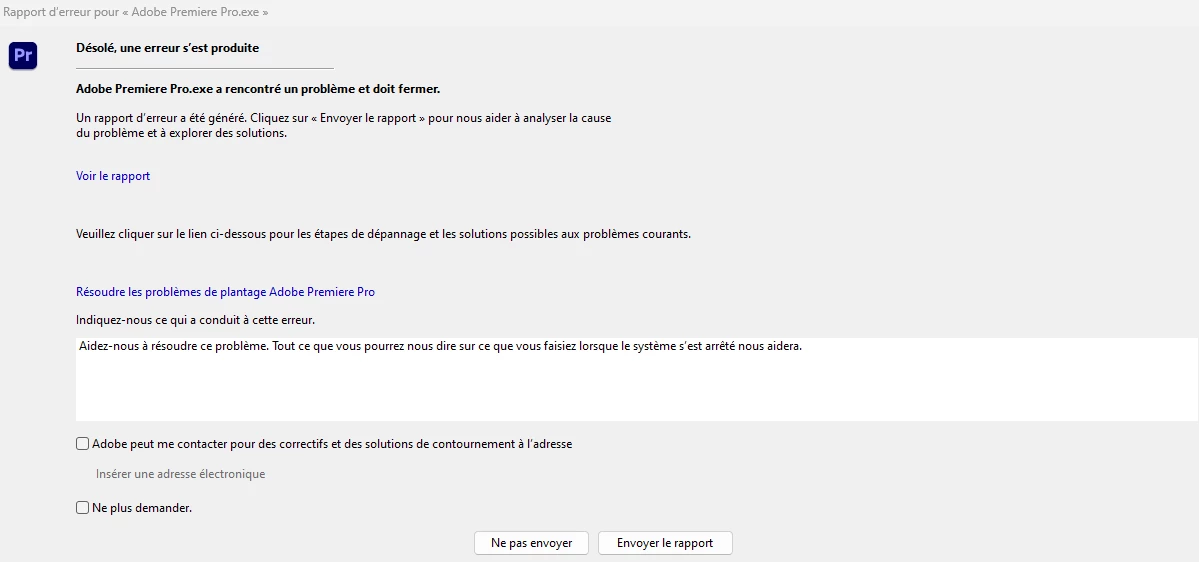
However, when I converted my project to the new version, an error suddenly appeared. Then, it tells me that I need to update my Premiere Pro but it is already updated in the current version... I reset all my settings and restarted my computer but nothing changed.

Can someone please help me?

Thanks.


Screenshots are in French.
 

This topic has been closed for replies.

3 replies

Mano Mano
Mano ManoAuthor
Participating Frequently
January 24, 2024

Ok, so few minutes ago, I converted my Premiere Pro to an old version (24.0). I tried to open my project and... it worked. Now, when I open my project, even in the latest version, I no longer have any problems 🙂

Mano Mano
Mano ManoAuthor
Participating Frequently
January 23, 2024

Hum, I tried to import directly from Premiere Pro my project but the software didn't find it. 😅

My project is supposed to be here, where the red arrow points at.


Ann Bens
Community Expert
Community Expert
January 23, 2024

Instead of opening, import the old project into a new one.