
I don't mind black bars - how do I create 1080p video from DSLR stills?
I've got lots of time-lapse video made from DSLR stills. DSLR's make images with a 3:2 aspect ratio, e.g., 8256x5504 pixels. I want to put them up on services like Vimeo.
If I put a conventional 1080p (1920x1080) video up on Vimeo it's happy. But if I put a 3:2 aspect ratio up (1620x1080) it black-bars the sides, as I would expect, and the top and bottom, which makes no sense! Basically it shrinks the whole thing. See below . . . The top image is a 1080p video.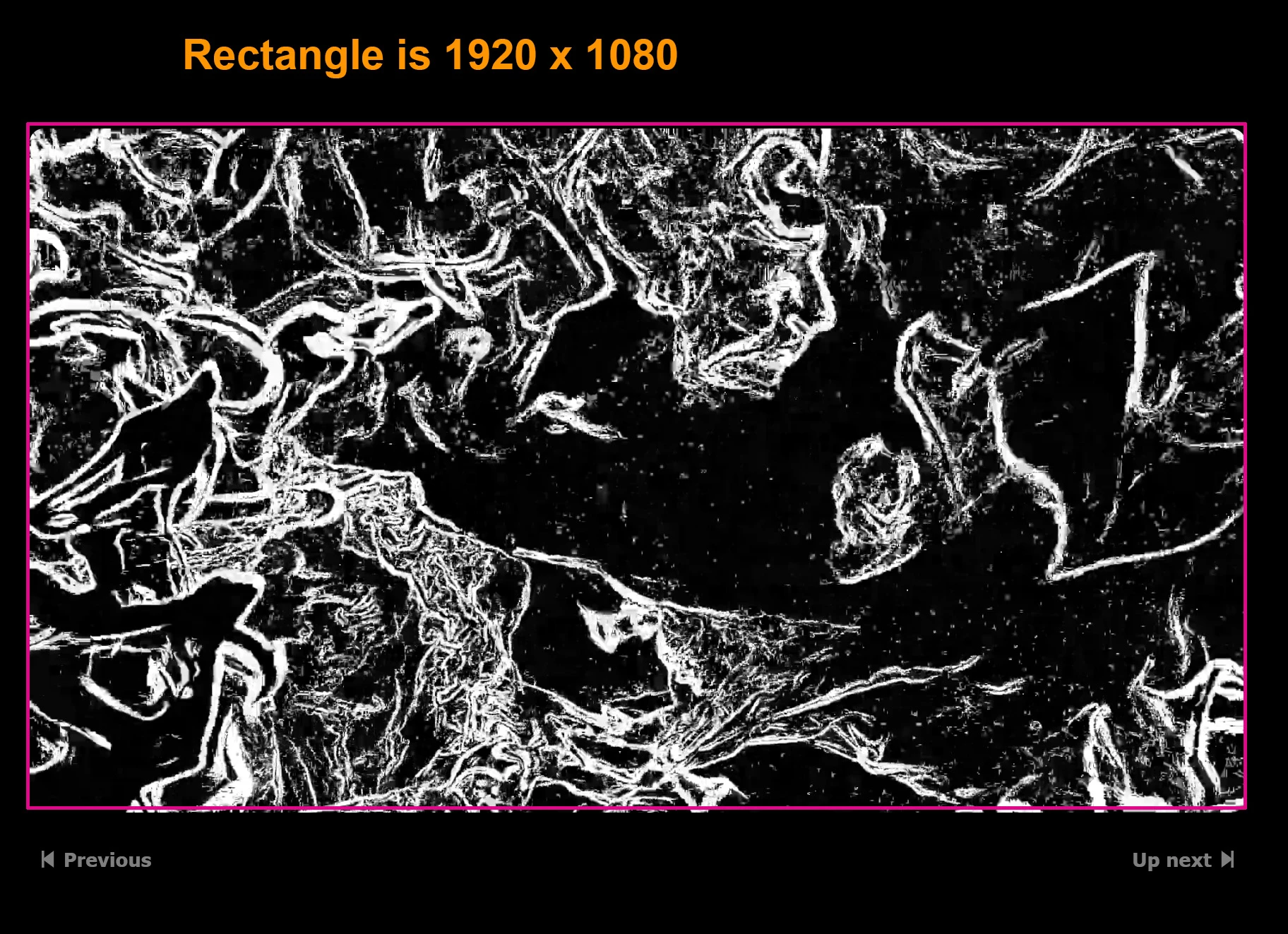
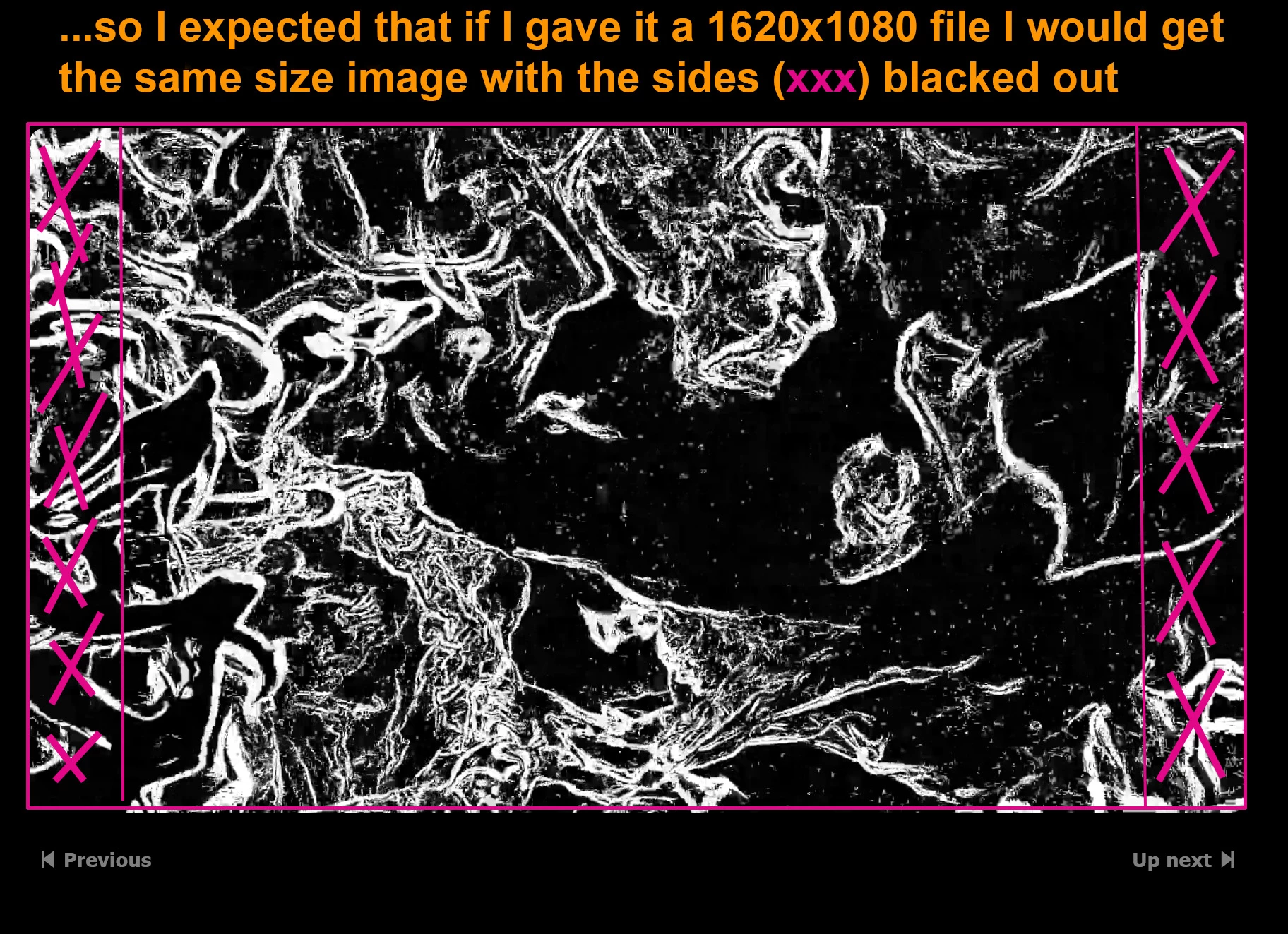
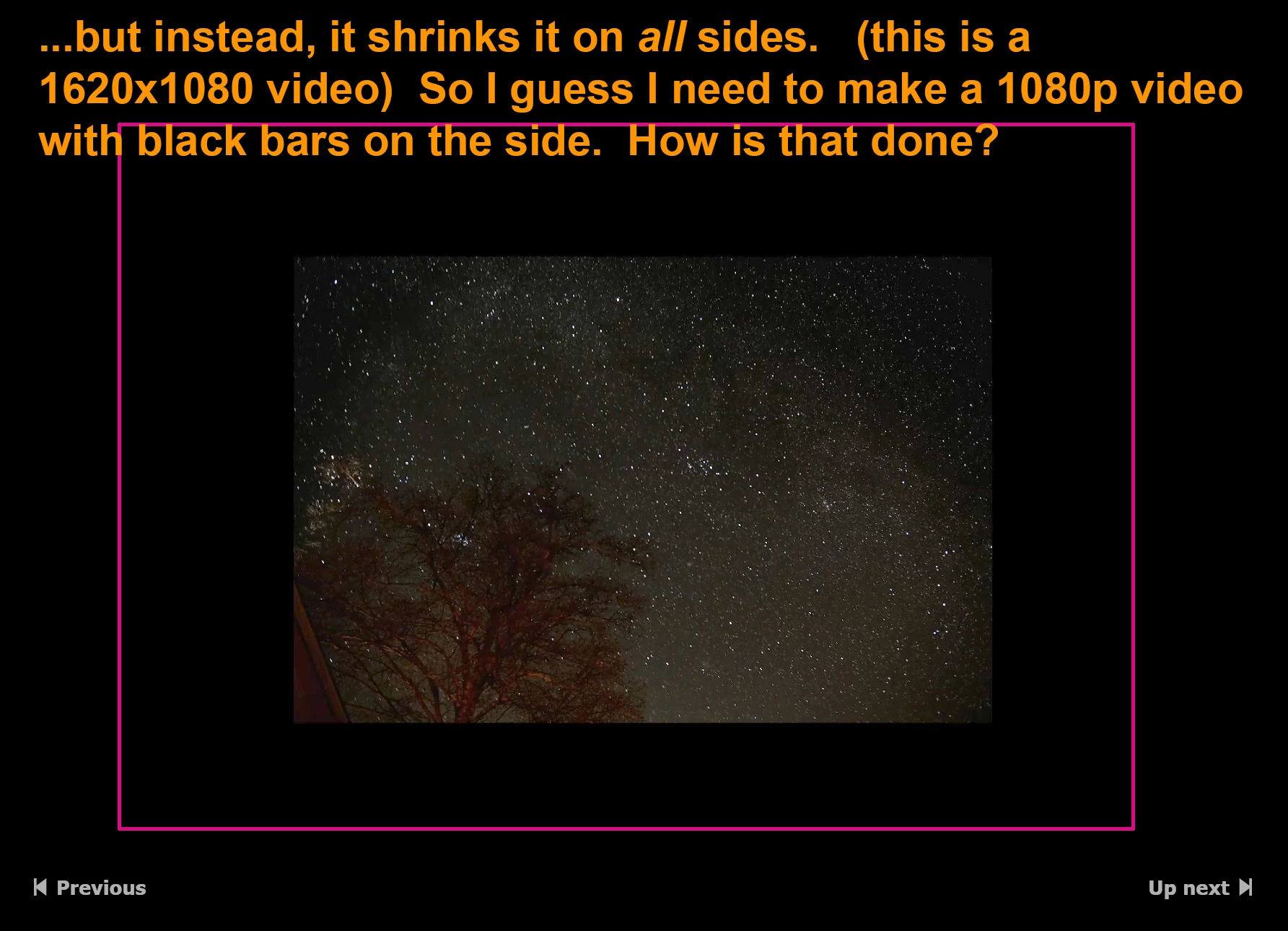
I don't want to crop my images and lose content, instead I'd rather just have black bars on the sides. I want to make my 1620x1080 video have black bars on the sides to fill it out to 1920x1080 so I can upload a conventional 1080p video to make them happy. How do I do that?
I can't be the only person making time-lapse videos from stills, and there are tons of how-to and tutorials out there but I haven't found any that address these details. Thanks in advance.
 AdChoices