

Dexter Golden
Inspiring
August 23, 2018
Answered

I LOST MY LUTS (colors) when I exported!

  • August 23, 2018
  • 3 replies
  • 1323 views

Help

I built a couple sequences and everything looks great.

When I go to export them the color is do do since the LUT didn't get applied to the exported file
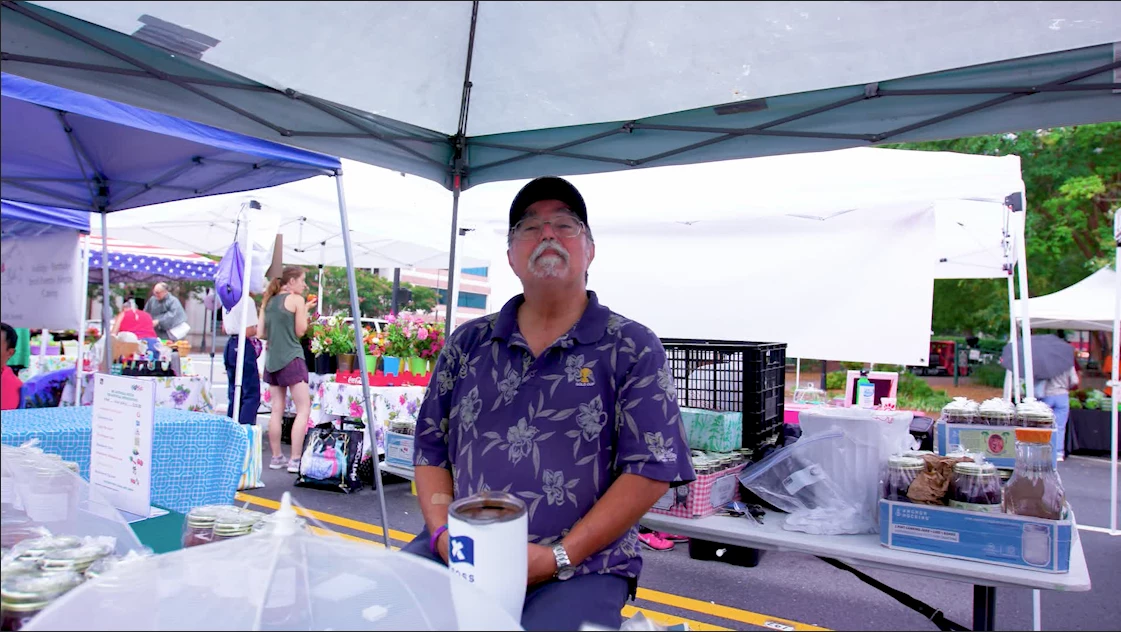
Shot from my program window in premier pro
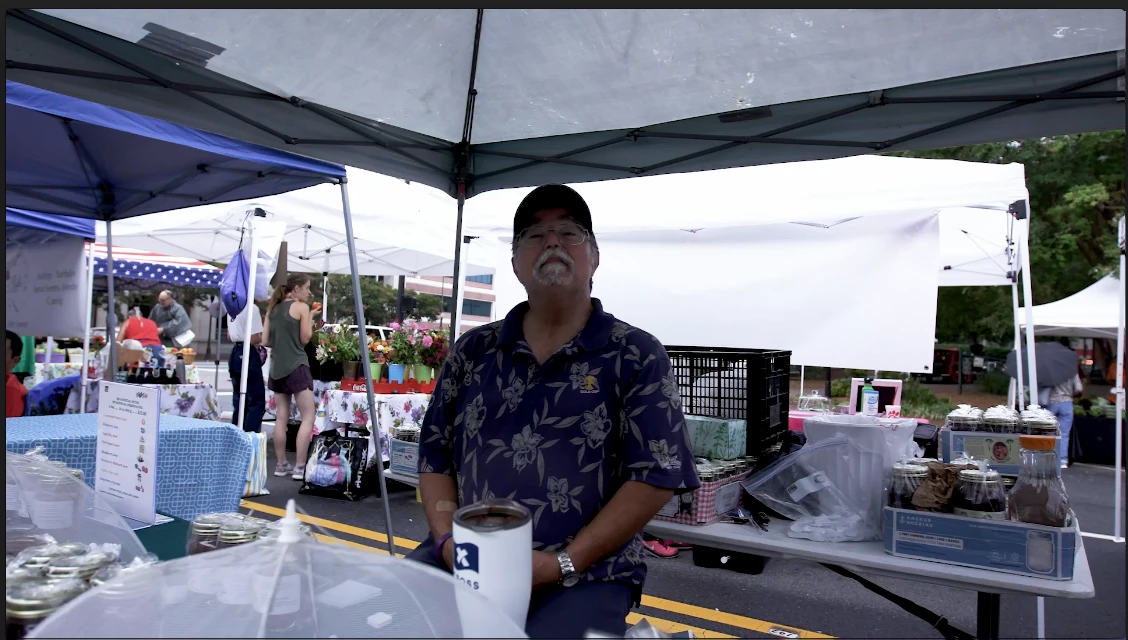
What the exported version looks like.... GRRRRRRRRRRRRR

(sorry I am frustrated)

    This topic has been closed for replies.
    Correct answer Dexter Golden

    I deleted all of premier pro and export along with any preferences and anything in User Settings of my MacPro.

    I then reloaded all the programs and all returned to normal.

    I do expect a SMALL color shift on export but the above example was pretty bad for me.

    Thanks all that pinged me directly

    Below is the example final footage after export.

    -David

    3 replies

    Dexter Golden
    Inspiring
    August 24, 2018

    I made sure that all LUTs and other supporting files were on the machine I was using and NOT on an External Hard drive.

    Once I did that my disappearing LUT problem while exporting disappeared.

    -Saunders

    R Neil Haugen
    Legend
    August 24, 2018

    With the 2018 versions (builds 12.x) ... they have a chart for locations in both Mac & PCs to put LUTs/Looks so that they appear in the browsing process both in the Basic tab drop-down and the Creative tab drop down. Those locations will be seen by both PrPro & Me, besides being right easy to get to within the apps.

    Neil

    Everyone's mileage always varies ...
    dukeeastwood
    Known Participant
    August 23, 2018

    LUTS disappear from exports all the time, it's Premiere not working.

    R Neil Haugen
    Legend
    August 23, 2018

    LUTs "disappearing" is in the vast majority of cases not accurate. The LUT was applied as shows when the media is re-imported into PrPro  ... it's there.

    The normal problem is trying to view the exports on non-calibrated gear in non-color managed players and browsers. And then someone says the LUT wasn't applied. It was ... but they're viewing the export improperly.

    There have been issues at times in queuing to Media Encoder where it didn't apply the LUT, and most of those cases are solved when storing LUTs in the correct spaces so both PrPro and Me "see" the LUT.

    Neil

    Everyone's mileage always varies ...
    R Neil Haugen
    Legend
    August 23, 2018

    How are you viewing the export? By re-importing into PrPro, or looking at it in say QuickTime player?

    To check quality you need to view in a color aware app on a properly color managed and calibrated screen.

    For players that's VLC and Potplayer. Firefox incidentally is the only color aware browser.

    Neil

    Everyone's mileage always varies ...
    Dexter Golden
    Dexter GoldenAuthorCorrect answer
    Inspiring
    August 23, 2018

    I deleted all of premier pro and export along with any preferences and anything in User Settings of my MacPro.

    I then reloaded all the programs and all returned to normal.

    I do expect a SMALL color shift on export but the above example was pretty bad for me.

    Thanks all that pinged me directly

    Below is the example final footage after export.

    -David