
Question
Imported illustrator vector file in premiere pro showing bands when exported
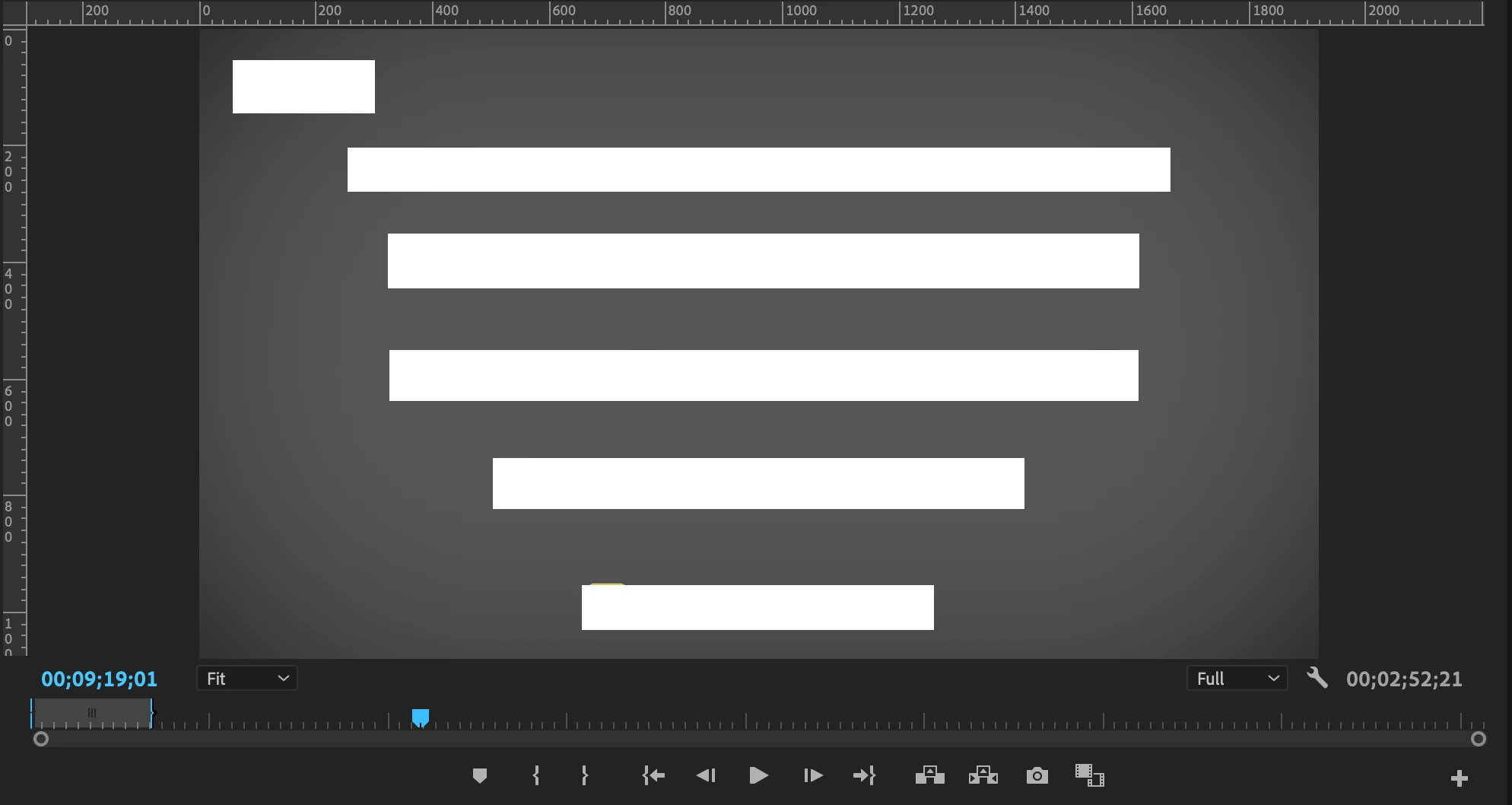
When I export a video containing a flat grey rectangle illustrator image which has been imported to premiere pro, there are circular bands that are visible. The actual illustrator file just has a grey colored rectangle and from Premiere Pro, I added a vignette to create gradient so that it looks darker around the edges. How can I export the video so that the bands are not shown? In the premiere pro preview window when editing the video, these bands do not show. So I guess it has to do with my export settings. Could someone please help me fix this issue?
Illustrator file (I have covered up some letters with white boxes so please ignore these white boxes):

Screenshot of exported file:

What it looks like in PremierePro:
 AdChoices