
kiyomit62487526
Participating Frequently
September 19, 2018
Answered

Importing AVCHD spanned files into Premiere Pro

  • September 19, 2018
  • 2 replies
  • 24369 views

I'm a new Premiere user.

I'd like to figure out how to import my spanned AVCHD files from my SONY FS5II as a single video clip instead of breaking up all my shots.

I've tried using the media browser and selecting the 'AVCHD' file inside the 'PRIVATE' folder. But this still brings the video in in its separate MTS files.

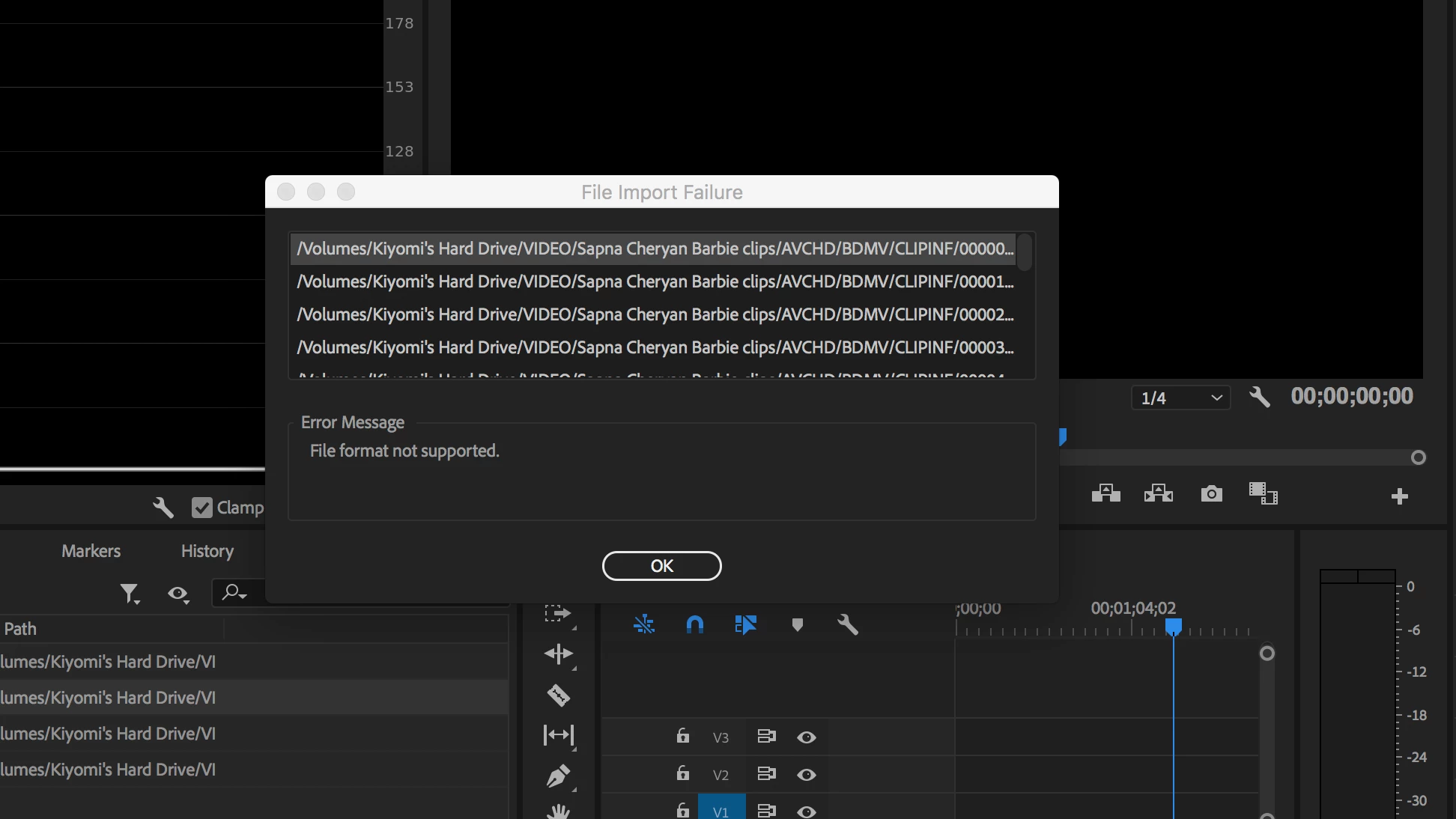
Secondly, I"m getting this error message, although the files seem to play, edit and export just fine:
I'm shooting AVCHD 1080/30p FX format if that makes any difference.

Any solutions on combining spanned clips in import?

Or what the error messages are for?

Correct answer excited_Genie16B8

1. Copy the entire SD card to the Media drive.  Do not delete, rename or move anything inside those folders.

2. Make sure the Media Browser is seeing the folder as AVCHD and not as Files.  (Drop down filter to the left of the eye.)

3. Use the Media Browser for Import duties.

2 replies

John Ratard
Inspiring
December 15, 2022

Since you do not explain your video editing system, I will assume Premiere Pro CS6 as is mine. I tried many proposed solutions that in the long run did not perform as I expected.  Finally I followd a suggestion in the forum to do the following:

I installed my AVCHD file into my Premiere Pro then exported without editing to MP4.  This resulted in an mpg file that I imported into Premiere Pro CS6 to edit successfully.


I did not try other exports.  It appears that codecs are capable of directly transcoding even though the apps may be incapable of editing. 

excited_Genie16B8Correct answer
Legend
September 19, 2018

1. Copy the entire SD card to the Media drive.  Do not delete, rename or move anything inside those folders.

2. Make sure the Media Browser is seeing the folder as AVCHD and not as Files.  (Drop down filter to the left of the eye.)

3. Use the Media Browser for Import duties.

kiyomit62487526
Participating Frequently
September 19, 2018

I am following the steps you outline above, but importing the file that says AVCHD still breaks up the video into MTS clips. Here's what the import window looks like:

Legend
September 19, 2018

It's set to 'all supported files'.


As per Step 2 above, change that to AVCHD.