
Known Participant
August 23, 2022
Question

In-focus object or person moving through blur

  • August 23, 2022
  • 1 reply
  • 1482 views

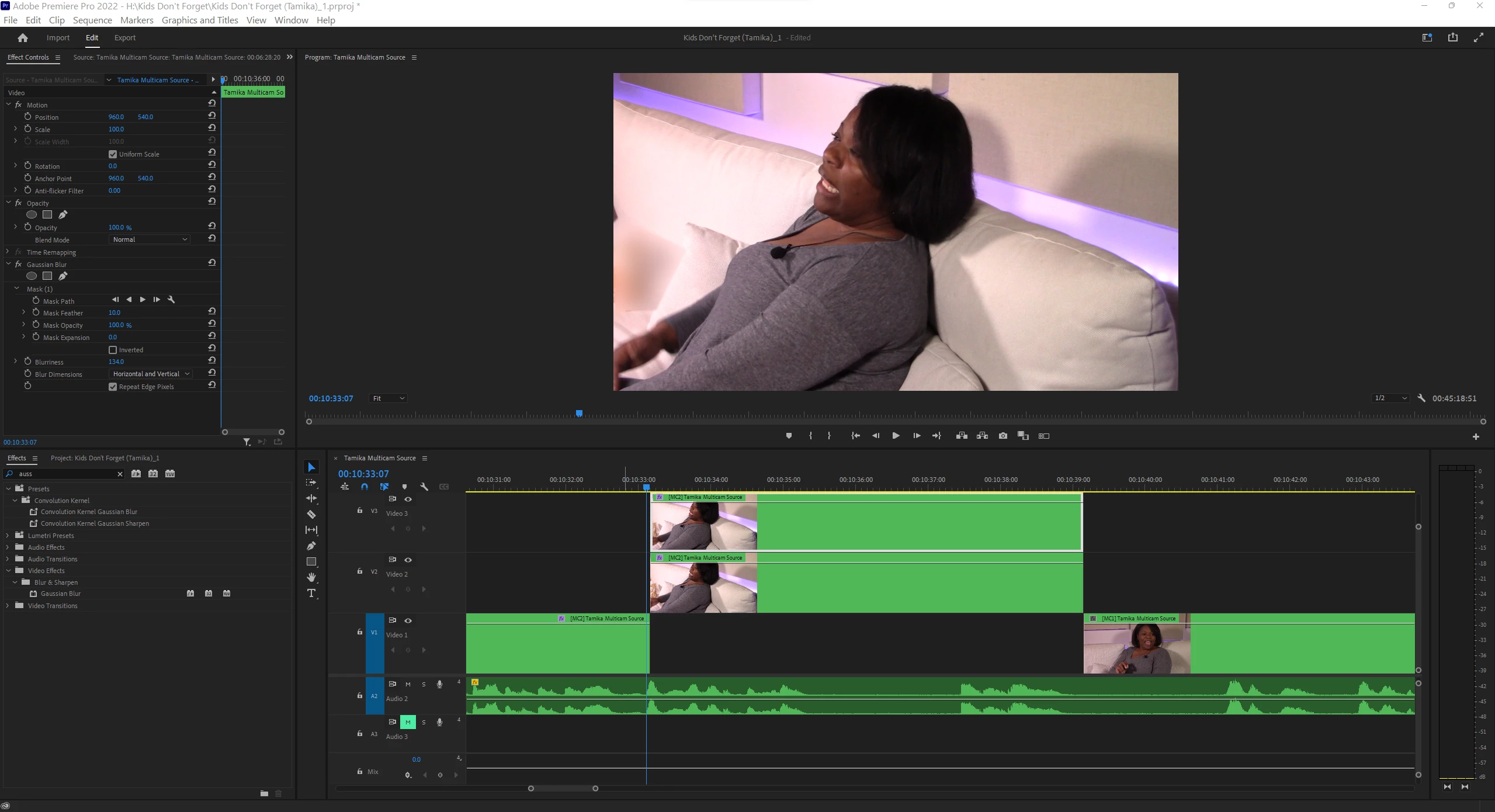
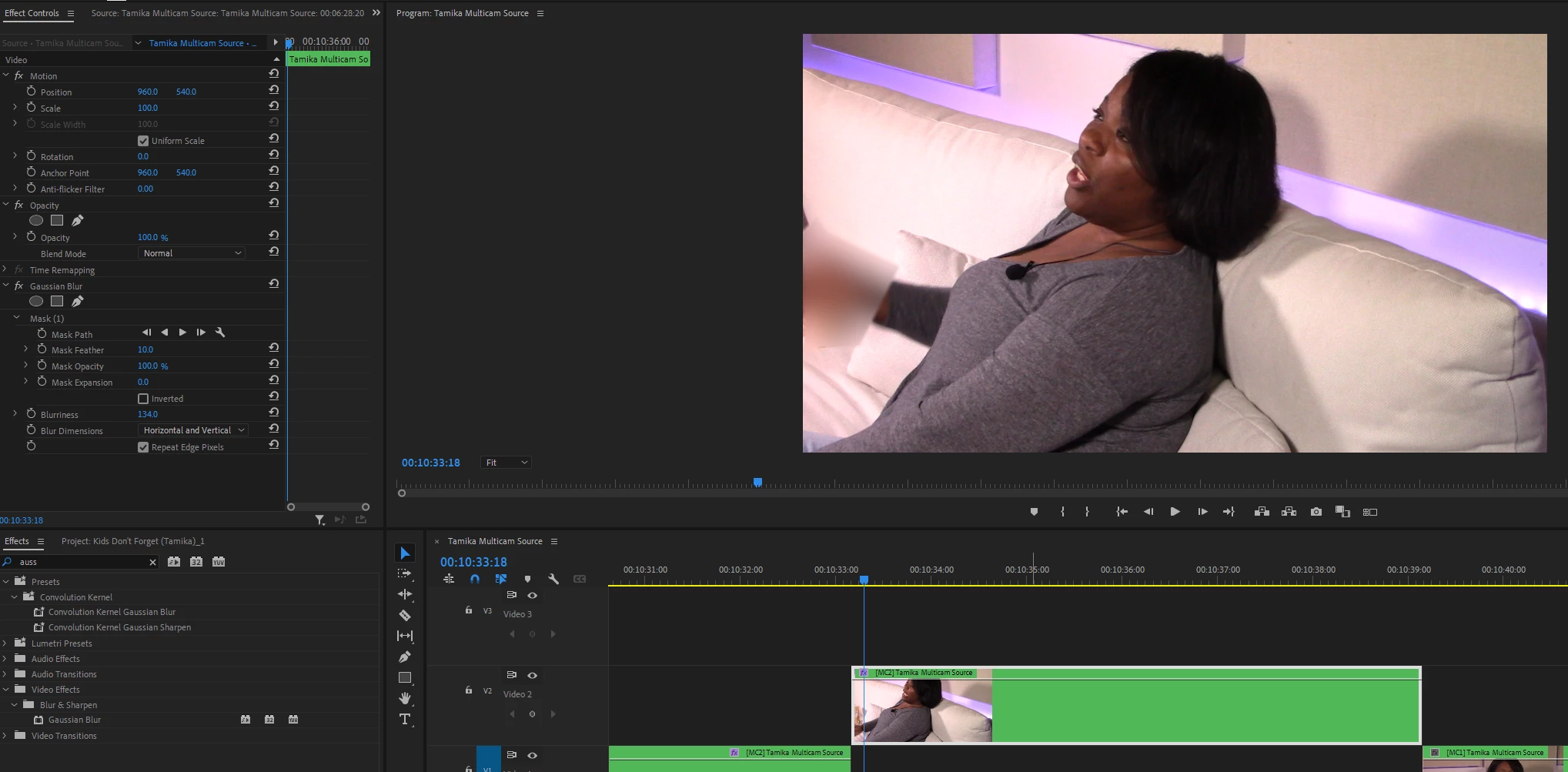
Is it possible, if a piece of the background is blurred (or the entire background) to have your subject move through the blur, like on top of it. For example, if I am the subject and the background is blurred, can I walk through it without blurring myself?

Attached is a clip of a woman I interviewed for my Kharismaticlee YouTube channel. This camera angle contains a box of tissue I'm blurring out, but then she moves her arm (second clip) and her hand is blurred. It is SUPER-TEDIOUS using the mask path - takes forever! Any other solutions?


This topic has been closed for replies.

1 reply

Community Expert
August 23, 2022

Rotoscoping in After Effects.

Known Participant
August 23, 2022

All the research I've done, in the 3 hours since you've replied, has identified that there needs to be some sort of element passing by over the entire screen. My item is stationary; I'm still hit!

Community Expert
August 24, 2022

Truly, I appreciate both of you, Richard and Warren. I'm able to follow all the steps up to "When that's complete, show Layer 2 and blur the area that needs to be blurred." I cannot figure out for the life of me how to blur something in After Effects. I've watched 3 YouTube videos... grrrrrrr.... this shouldn't be so complicated!!


If you want you could just send the rotoscoped hand back to Premiere and use the blur you have already made.