
Incorrect exposure and color in Premiere v22.1.1
I updated to Premiere V22.1.1 today, and the colors are way off on all video clips I've checked. Specifically, the exposure is dramatically increased and there is a slight blue shift. Below is a screenshot of an MP4 clip in Premiere 2021 and the second screenshot is the same clip in Premiere 2022. Premiere 2021 view is correct and looks nearly identical when played in-camera, in Windows Media Player, and in VLC. From what I can see, all settings are identitcal in both versions... I have Display Color Management enabled, Mercury Playback GPU Acceleration, Rec 709 color space, and I-Frame Only MPEG preview. No effects have been applied in either case. I have tried changing all of the settings mentioned above, but the problem remains. Also, the incorrect colors in Premiere 2022 are applied to exported video, so its not just in the preview window.
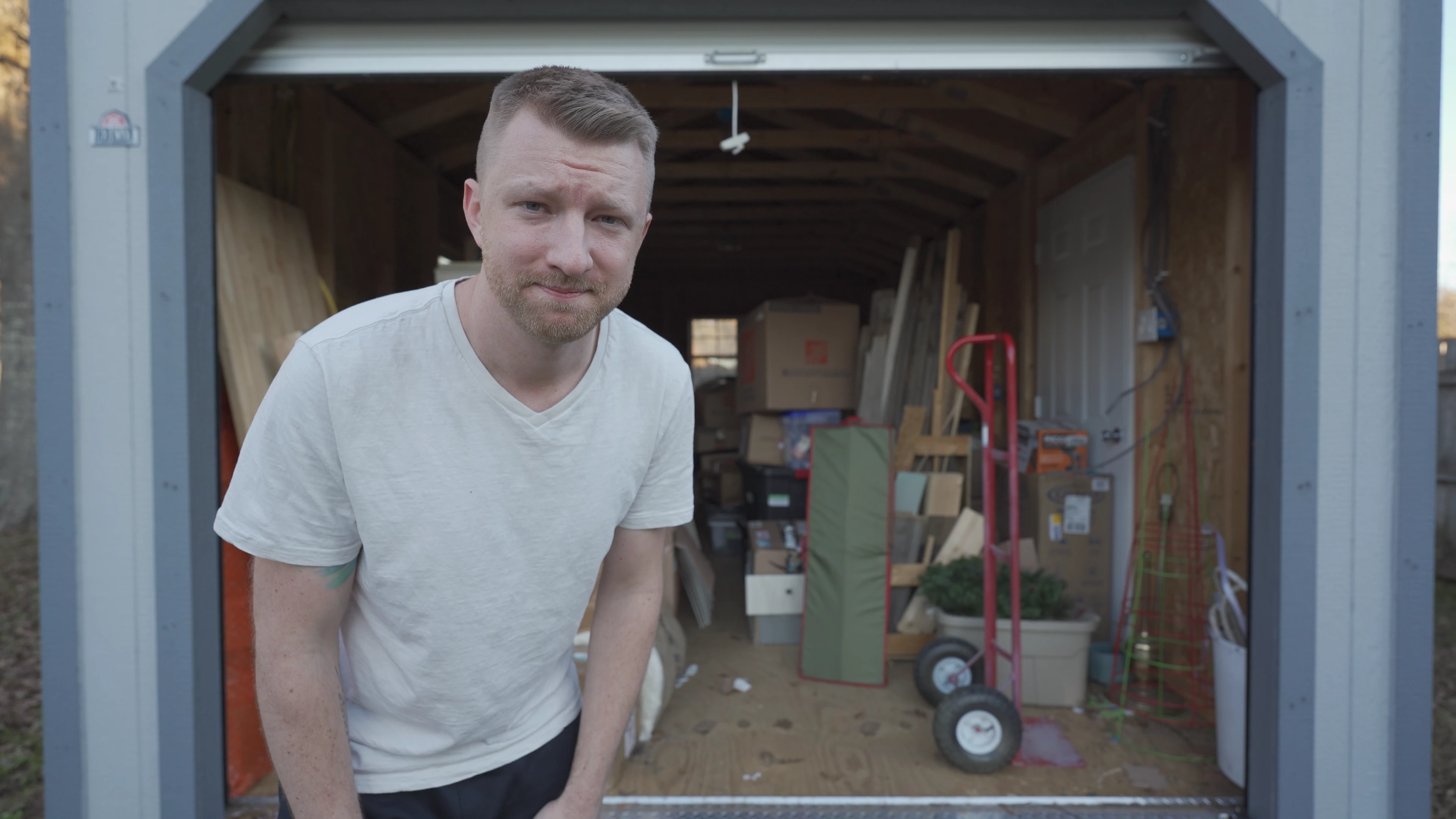
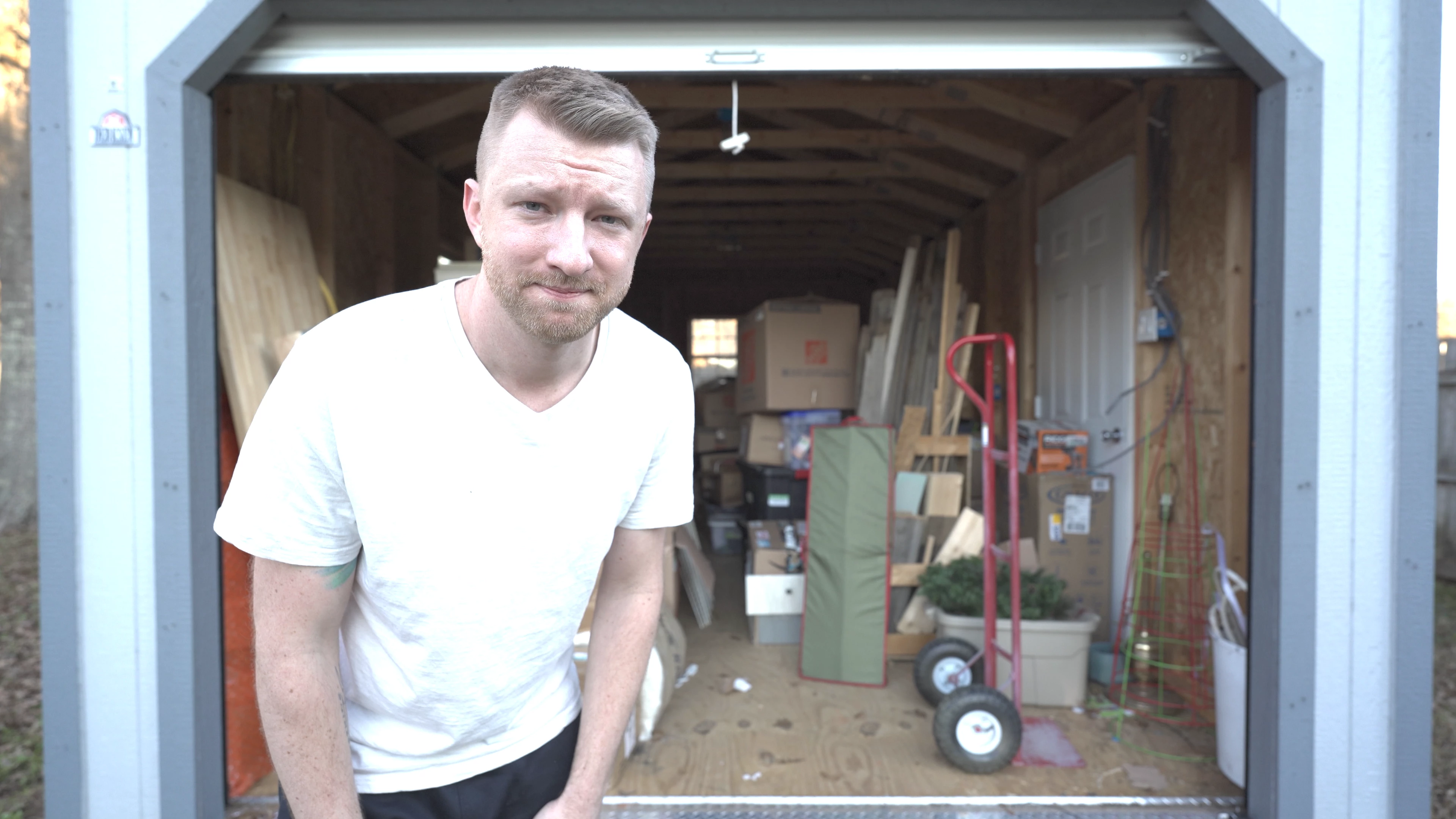
Any suggestions on how to correct this issue? Anyone else experiencing this?
 AdChoices