
Answered
Inserting causes the video quality to drop
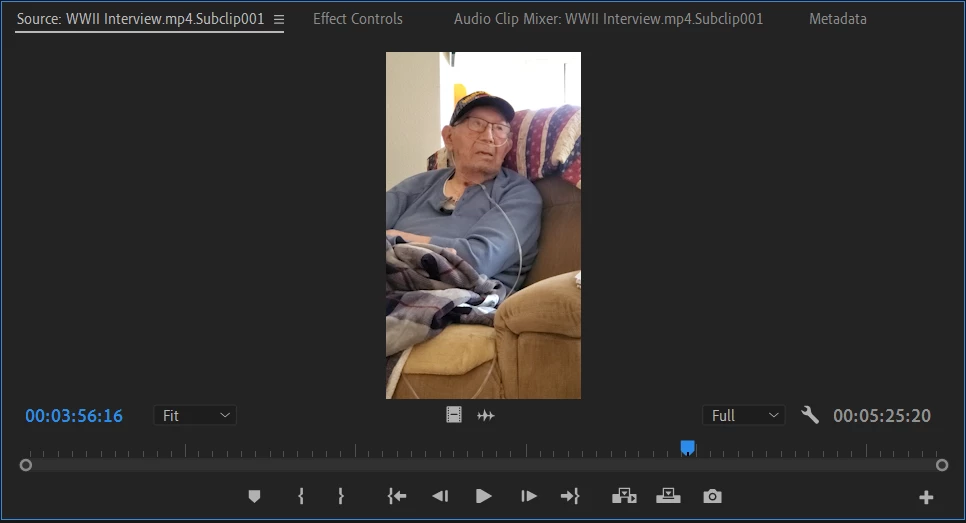
Across multiple projects, I've been having trouble with getting the video quality right. The video will appear crystal clear in the edit window, but the moment that I put it on the timeline, it zooms in and gets really blurry. I've figured out how to fix the zoom (set to frame scale), but it still looks awful compared to the original.
For reference, the editing window:
The timeline window:
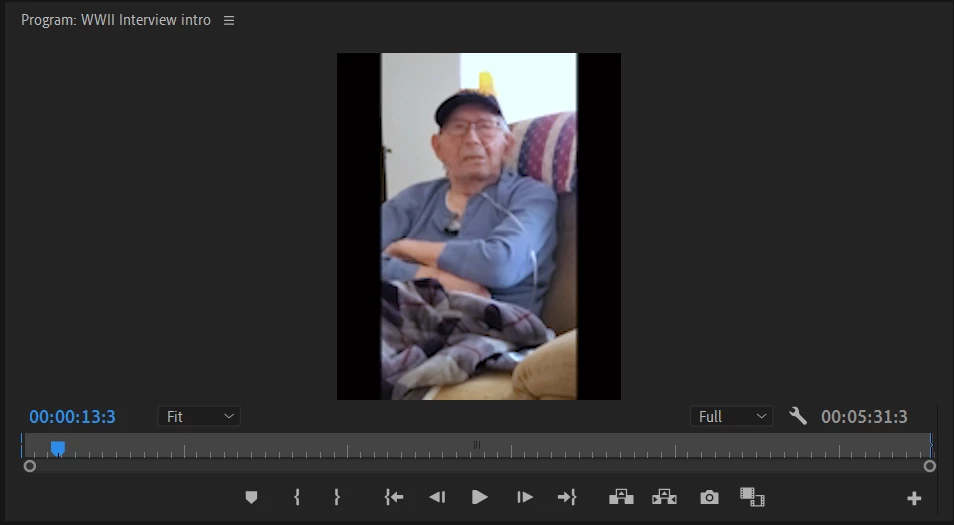
This quality issue translates to the export as well. I know it's not the camera since my other project is of a still, digital drawing. I've tried moving the clip into the timeline in every way I can (insert, drag and drop, ect.) and manipulating it to the best of my ability. Any suggestions?
 AdChoices