Known Participant
December 8, 2018
Question

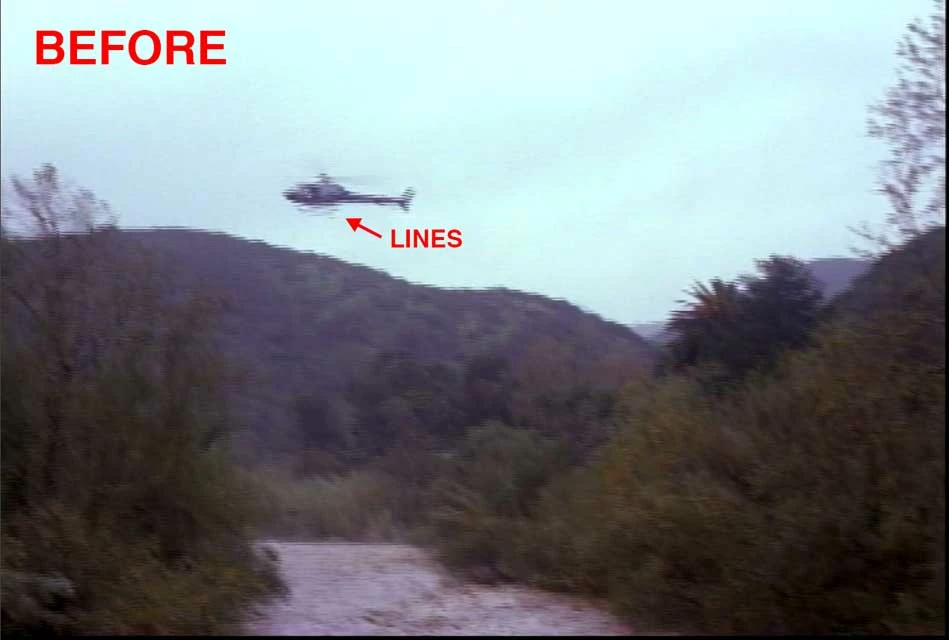
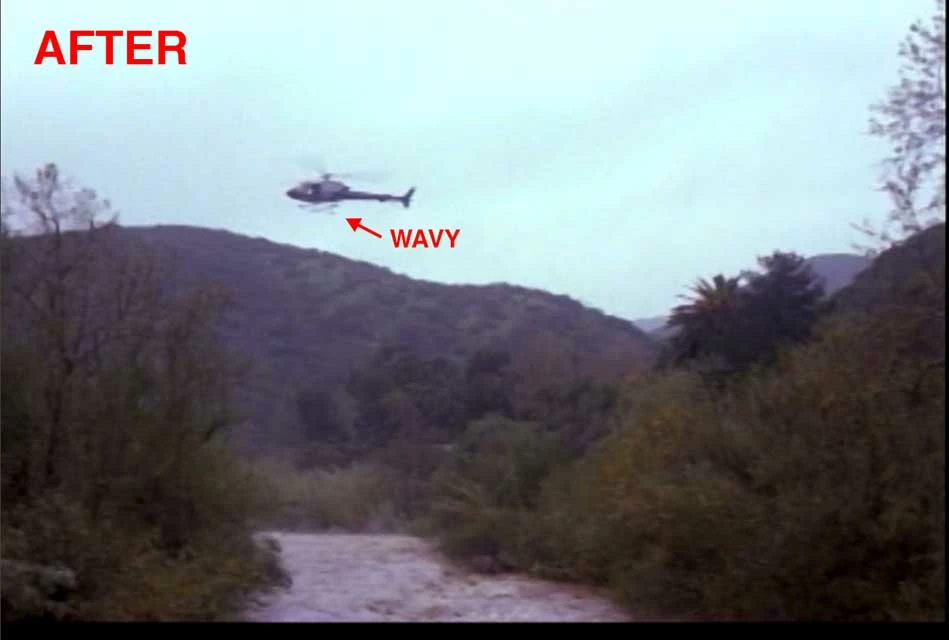
Interlaced video becomes wavy, *PICS Before & After

  • December 8, 2018
  • 2 replies
  • 2194 views

Hi all, I eliminated the (interlaced?) lines in my digitized '90s home video footage by selecting Modify > Interpret Footage > Field Order > Conform to "Lower Field First" (...not Progressive). This fix worked 90% of the time. However 10% of the time it made my footage look wavy/watery (instead of choppy). Or maybe it's a separate problem. I was Googling it, but the only thing I found was "Rolling Shutter Repair," and that didn't help. Can you please offer a solution?

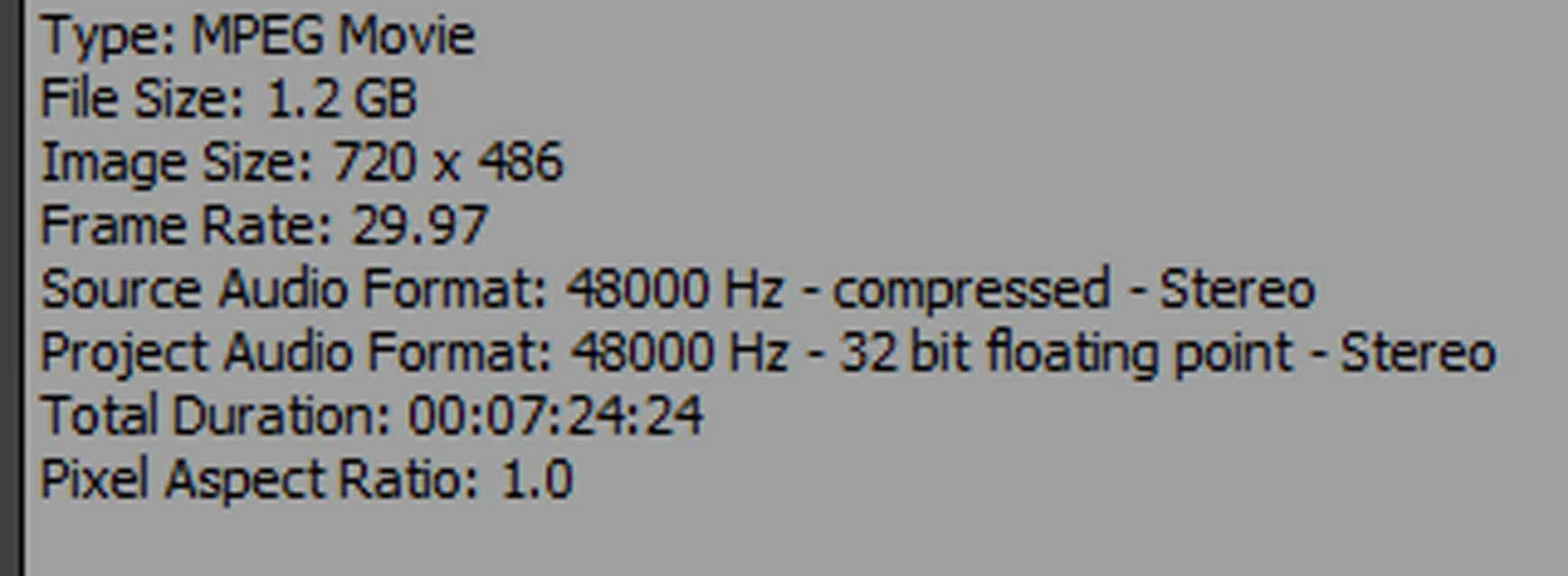
Here are some specs...
    This topic has been closed for replies.

    2 replies

    Averdahl
    Community Expert
    Community Expert
    December 8, 2018

    However 10% of the time it made my footage look wavy/watery (instead of choppy)

    Depending on the hardware used when you captured the footage those 10% of your original footage may actually be Upper Field First. So if the footage is Upper Field First but are interpreted in Premiere Pro as Lower Field first there will be issues similar to the one you describe. (and vice versa...)

    So it can be worth testing with Upper filed First as well.

    BookBookAuthor
    Known Participant
    December 8, 2018

    Thanks Meg The Dog and Averdahl. I don't have any information about how this footage was originally captured or converted. Changing Lower Field to Upper Field doesn't seem to help. Maybe I should say that in the PICS above, I had already changed the Pixel Aspect Ratio from Square Pixels (1.0) to D1/DV NTSC (0.9091). However, the waves appear whether I do this or not. I'm also using "Scale to Frame Size" because my footage is smaller than my 1080 Sequence.

    Ann Bens
    Community Expert
    Community Expert
    December 8, 2018

    Hi Meg the Dog and Ann, Sorry! I take that back. I did NOT upscale the footage in the preview PICS I sent. However, I did upscale the footage in the project I'm working on. Either way, the problem persists. (I'm upscaling this clip in my project to match other footage that's bigger).


    You cannot just plain upscale SD to HD without running into some kind of issue.

    Ann Bens
    Community Expert
    Community Expert
    December 8, 2018

    Those are interlaced artifacts: In those days there was no rolling shutter. (that is a cmos chip thing).

    Please post a screenshot of a file in MediaInfo windows  / MediaInfo Mac and post it in treeview here on the forum.

    BookBookAuthor
    Known Participant
    December 8, 2018

    Thanks Ann, here's the MediaInfo tree view of the file...

    Inspiring
    December 8, 2018

    What camera originally shot this footage?

    Has the footage been converted to another format?

    Are you ingesting the native footage in Premiere Pro?

    How are you doing so?

    MtD