Participant
August 18, 2024
Answered

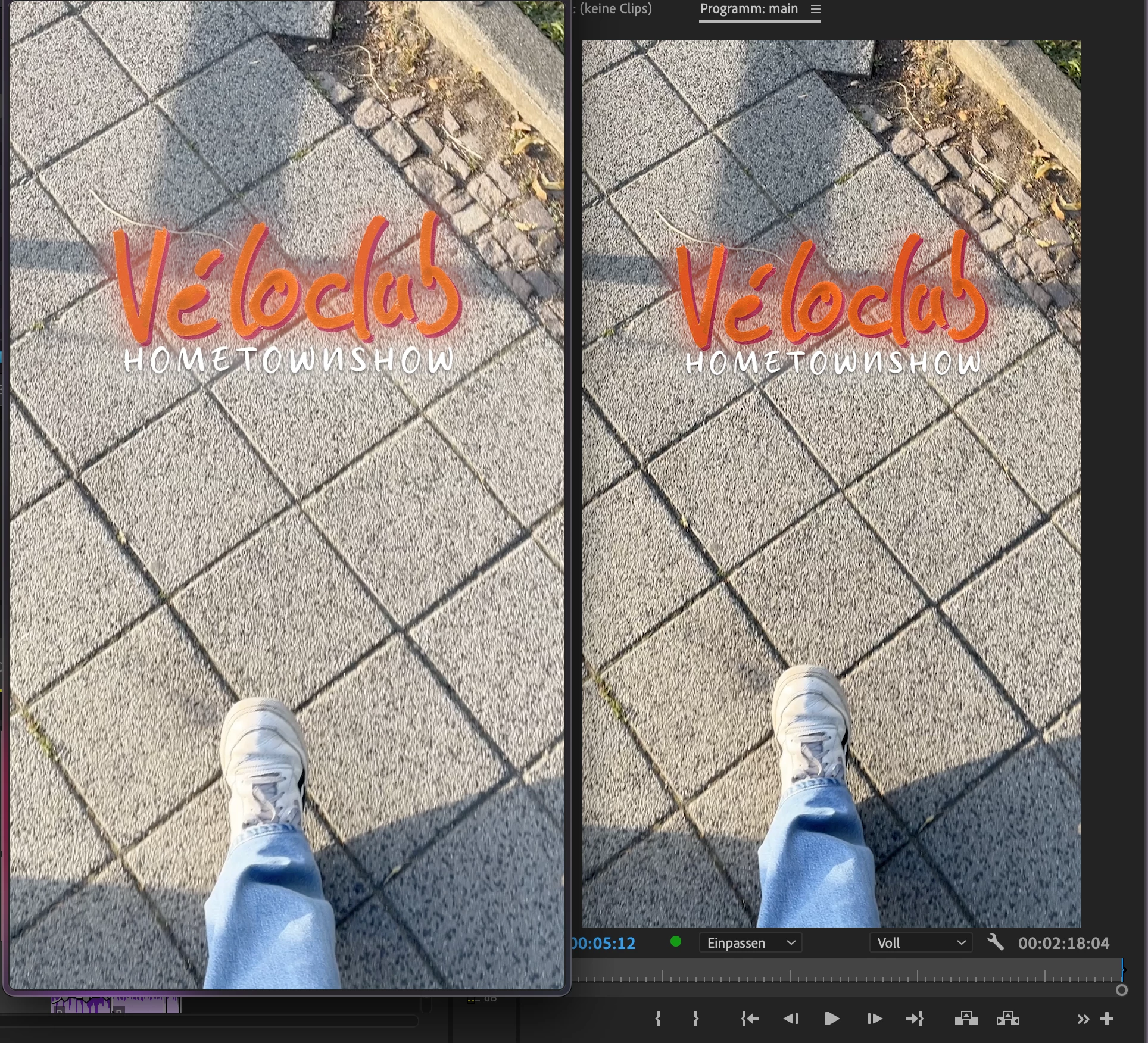
iPhone Footage Color not the same after export as in project
  • August 18, 2024
  • 2 replies
  • 4437 views

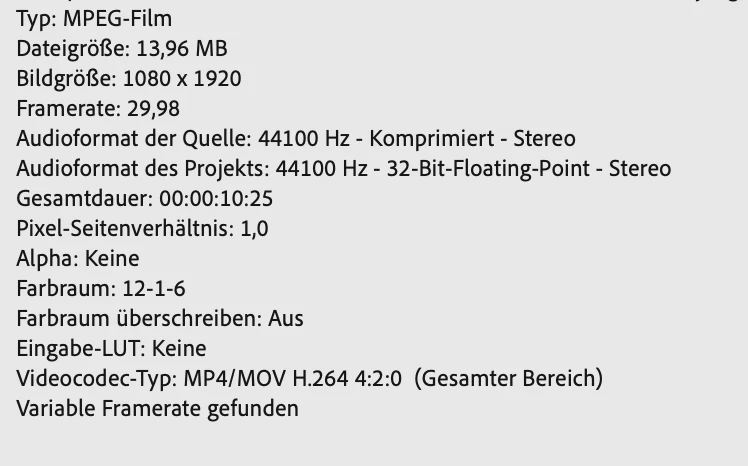
I'm having issues with editing iPhone Footage in Premiere. I read a couple articles about this issues but i just dont get what i'm doing wrong and how i need to export the video so. that it looks the same as on my timeline. Also, the timeline video looks different than on the phone.

Correct answer Ann Bens

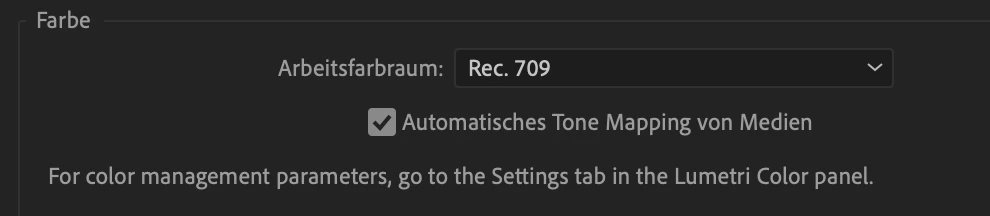
Its all about color management. Please read below.

Color management in Premiere Pro

Tone mapping in Premiere Pro

2 replies

R Neil Haugen
Legend
August 18, 2024

There is one other thing you're running into. You're on a Mac, right? Apple's created a massive headache by using an incorrect display transform for Rec.709 /SDR video files. That is I think what's your problem.


Bring the exported file back into Premiere ... does it look the same as on the sequence? As I expect it will ... if so, yea, it's Apple's fault.


And for that there isn't any good complete fix. Why?


The long-time standard display transform specified for Rec.709/SDR video has been gamma 2.4. However, Apple chose to use the camera transform figure, roughly gamma 1.96, as the display transform.


You simply cannot display the same file at two different display transforms and get the same look to the file.


You can also play the file in VLC or Potplayer, on your Mac, and it will probably look very like it did in Premiere. But not like it looks in QuickTime player, or Chrome or Safari browsers, because the later let Apple's ColorSync utility set the display transform.


VLC, Potplayer, and Firefox nearly always use the correct gamma 2.4 transform.


To make matters even more ... fascinating ... Apple has 'Reference modes' on some of their computers. Setting the Reference mode to "HDTV" gets the correct transform.


So what you see is not just different on a Mac, it's only different on some Macs.


In Premiere's color management options there's now the Viewing Gamma setting and you can pick what thou wist. 


You could use gamma 1.96/Quicktime and your file after you do your corrections, will look very similar outside of Premiere on your Mac ... as long as you are viewing without Reference modes, and in QuickTime Player, Chrome, or Safari.


Outside of your computer, most PCs, TVs, Android devices, and any Mac with Reference Modes wills see a much darker image.


Or use gamma 2.2/web, which is for when setting color corrections in a fairly bright working environment actually. 


Or use gamma 2.4/broadcast if you are working in a pretty darkened room, as a pro colorist would be doing.


The latter will result in files that will look relatively like unto normal pro produced media on most screens. As all pro Rec.709 is graded in darkened rooms using display transform of gamma 2.4.


But if you are not in a darkened room, do not use gamma 2.4 while doing your color worrk. Use gamma 2.2. Or 1.96 if you want to.

Everyone's mileage always varies ...
Participating Frequently
August 18, 2024

so tldr: the color is that is displayed in premiere is correct, but it'll look different on my mac/other macs when viewing it on quicktime player or browsers and if i want to display it like its in premiere on most devices i should just stick to the current setting. If i need to see it the same as in premiere on my mac in quicktime, i need to change the reference mode if available or use gamma 1.96 but that will result in a darker image on most oder devices.

Thank you so much!

Participating Frequently
August 18, 2024

if i use hdtv reference mode, my screen is actually limited to a certain brightness, thats probably intented right?

Ann Bens
Community Expert
Ann BensCommunity ExpertCorrect answer
Community Expert
August 18, 2024

Its all about color management. Please read below.

Color management in Premiere Pro

Tone mapping in Premiere Pro

Participant
August 18, 2024

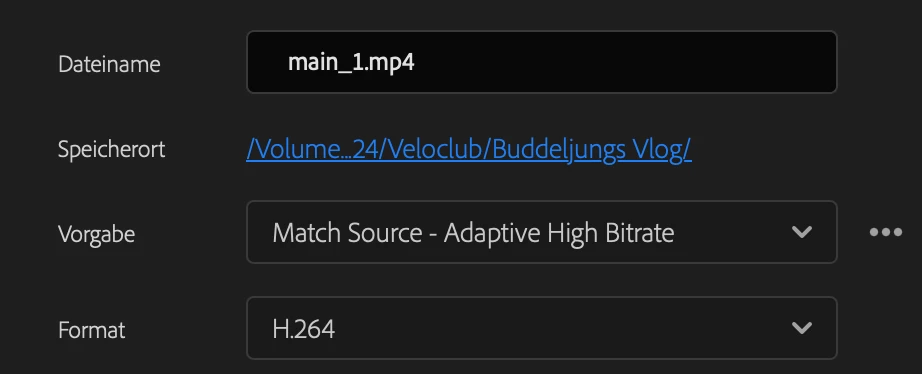
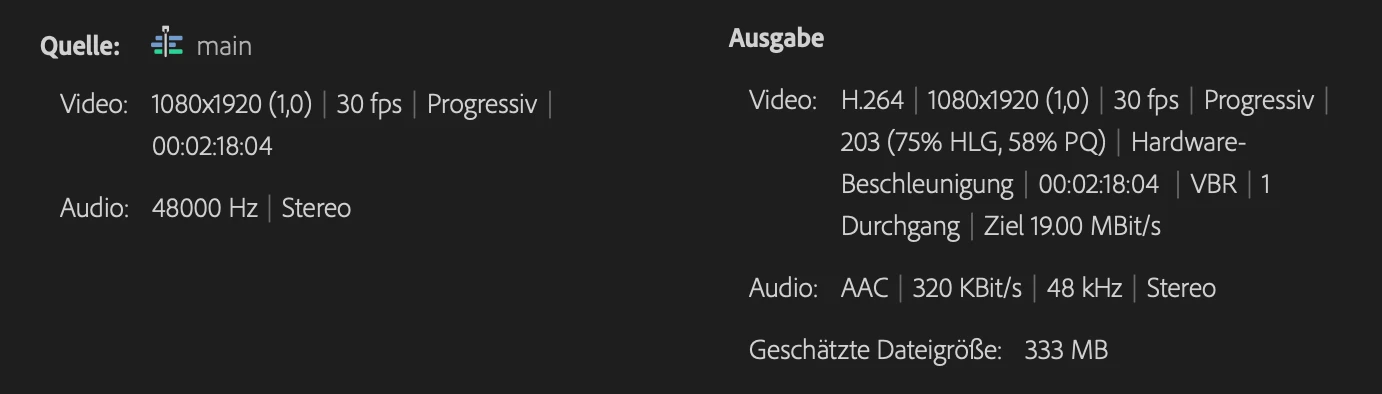
And how do I fix the export?

Ann Bens
Community Expert
Community Expert
August 18, 2024

I am guessing you did not read the docs.

Everything has to be the same for tonemapping: clip, sequence and export.