

Is it possible to manually pan and scan in real time?
I have tried searching for a feature or method for doing this, but all my search terms have returned solutions that refer to marking key frames in the standard way. That is, marking keyframes for position and scale, then moving to a different point in the time frame, then making adjustments, then marking keyframes, and so on.
What I have is a video of a sports game, where the action moves around a lot, and I'm finding that the standard approach is not just time consuming, but also creates a kind of smooth motion that's not very natural feeling.
I am hoping to find is a way to let a video play, and while it is playing to manually move around in the viewport and have that recorded.
More specifically, my source footage is 1080x1920. and shows pretty much the entire field of play where the game is taking place. My output is going to be for mobile, and I'm not sure the output details yet, but it will be a vertical aspect ratio. So I want to be able to let the video play, and follow the action around with the output frame.
I hope that makes sense. I've made this image to hopefully make it more clear what I mean: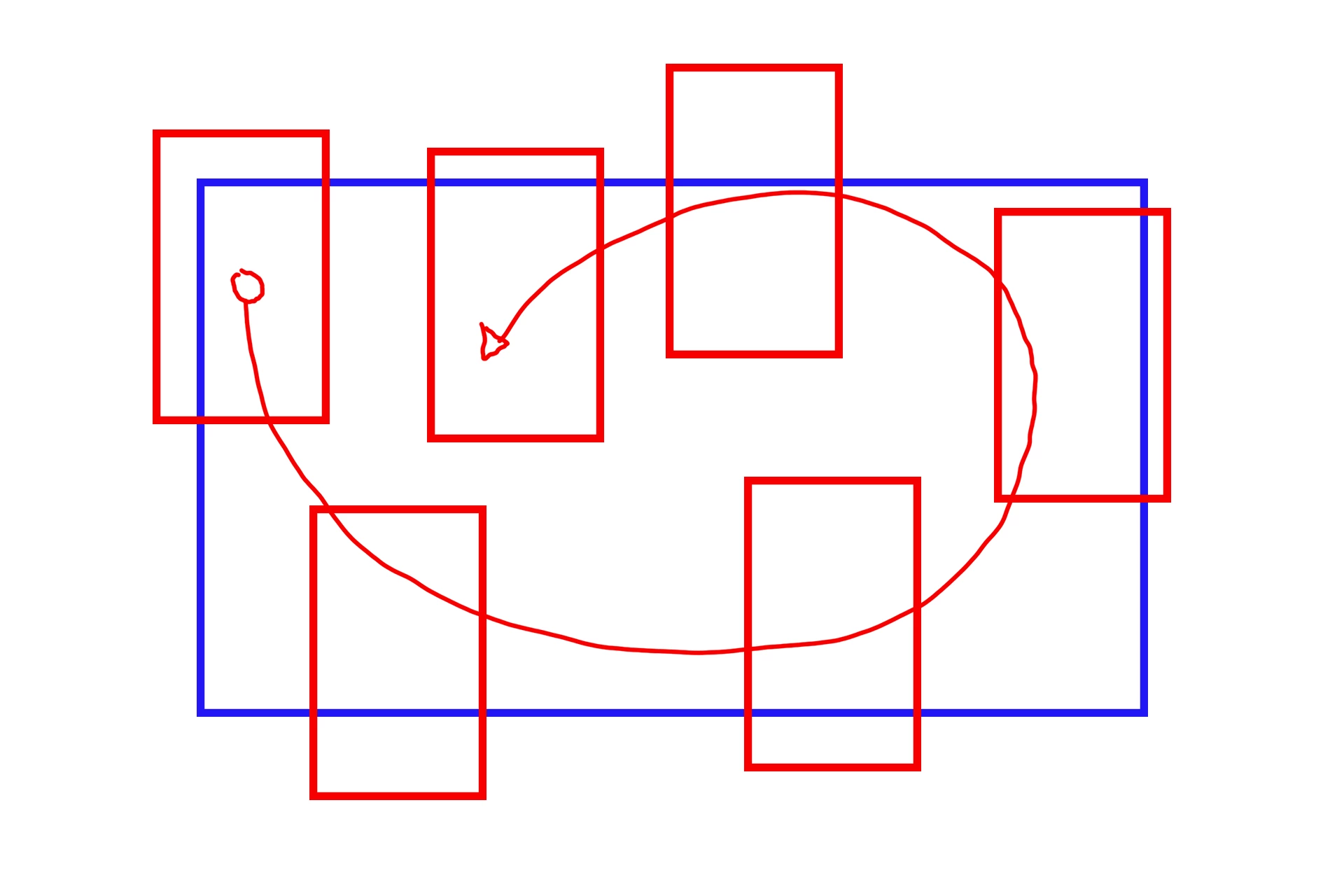
Just to emphasize, I know that what I'm trying to do can ultimately be accomplished with standard keyframing. But for the volume of videos I am working with, the ability to manually move around an output frame in real time would be a huge help.
Does anything like that exist?
Please note that a methodology that exists within standard Premiere would be ideal, but I am willing to pay for a plugin provided it's not outrageously expensive. Also, if this might be accomplished with other Adobe products, like Rush, that would also work. I have the full Creative Suite if that helps create options.
If not, does anyone have any tips for how I might streamline the process for faster output?
 AdChoices