
Is this a cross dissolve bug?
You only need 4 things to reproduce this bugs, assuming it is reproducible:
Create two color mattes, red on bottom, green on top
Offset them so the green matte shows up on top of the red matte after a few seconds
create a transparency mask on the green matte, so that instead of a green color filling the entire screen, you see a green circle in the middle of a red matte
Lastly, put a cross dissolve at the beginning of the green matte
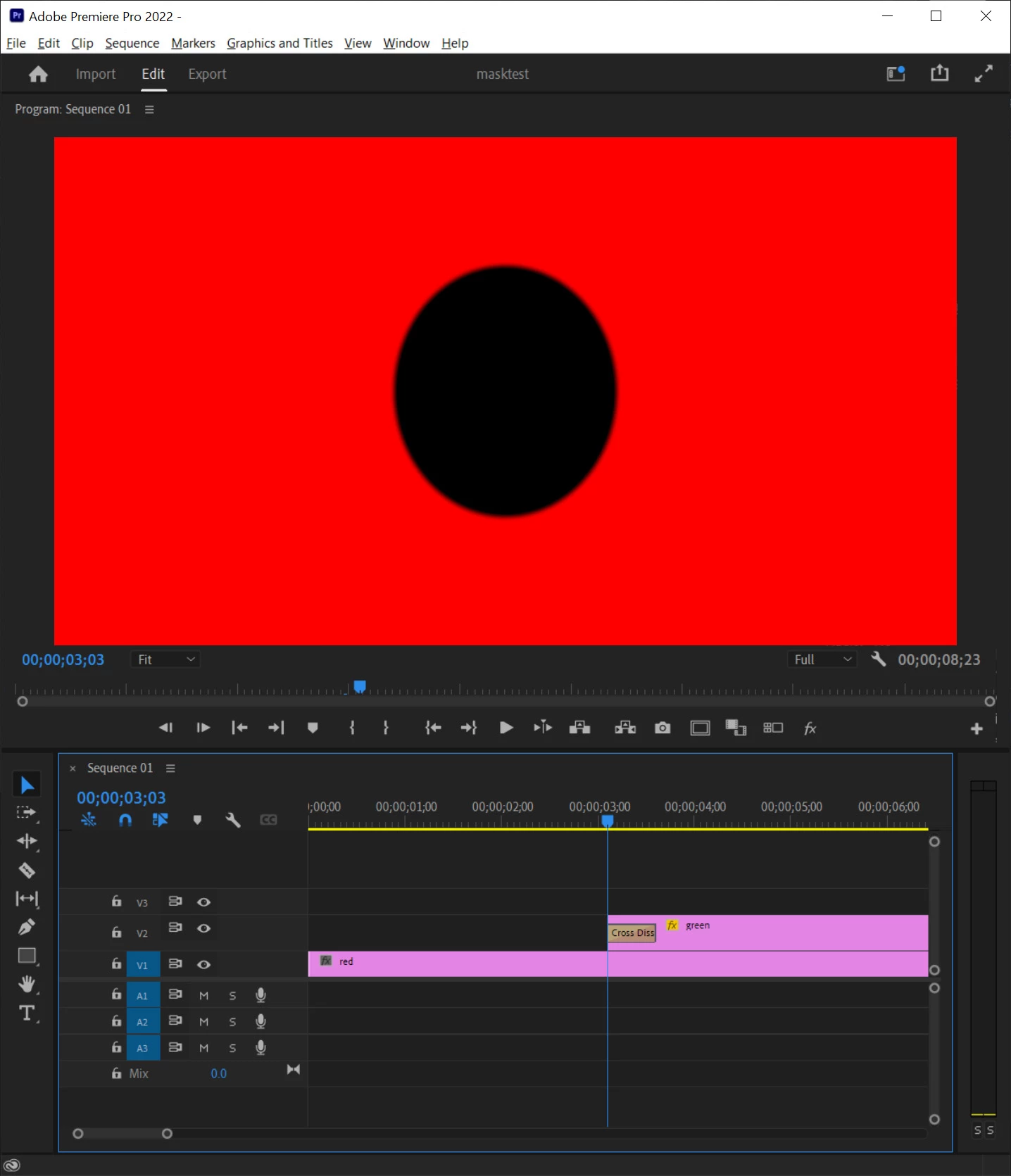
Now when you scrub to the beginning of the green matte, you would expect to see a circle gradually appearing, starting from yellow to green. But I see a black circle at the beginning of the green matte.
I'm running in windows 10 using nvidia GTX 1080 card with the studio driver. But I doubt it's related to the driver, because if I export this as a movie via ME, I also see the black circle before the green circle start to fade in. In the exported video, the black circle appears for 1 frame. When I scrub in premiere to the start of the green matte, it appears for a split second, then disappear (while still on the same frame). If I play the timeline, the black circle appears the first time it plays, then disappear, but reappear after doing random things like resizing, playing the timeline, etc. At one point I managed to get the black circle to appear on screen indefinitely. I rebooted windows and premiere pro but still I see this.
Could someone try to reproduce this?
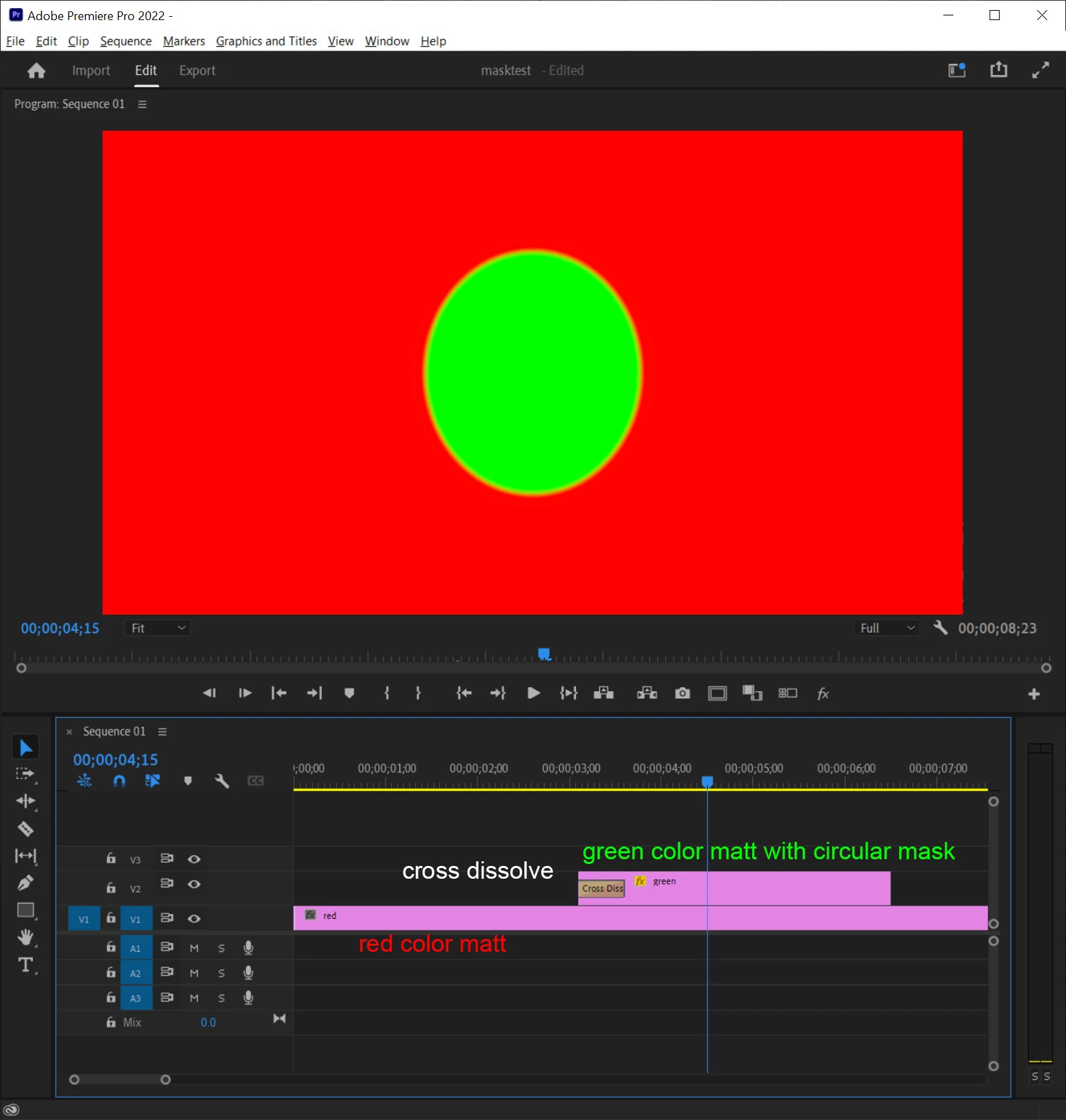
sometimes I see this:
 AdChoices