Inspiring
October 26, 2021
解決済み

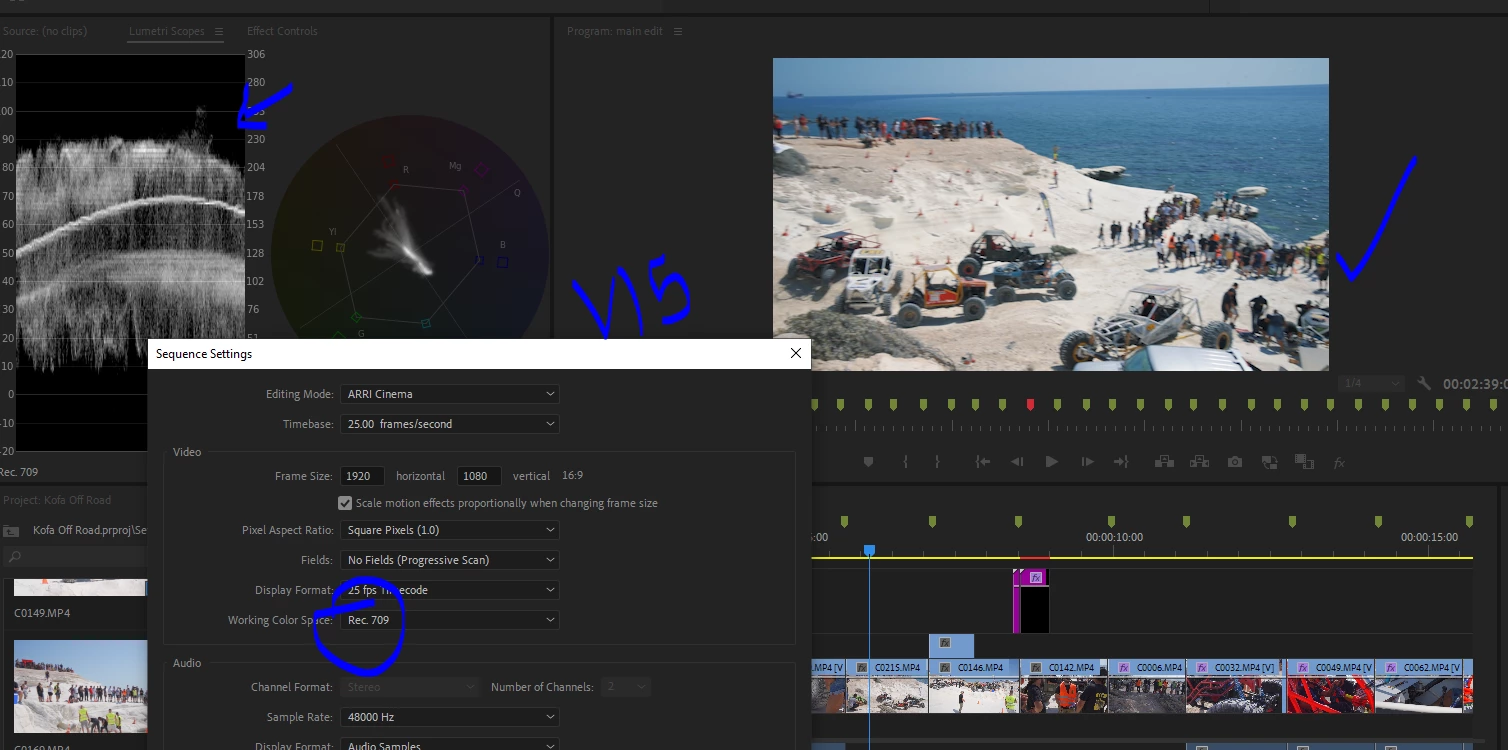
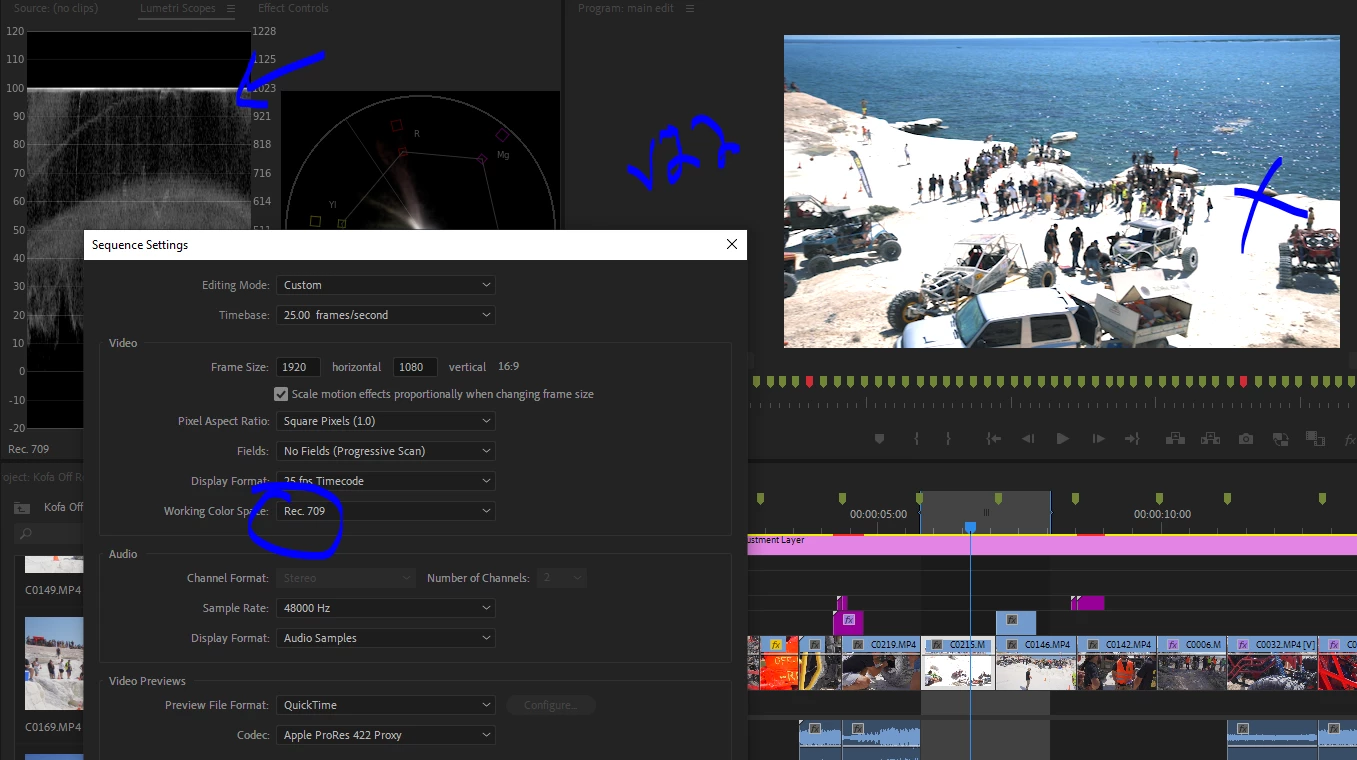
Just upgraded to v22 HLG footage overexposed

  • October 26, 2021
  • 返信数 11.
  • 23320 ビュー

Hello,


I updated and opened a project which i already delivered, using hlg3 clips.

Now in premiere 22 the footage is overexposed 


I cleans the cache in settings but also emptied the cache folders.

How can i refresh the previews? or resolve the issue? its a big project with many clips all 'over exposed' now in v22..


Even on export the exposure is wrong now.


thanks


/J
 

このトピックへの返信は締め切られました。
解決に役立った回答 vasileiosk65998977

Hello, i had the same problem after upgrading to Premiere 2022.

I solved the problem by selecting sequense/sequence settings/working color space/rec2100 HLG

返信数 11

Inspiring
October 26, 2021

Ok Right click footage > Modify> Interpret > Color space rec709 fixed the issue.


But why do i have to do that now, when before it was automatic?

Footage is hgl3 from sony a7iii


Zio Fiabo
Participating Frequently
October 27, 2021

Hi, I also have the same problem but I can't find the path for the change you suggest, can you help me understand the complete path. Thank you.

Zio Fiabo
Participating Frequently
October 27, 2021

In the project tab, Right click footage > Modify> Interpret footage > Color space rec709


Solved, thank you so much.