
beahaxby
Inspiring
November 3, 2023
Answered

Keeps exporting same footage no matter what I select to export

  • November 3, 2023
  • 5 replies
  • 437 views

Specifications:


Premiere Pro 2024 v24.0.0

Adobe Media Encoder v24.0.2

Macbook Pro 16 inch 2023, Sonoma 14.0


On my sequence I have multiple clips I want to export individually. 
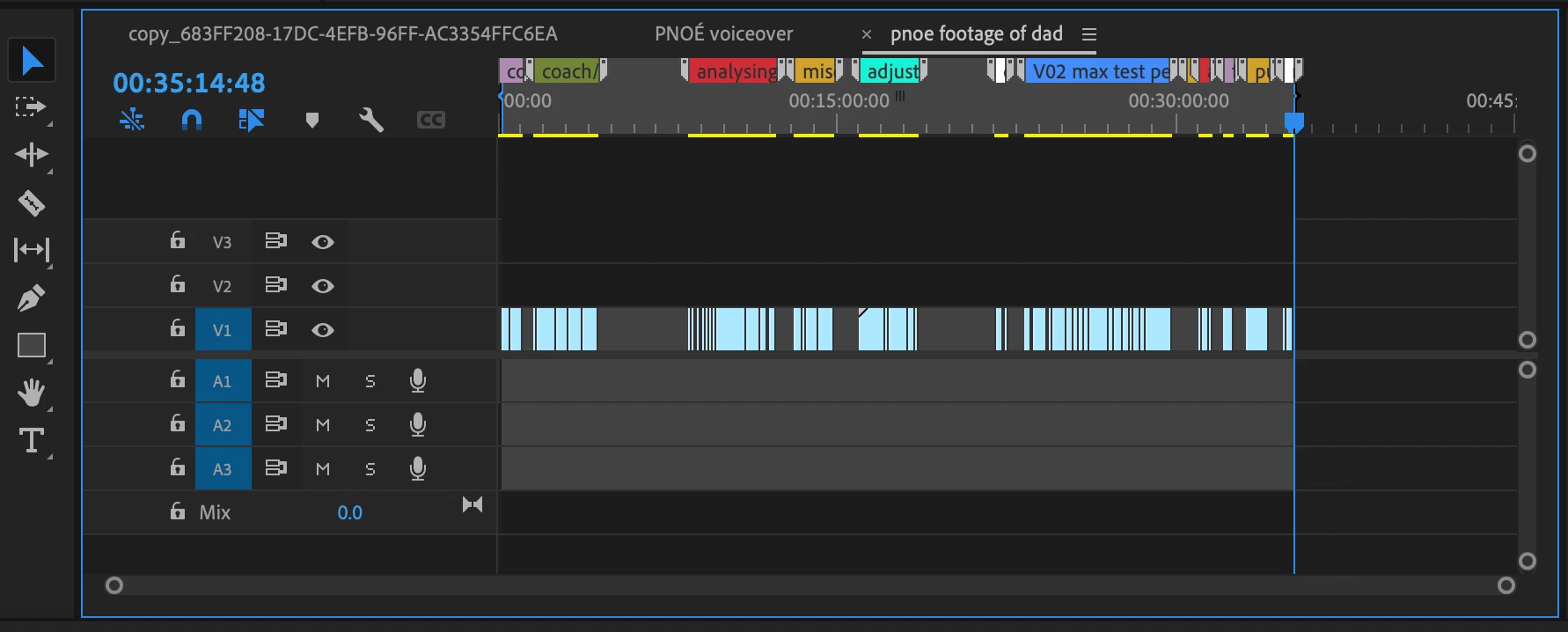
 

When I select a new bit of the sequence to export with the in & out markers and send it to adobe media encoder to export, it doesn't export that bit, it exports another clip on the sequence. You can see here from the thumbnails it keeps exporting the same thing.
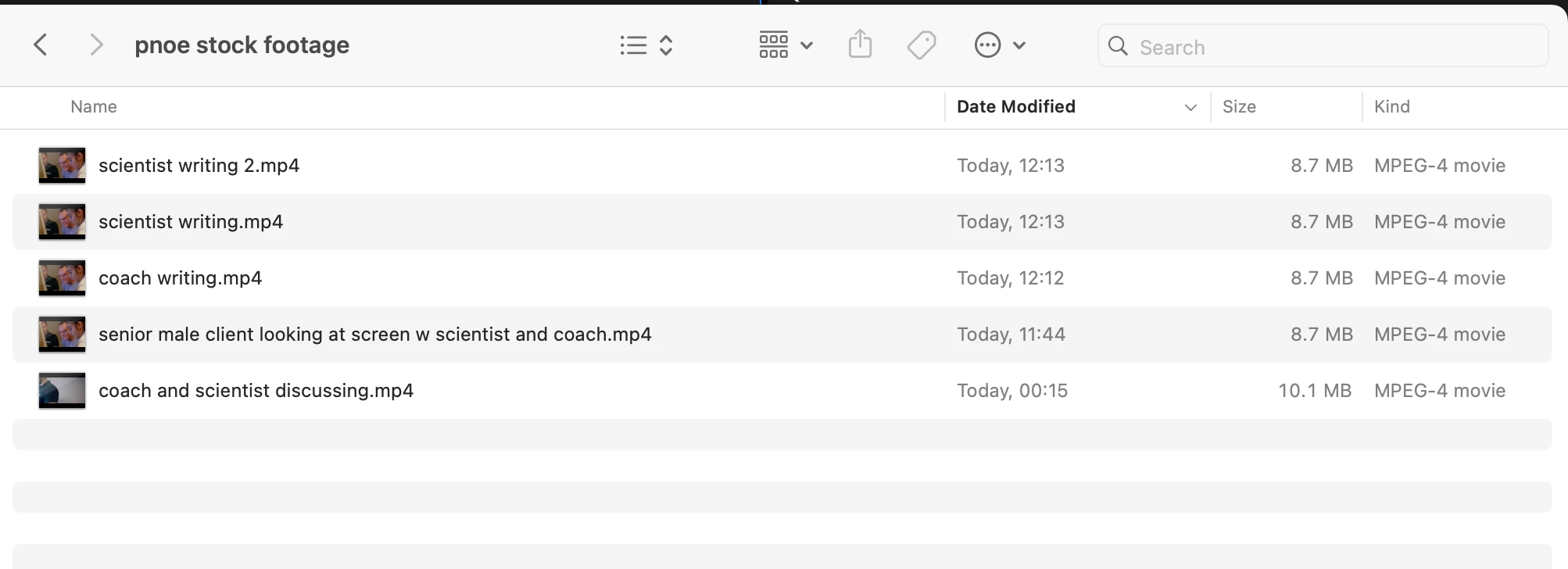
What I've tried so far:


- updating to newest adobe media encoder

- deleting all cache files

- turning computer on & off again


Thank you,

Beatrix

This topic has been closed for replies.
Correct answer beahaxby

Hey thanks for taking the time, i did get help with this matter and it turned out that at the 'export' phase the range was selected on something else otjer than source in/out

5 replies

David Heidelberger
Community Manager
Community Manager
November 6, 2023

Got it. Thanks for letting us know!

beahaxby
beahaxbyAuthorCorrect answer
Inspiring
November 6, 2023

Hey thanks for taking the time, i did get help with this matter and it turned out that at the 'export' phase the range was selected on something else otjer than source in/out

David Heidelberger
Community Manager
Community Manager
November 6, 2023

Thanks for reporting this, Beatrix.


I just want to be sure I understand the problem:


  • You have a sequence with in/out points set for a certain portion of the sequence
  • You go to Premiere's Export Mode
  • For "Range," you select Source In/Out - Do the in/out points that you see in the preview area of the export screen match the in/out points you set in your timeline?
  • You then press Export
  • Premiere exports a portion of the timeline that's different than the in/out points you set. And it always seems to export the same portion of the timeline, correct? And I just want to be sure that it's actually exporting part of the timeline and not another clip from the project panel?


Would you be able to attach a screenshot of Export Mode before you press "Export?"


Thanks.

Adobe Employee
November 6, 2023

That sounds like a Premiere Pro bug then. I'll move this thread. Thanks for letting us know. I'll notify our PPro friends.

beahaxby
beahaxbyAuthor
Inspiring
November 3, 2023

Update: this even happens if I try exporting directly from Premiere Pro, not just Media Encoder