
brandtryan
Inspiring
October 14, 2022
Answered

Keyboard settings go blank when Alt-Tabbing

  • October 14, 2022
  • 2 replies
  • 540 views

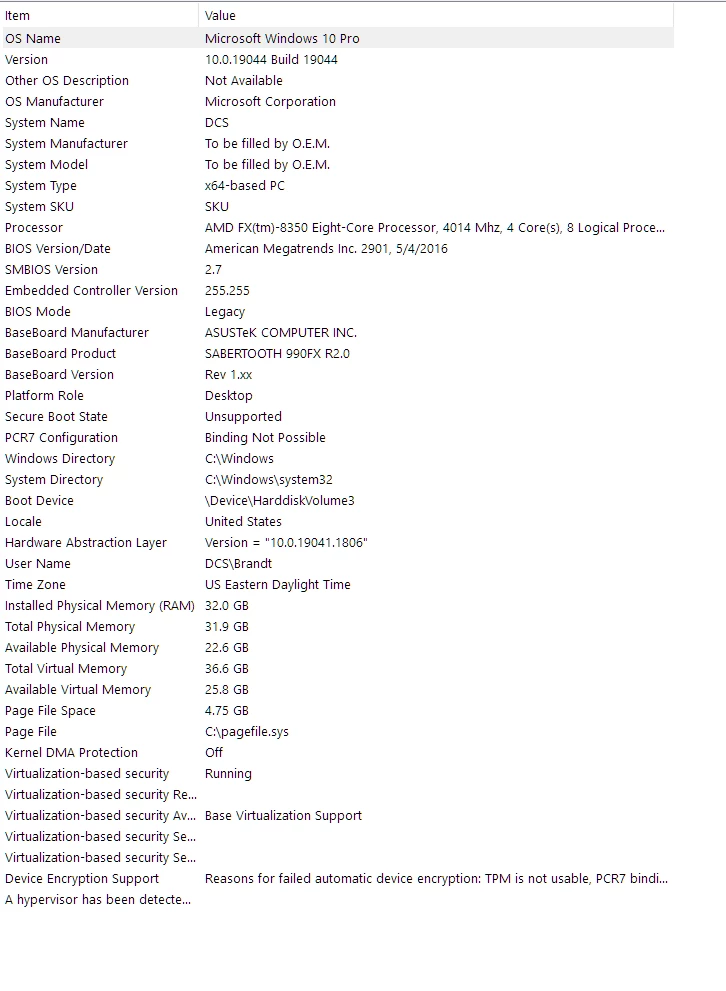
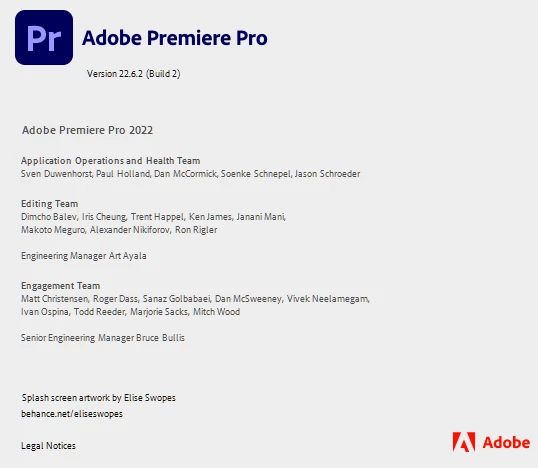
While editing keyboard shortcuts, and alt-tabbing to another application, and then returning to Premiere, the keyboard is blank. See video.

UPDATE: I think when I hit "Alt" when I Alt-tab it is blank because it's showing me all shortcuts starting with "Alt". Still, returning back to Premiere and finding a blank layout is disconcerting - especially I would imagine, for a newcomer.
This topic has been closed for replies.
Correct answer Ann Bens

It's not Blanc, its showing all shortcuts with ALT.


2 replies

Ann Bens
Community Expert
Ann BensCommunity ExpertCorrect answer
Community Expert
October 14, 2022

It's not Blanc, its showing all shortcuts with ALT.


brandtryan
Inspiring
October 14, 2022

That's it Ann. I suppose there's no way around this, as pressing the various modifier keys in an important feature for the keyboard shortcuts module. Workaround = use mouse to switch applications instead of alt-tab when in the keyboard shortcuts module.

Stan Jones
Community Expert
Community Expert
October 14, 2022

I see what you are saying. I could not replicate. I tried Alt-Tab and also the Task View button.


I was in the Beta version right now when I tested.


Win 10.


Stan


brandtryan
Inspiring
October 14, 2022

Interesting - per my Updated original post, and Ann's arriving at same conclusion - the moment you press Alt while in keyboards settings, it should go blank, or rather show you all the keyboard settings that start with Alt.