
Participant
January 30, 2021
Question

Lines in exported videos

  • January 30, 2021
  • 3 replies
  • 357 views

I'm only starting to dive into the Premiere Pro, but I've already got stuck.

All of my vids, im preview panels. When I'm trying to export it this lines are exported too.
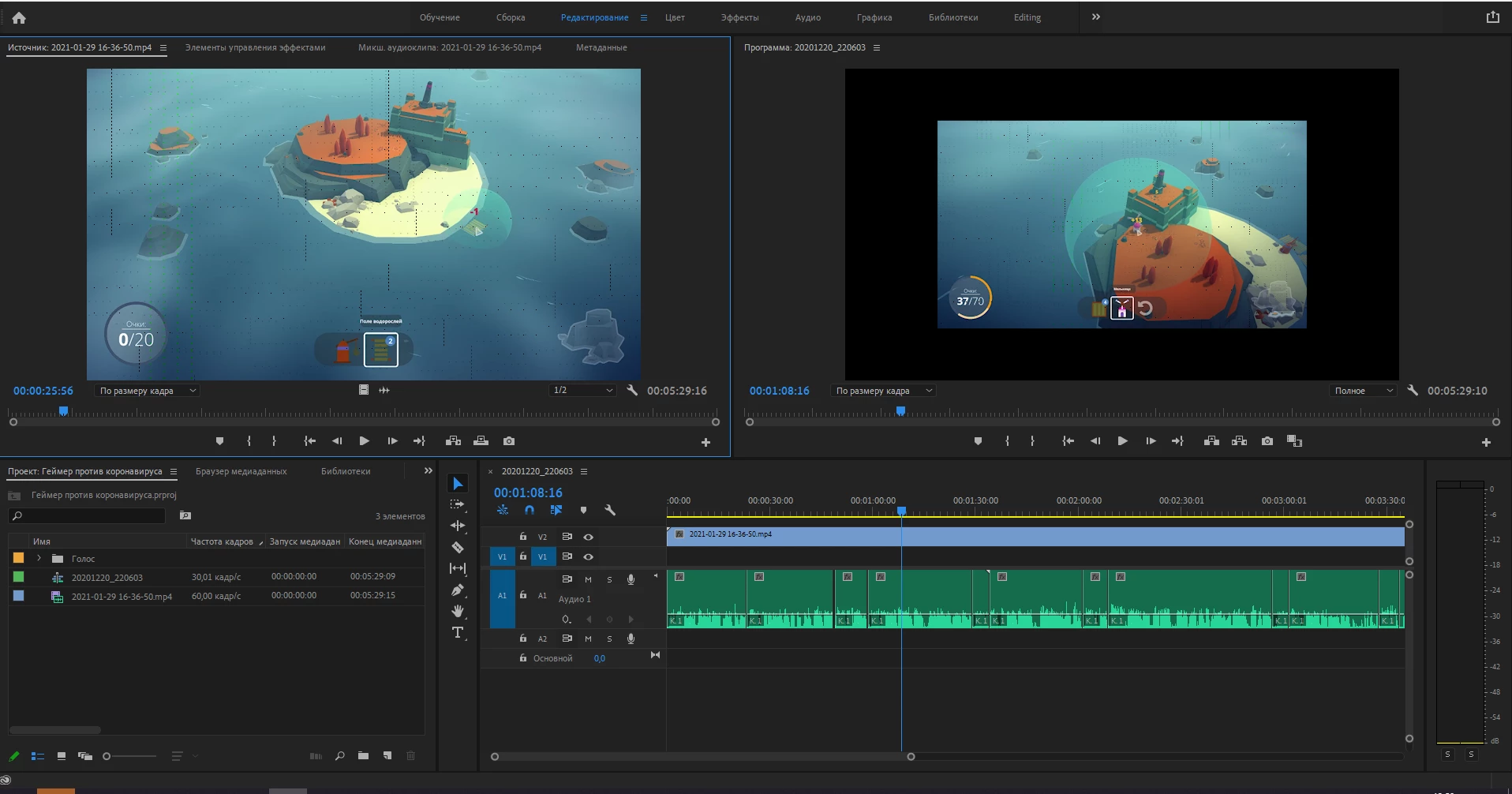
 

When I'm trying to export it this lines are exported too.
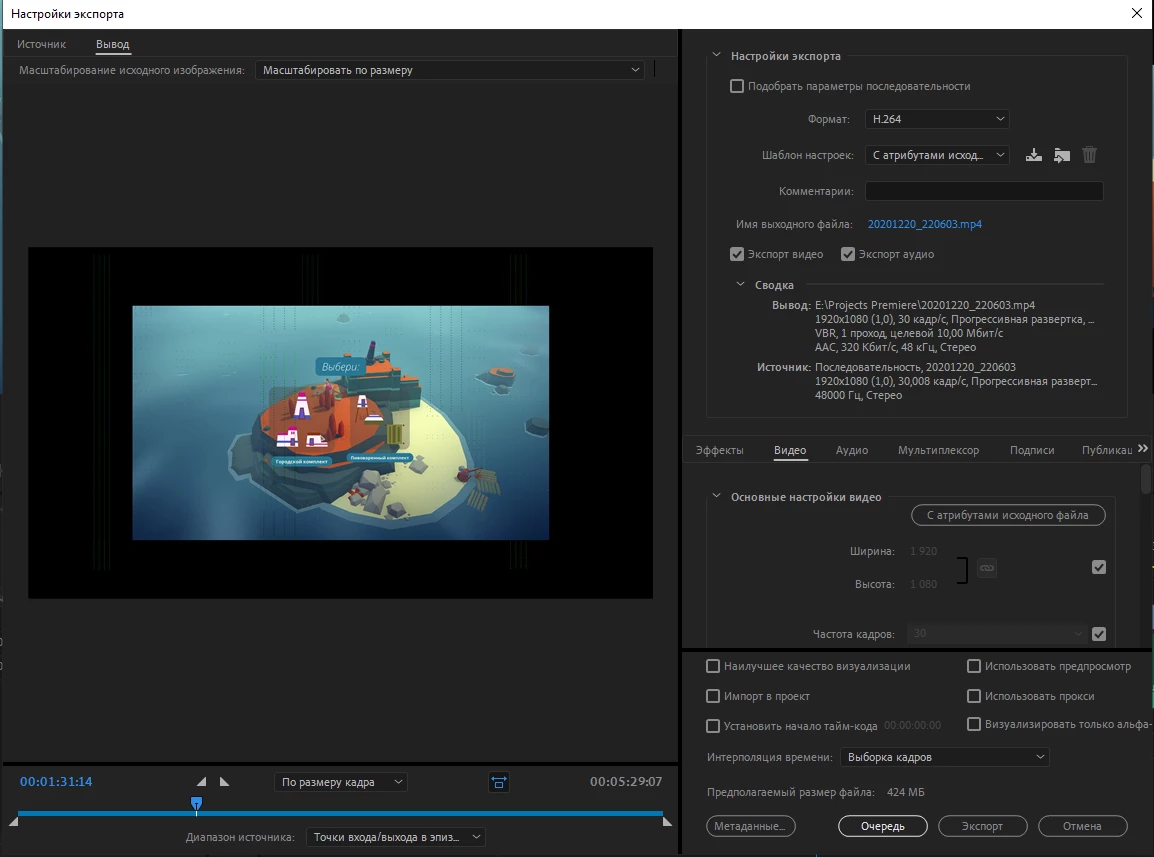
 

However, in the souse page of export everything seem normal.
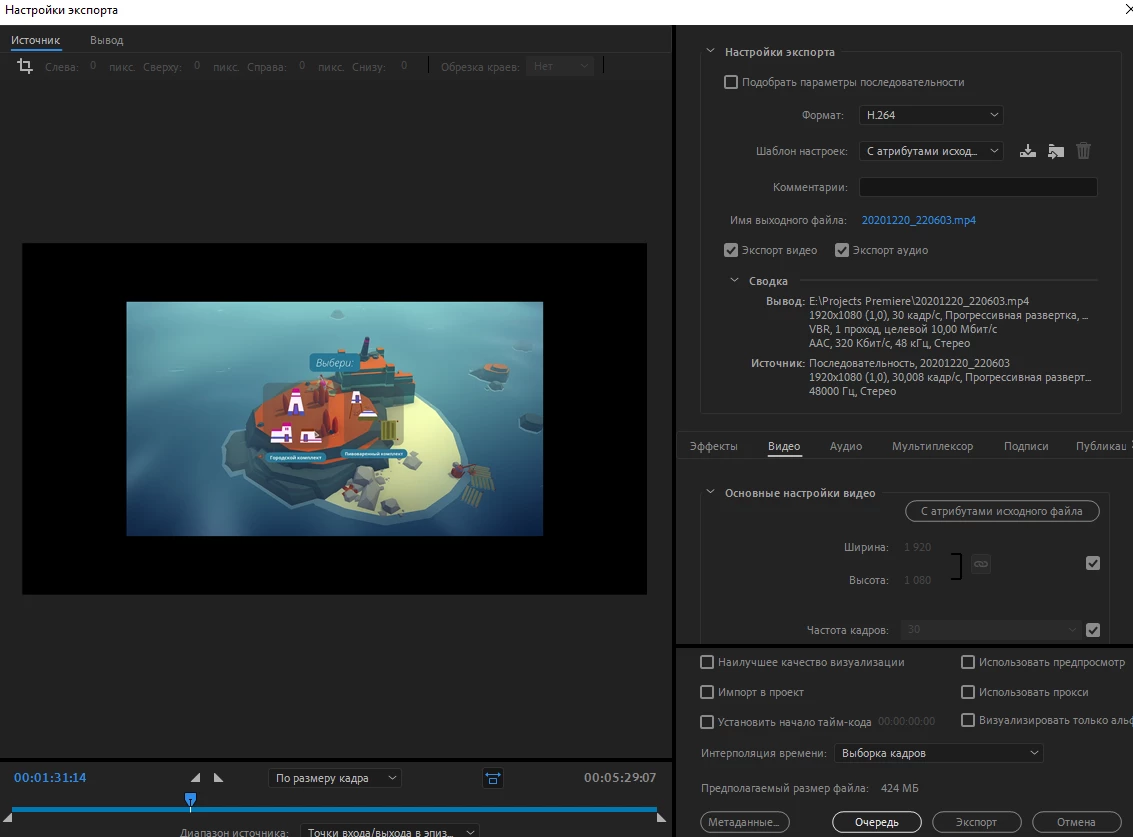
 

If sombody has ever faced that and solved, help pls)


[title edited by mod]

This topic has been closed for replies.

3 replies

Peru Bob
Community Expert
Community Expert
January 30, 2021
R Neil Haugen
Legend
January 30, 2021

In Handbrake, you need to both set the specific number frame-rate and check the CFR box for it to convert the media to CFR. Did you do so? That little utility is very handy for capabilities but not very handy for "intutitive" work.


Neil

Everyone's mileage always varies ...
KaliniaAuthor
Participant
February 1, 2021

That still has no effect.


Ann Bens
Community Expert
Community Expert
January 30, 2021

If the footage is variable framerate (which it is) convert to constant framerate with Handbrake before bringing into Premiere.

KaliniaAuthor
Participant
January 30, 2021

I have changed framerate to 30.That did not help. Or I did somethong wrong?