

'Link' clip command no longer works when used after 'Select Clip at Playhead' command
New behaviour since upgrading to Version 25.0.0 (Build 61). The 'Link' keyboard shortcut is bugged.
I've got several keyboard shortcuts assigned:
'D' triggers "Select Clip at Playhead"
'Control + L' triggers "Link"
For years I've been able to use these two commands, D then Control +L, to select then link clips on the timeline. Since upgrading, this no longer works.
If I use the mouse to marquee select, or individually click on each clip whilst holding shift, then hit Control + L, the clips do link/unlink.
But the clips won't link if they've been selected by keyboard [edit: they will unlink, see below].
For what it's worth:
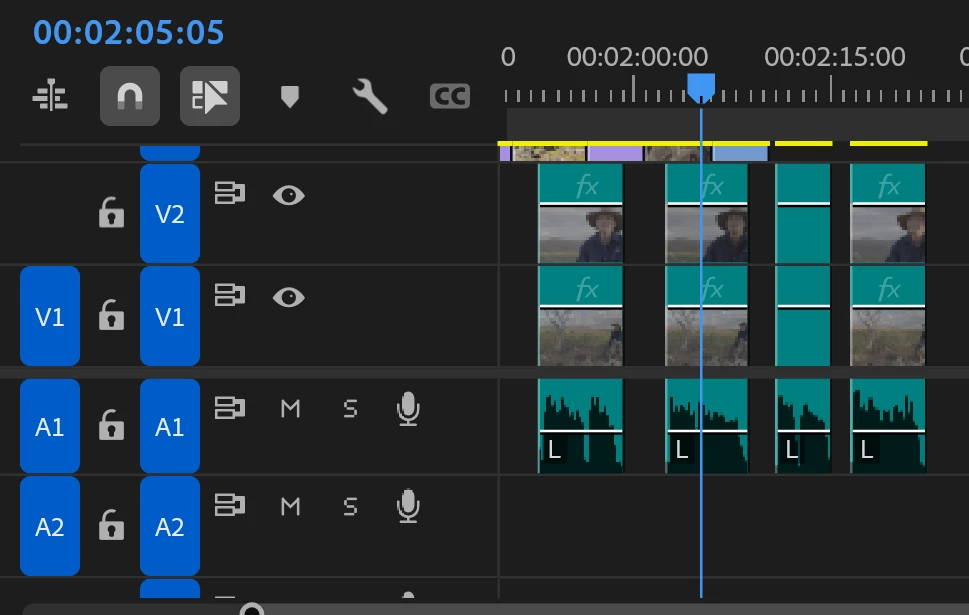
- Linked Selection is enabled (screenshot at bottom of post).
- All tracks are targetted.
- Pressing D still performs the desired function and selects all the clips at the playhead. But nothing happens if I press Command + L afterwards.
-----------------------------------------------------------------
As a test, whilst writing this, I tried unassigning both keyboard shortcuts and reassiging them, and discovered something very unusual.
'Link' no longer exists. It's been replaced with 'Unlink', as per the mouse rightclick menu
- Pressing D followed by Cmnd + L will unlink linked clips
- Pressing D followed by Cmnd + L does not link unlinked clips
- Using the mouse to select multiple unlinked clips then pressing Cmnd + L will link clips
- Using the mouse to select a linked clip then pressing Cmnd + L will unlink the clips
I use the Link keyboard shortcut a lot. Like, a-lot-a-lot. I'd really like to be able to keep using it.
 AdChoices