
Question
Locate Missing Footage in Box (on Mac)
I switched from using Dropbox to the Box cloud storage service.
When I load projects into Premiere that were originally stored in Dropbox, I reopen the project with nothing but missing footage. No big surprise here, since the string of folder & sub-folders is different now.
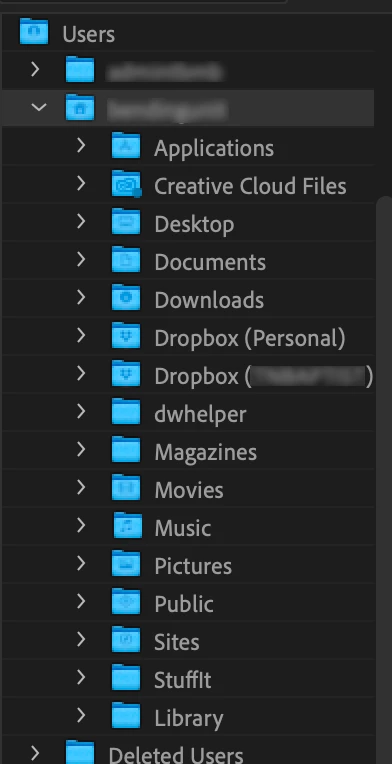
When I try to Locate the Missing Media for the project, I am unable to find the files in Box the way that Premiere used to display the folders in Dropbox. See the image below. I can still see where Dropbox folders are, but not the Box folder.
I am just hoping that there is at least one other Premiere user here who has switched to Box and can tell me how to Locate missing media in Adobe applications.
Thanks!
 AdChoices