
Answered
Locating files in Media Browser
Hi everybody,
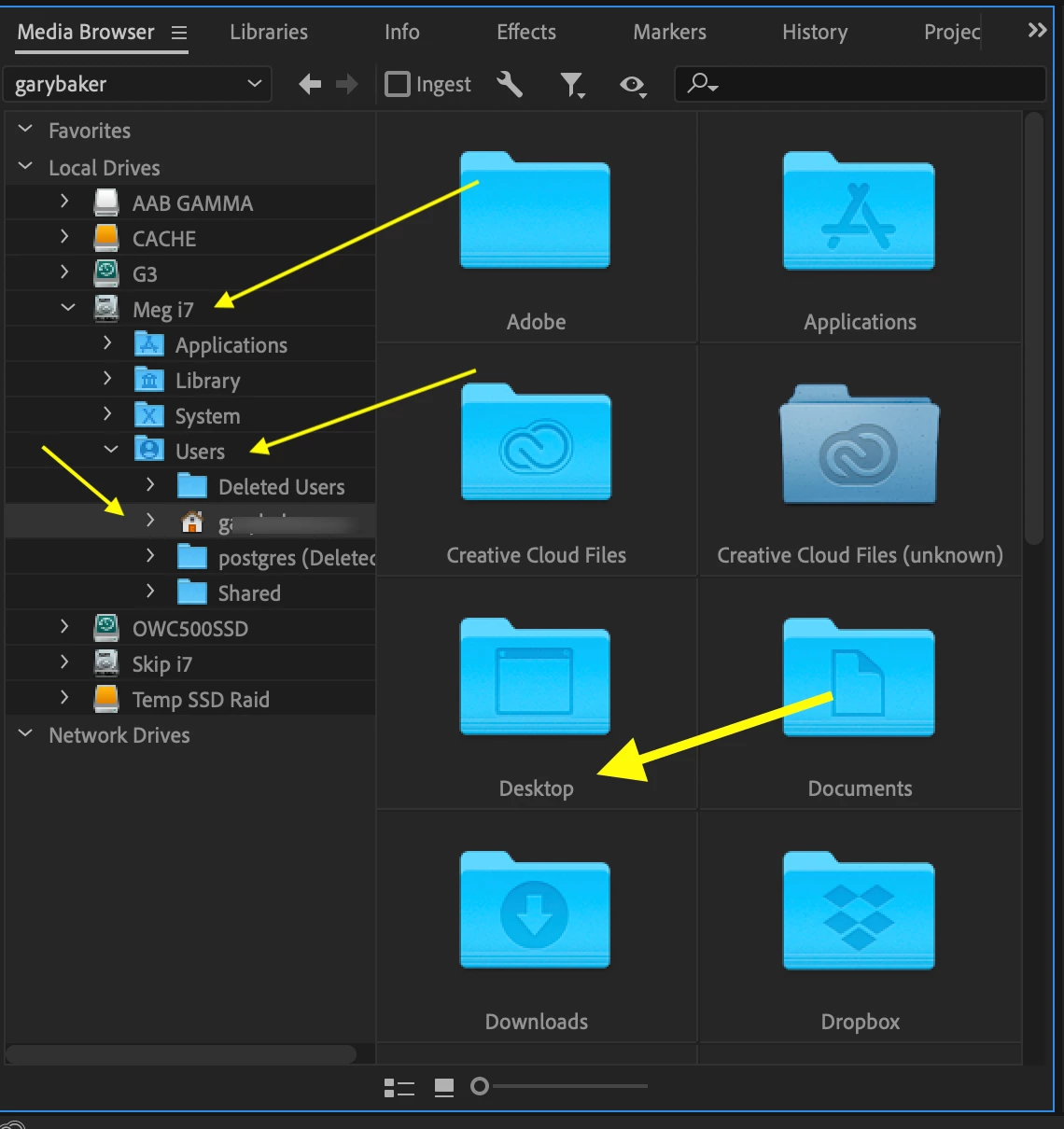
Just getting my feet wet with Premier Pro and have a simple question. I'm trying to import media files, both video and still images, and when I click on the Media Browser tab the window displays Favorites, Local Drives and Network Drives, with only the Local Drives containing content. When I open Local Drives, it shows Macintosh HD and my external drive, and inside the Macintosh HD folder appears the Applications, Library, System and Users folders. I can't find my desktop anywhere, which is where my files are stored. How can I access the desktop?
Thanks for any help you can provide.
Mark
 AdChoices