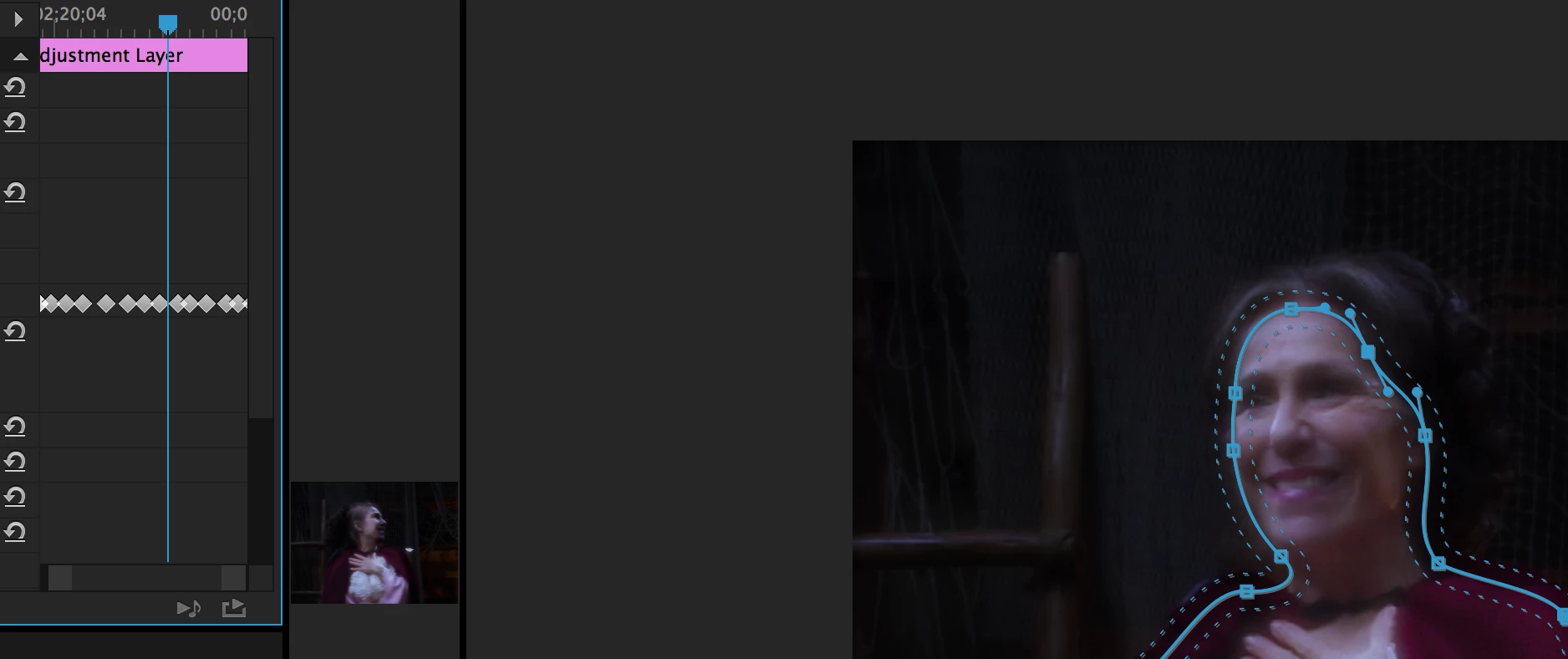
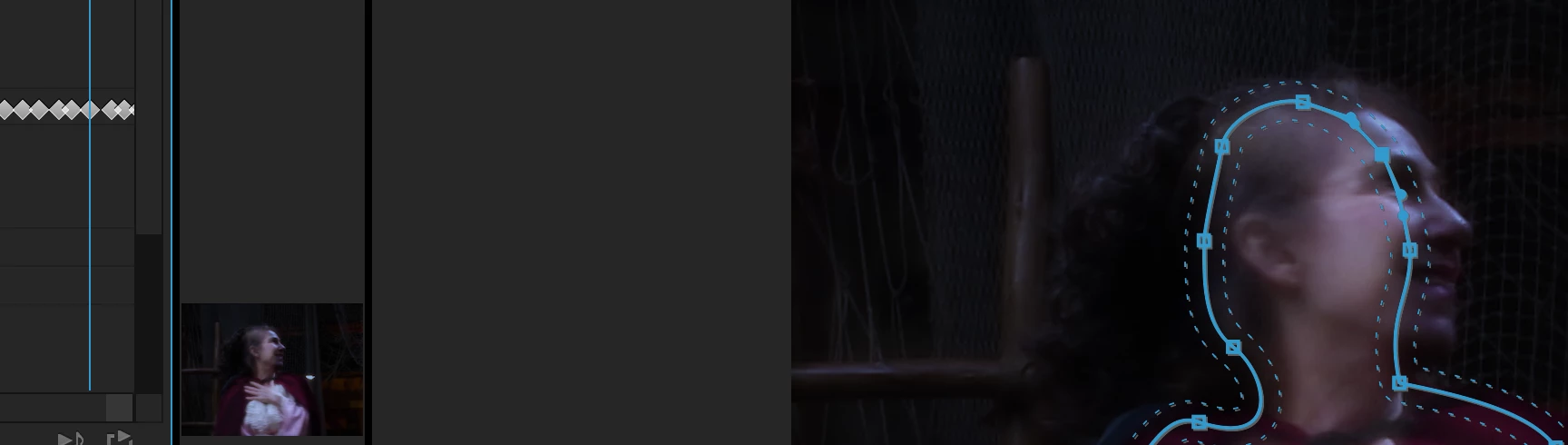
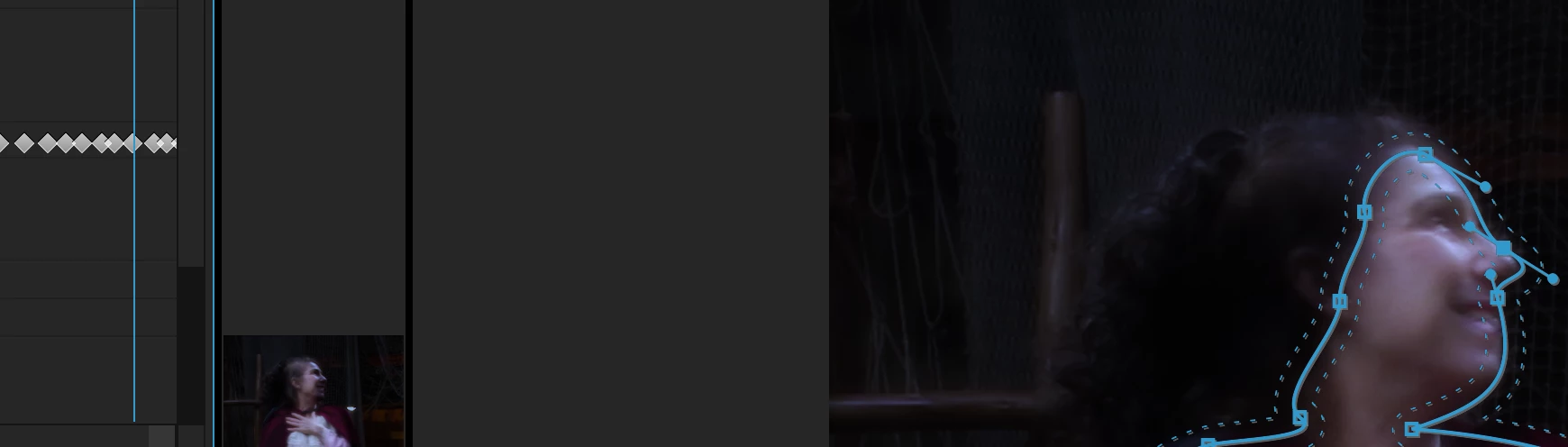
Looking at the video...based on the time markers on your main timeline and the movement of the playhead you're zoomed to 100% frame level on the sequence. Based on how it takes three frames to pass each keyframe diamond in your Effects panel you're zoomed about 3-4 clicks from 100% there, which means there could be an extra keyframe hiding in between. However, if there were we should still be able to see it in the Effects panel at your current magnification.
First, just to verify once again (I know you did a variation of this), use the keyframe navigation arrow buttons within the Effects panel to make sure there's not an extra keyframe just before the 4th on what I see in the video.
It's almost acting like the 3rd keyframe is set to "hold" interpolation, which can't be since mask keyframes only support linear.
Is this footage time-remapped (speed up/down) by any chance? Premiere has a lot of quirkiness with effect keyfames on remapped footage. Also, what type of effect is that mask on?
This is a mask on an adjustment layer. The adjustment layer has no time remapping. The clip below it has no time remapping either. The effect is Lumetri Color - Basic Correction.
In the Effects Controls panel, I can jump to the next keyframe using the arrows on either side of the 'add/remove' toggle. If I arrow forward or back with my keyboard, it seems the same to me as when I do this in the timeline. I'm counting the same number of frames (29.97.) If I toggle 'track selected mask forward' I multiply the problem. I tried creating frames before and after each problem keyframe with "track selected mask forward 1 frame" then deleting the keyframe in between those two. Nothing seemed to change.
I tried deleting the first frozen keyframe and nothing happened, other than the previous frame was frozen until the next keyframe. I put that keyframe back. I tried manually creating a keyframe in between, to see if that did anything - just held the mask and created another 'held' keyframe. Then I deleted the middle frame (of the 3 'held' keyframes) and suddenly, the mask started behaving properly. I'm not sure what was wrong with that particular keyframe, but it seem to free everything up. I put it back, tried moving it around to see if it was not quite on the frame boundary, but it didn't seem to make a difference - it remained frozen.
I seemed to have solved the problem by deleting it, which isn't really solving it. But for now, it will do.
Thank you for trying to help solve this. I've saved versions of this file. Perhaps when I have more time I can play around and try to nail this down, but for now, I'm going to move forward.


 AdChoices