Participating Frequently
March 22, 2020
Question

Masking Problem (Stressing out)

  • March 22, 2020
  • 1 reply
  • 840 views

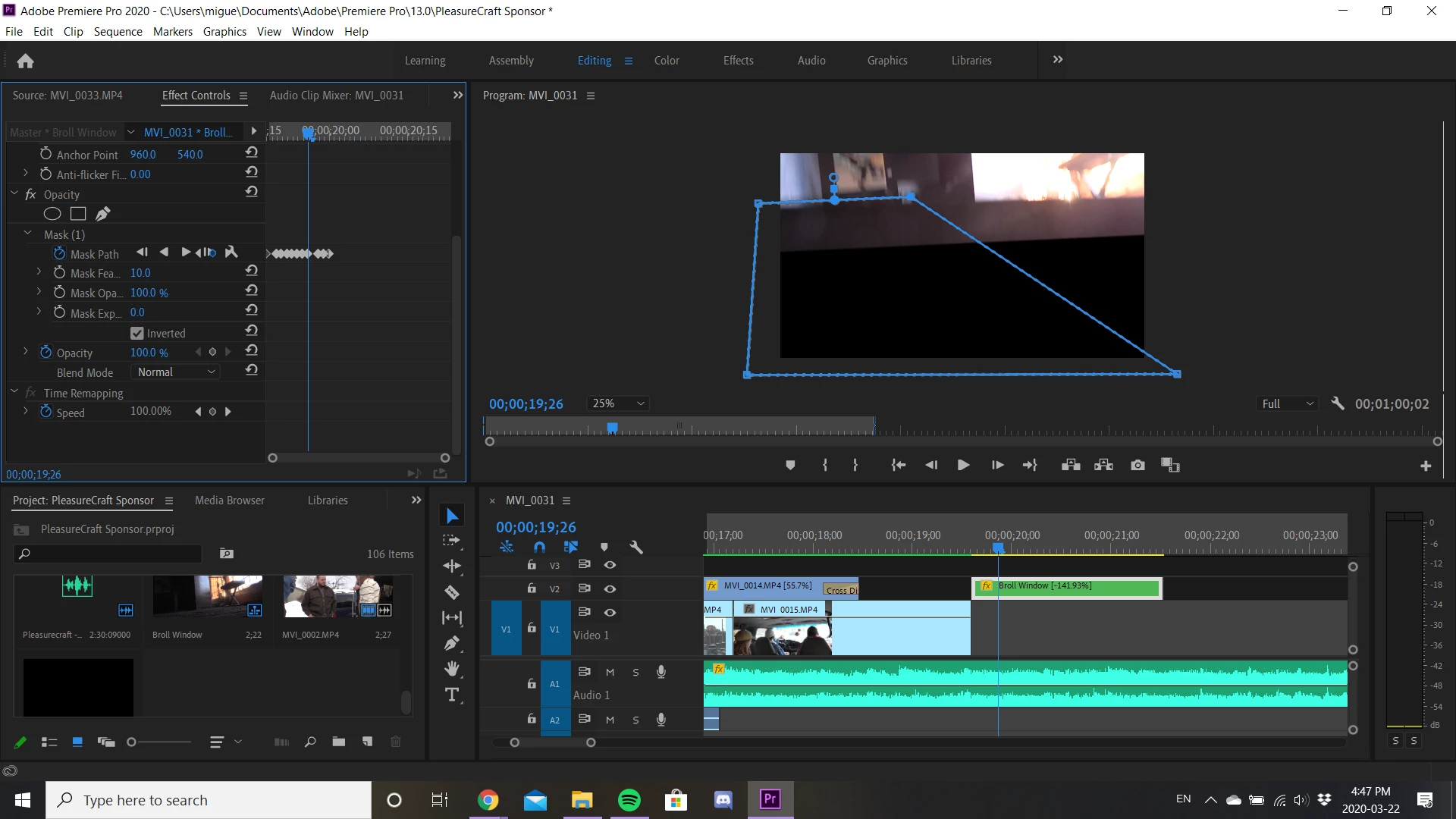
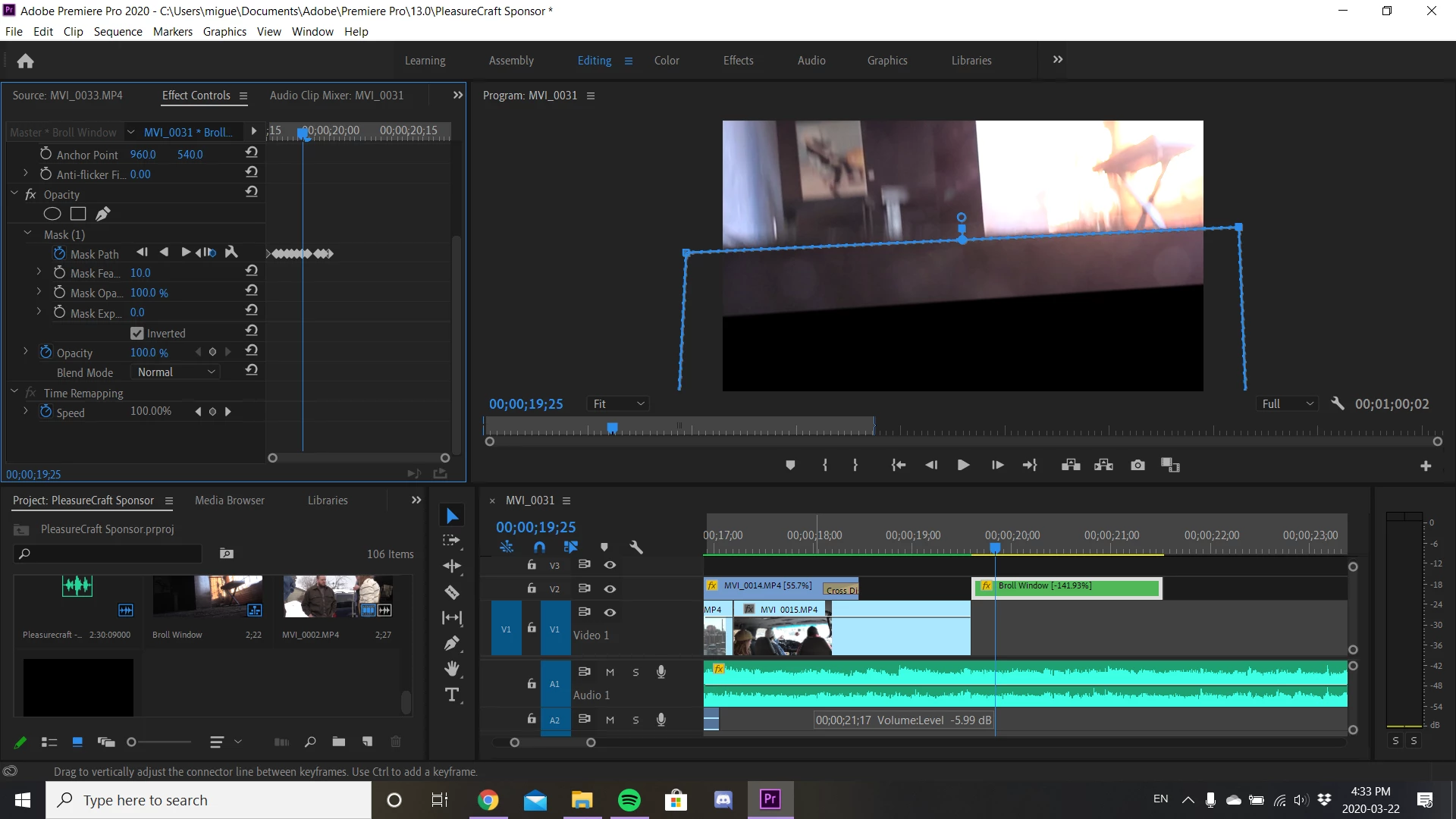
I'm currently having problems doing a masking transition where I'm finding the pen tool isn't cooperating with me. Where the mask is either delaying or out of sync. Here are some examples. 
This topic has been closed for replies.

1 reply

Inspiring
March 22, 2020

It is difficult (for me) to see what you are trying to do. 

Have you rendered your work and see if the matte  displays correctly in the render?


MtD

BRAN88Author
Participating Frequently
March 22, 2020

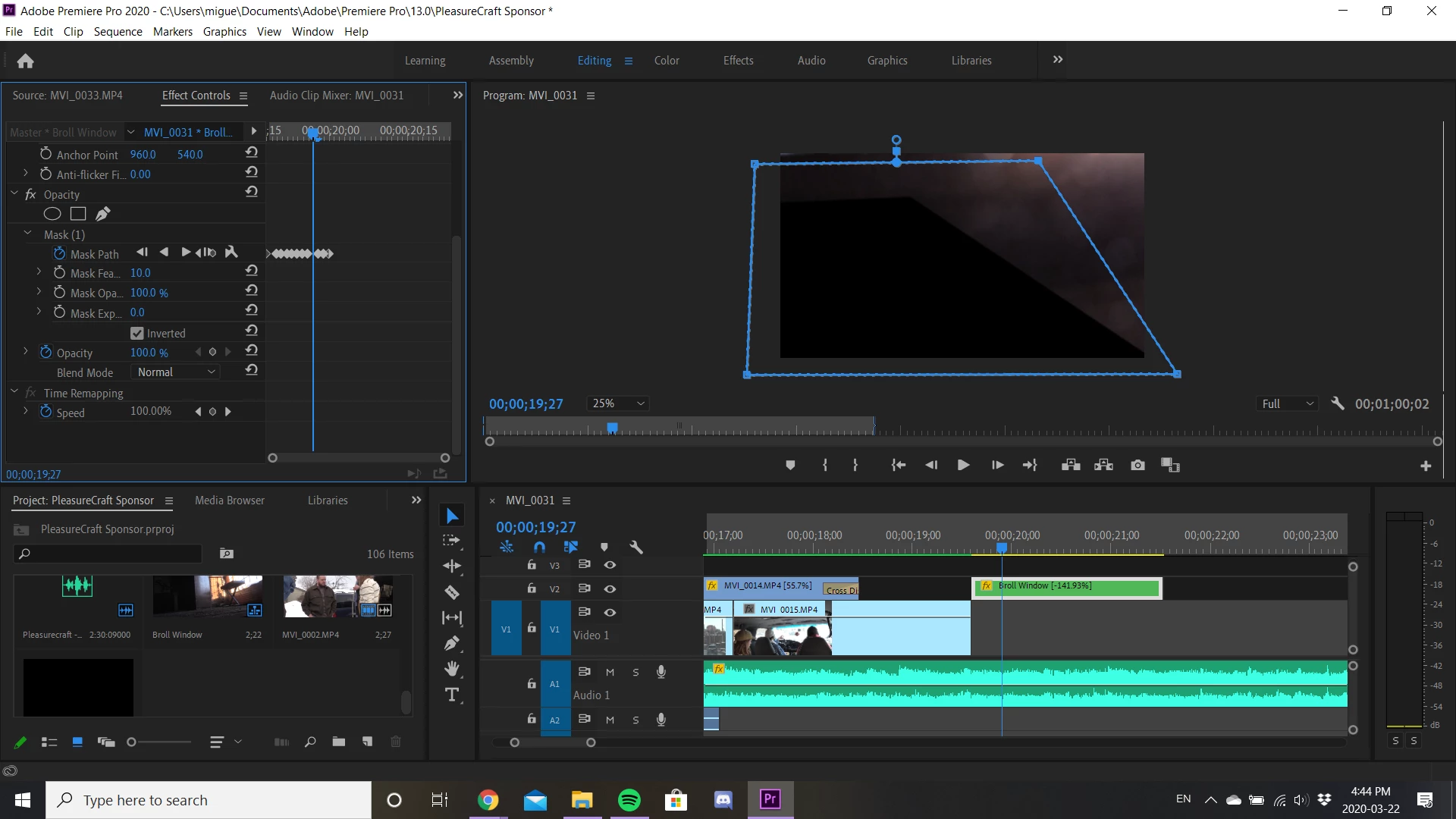
Ya, so I'm just trying to do a swipe transitions using the mask/Pen tool. I have rendered my work and everything is alright but. however, the blue mask outline that I drew usually a black box is filled inside and whenever you drag one of the corners it follows along with it. In the images that follow 1,2,3 aren't aligned with the blue outline I'm drawing that isn't happening. They are almost distant/lagged/or unsynced from each other. 


In Images 2 and 3 I wanted to show a frame by frame comparison:

Image 2: In the first frame I drew a  random shape and you can notice that the black box isn't following as it should

Image 3: then when I change to the next frame. that's when the black box updates. It necessarily replicates what I did previously. 


(I've done a lot of masking before but I've never encountered such difficulty to mask) I apologize if this is confusing. I'm trying my best to describe what's happening. 

Inspiring
March 23, 2020

Sweet thank you, it seems to me I overlooked that, and I was overcomplicating it for myself. Just out of curiosity, prior to before I was attempting to do similar transitions with a different clip (not nested this time :') ) with a bit more complexity, midway through the process, I stumbled upon the same problem. Is that just due to the horsepower of my SSD? and just seeing if there was an alternative way to fix that? besides purchasing a completely new Drive.


Real time preview preformance is a witches brew combination of factors both on the hardware side and the properties of the media you are working with and what you are doing with it.

Not meaning to state the obvious, but best realtime performance is always obtained when the fewest demands are placed on they system.

There is a video hardware forum with people who know a lot about optimizing hardware for you needs, you might post there to see with your hardware specs and media properties and see if they have any suggestions for improving realtime performance:

https://community.adobe.com/t5/video-hardware/bd-p/video-hardware?page=1&sort=latest_replies&filter=all 

MtD