

Matching frame size
[Moderator moved from The Lounge to Premiere Pro CC .]
Very new to video editing and trying to make a slideshow with audio I've been given. I read that my frame size for YouTube should be 1280 x 720, so I've sized my images as such in Photoshop. In Premier I have set Sequence Settings > Video Frame Size as 1280 x 720.
When I inserted the photos into my project and Scaled to Frame Size, black bars were at the top and bottom. Shouldn't these be the same size?
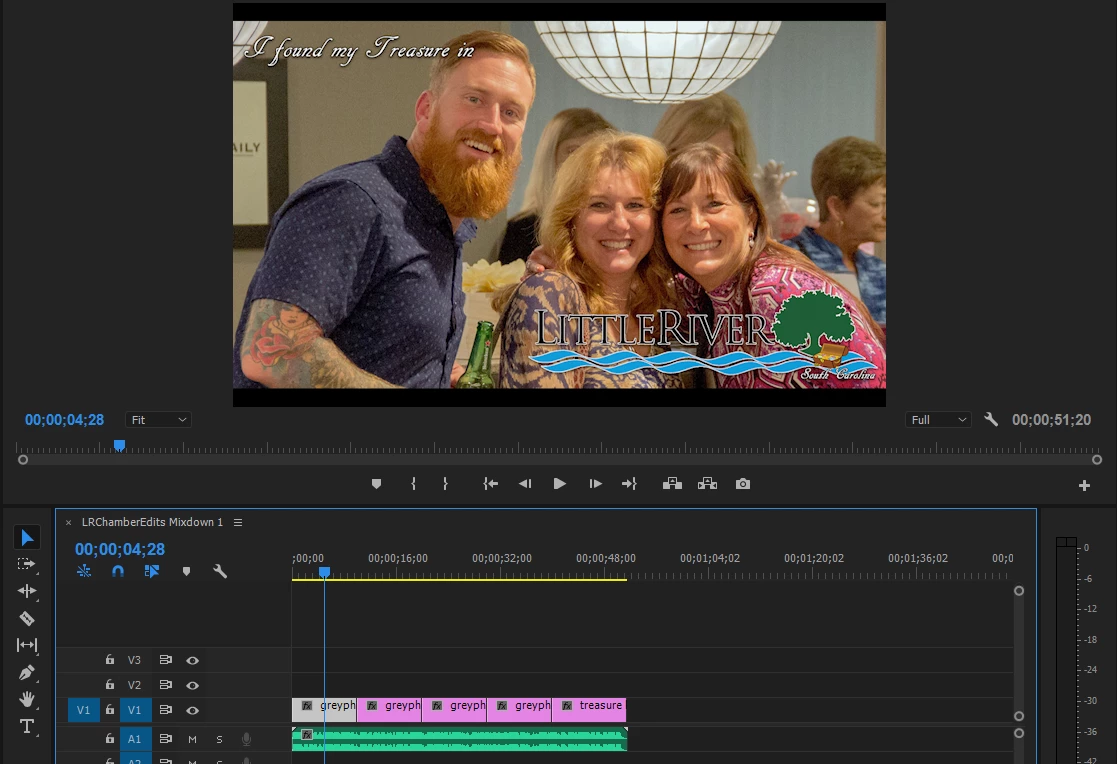
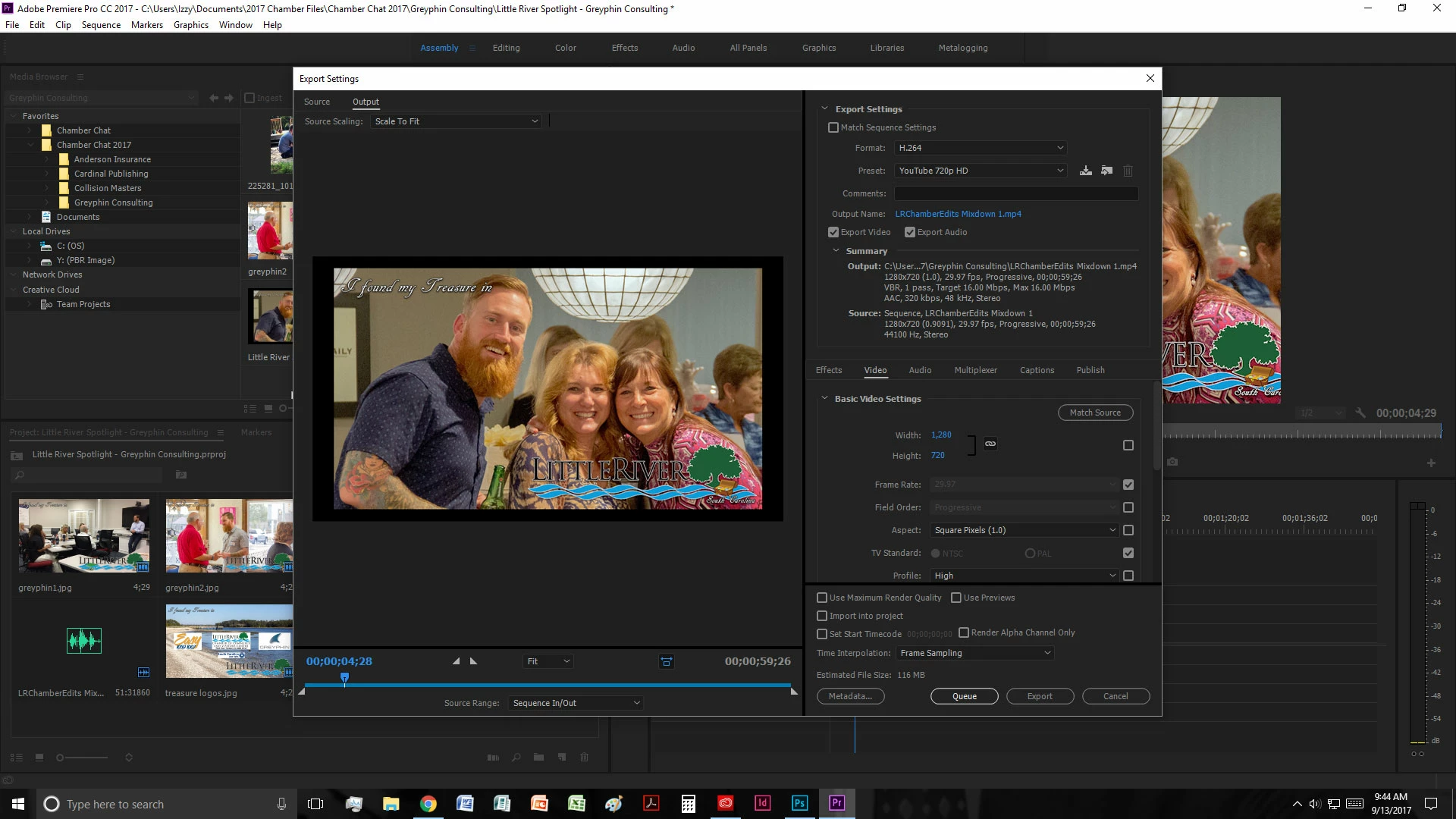
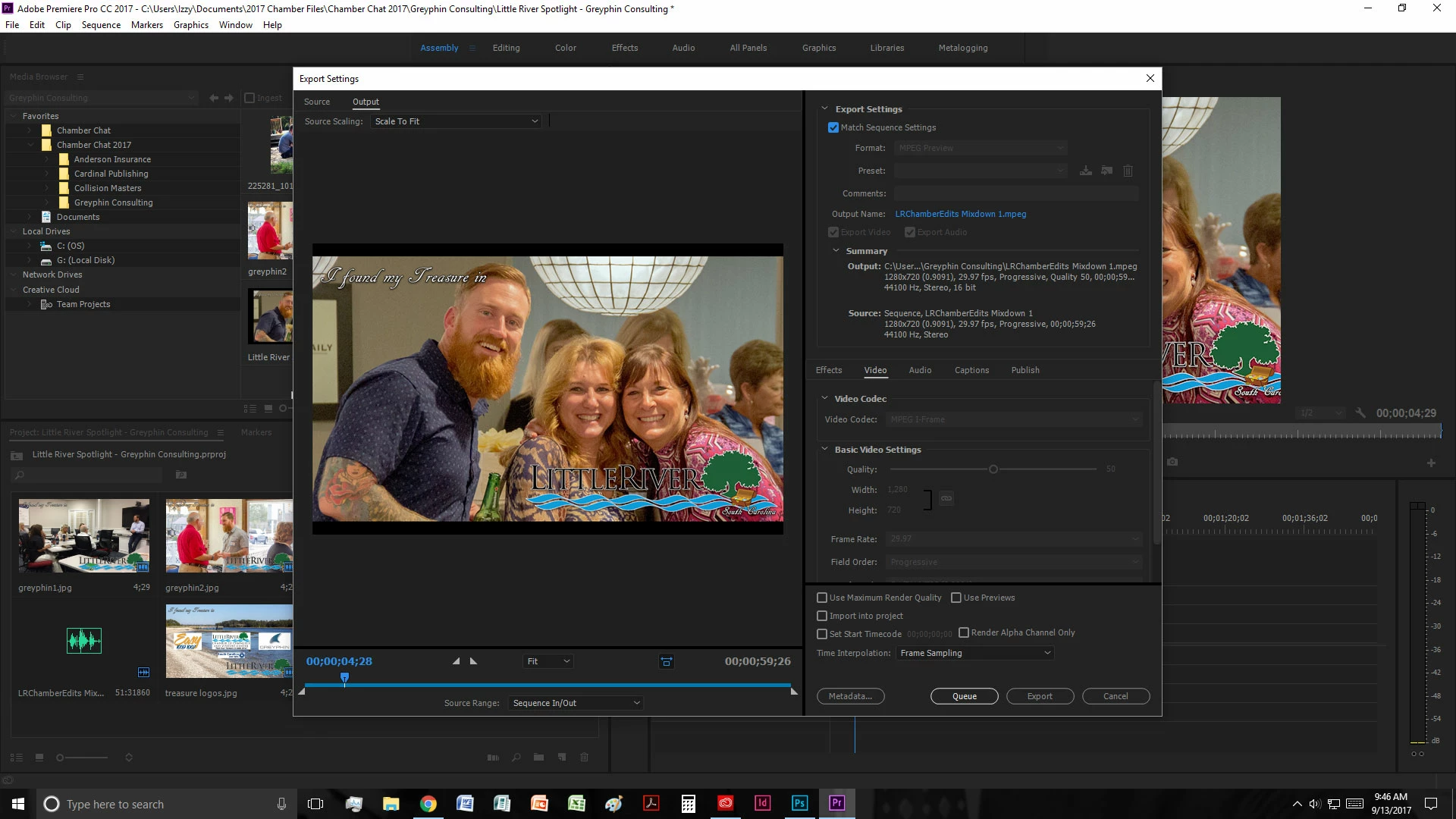
I then export using Format: H.264. Under Preset if I use Custom the black bars stay the same. If I select a YouTube option then then I get more black bars.

I would appreciate any tips on sizing this to fill the frame completely. I don't want the text cut out in photos, but I can resize them to a different size if needed. Thanks in advance!
 AdChoices