

LuffytaroOfficial
Known Participant
April 14, 2021
Answered

Media Browser Displaying different things

  • April 14, 2021
  • 1 reply
  • 1217 views

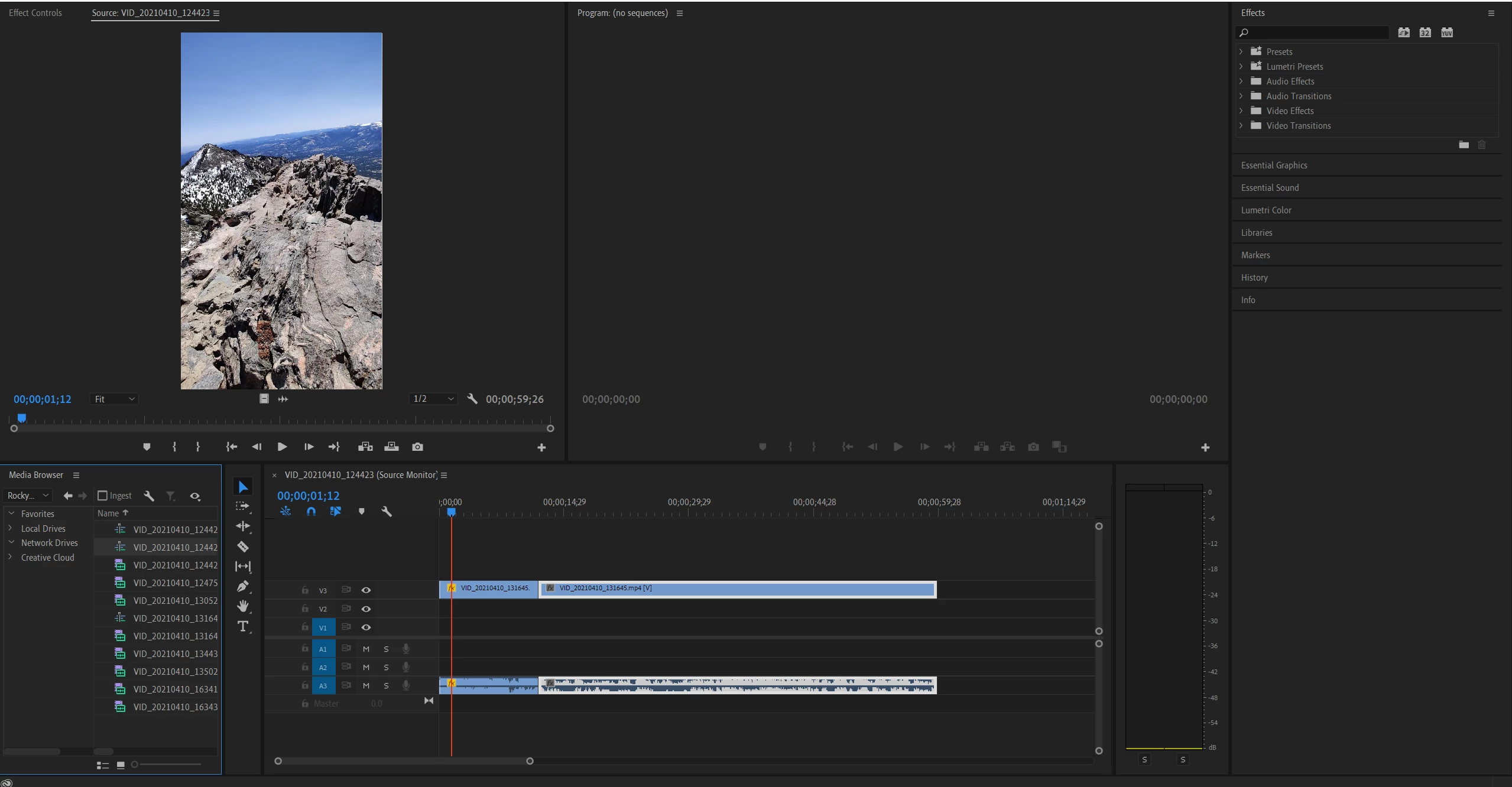
I might have accidentally changed some setting because I am relatively new to Premiere Pro, but my Media Browser looks very different from what I am used to. I can't even see my current clip frame in the program window. How do I get it back to look like the default version in this image (bottom left panel of the image): 
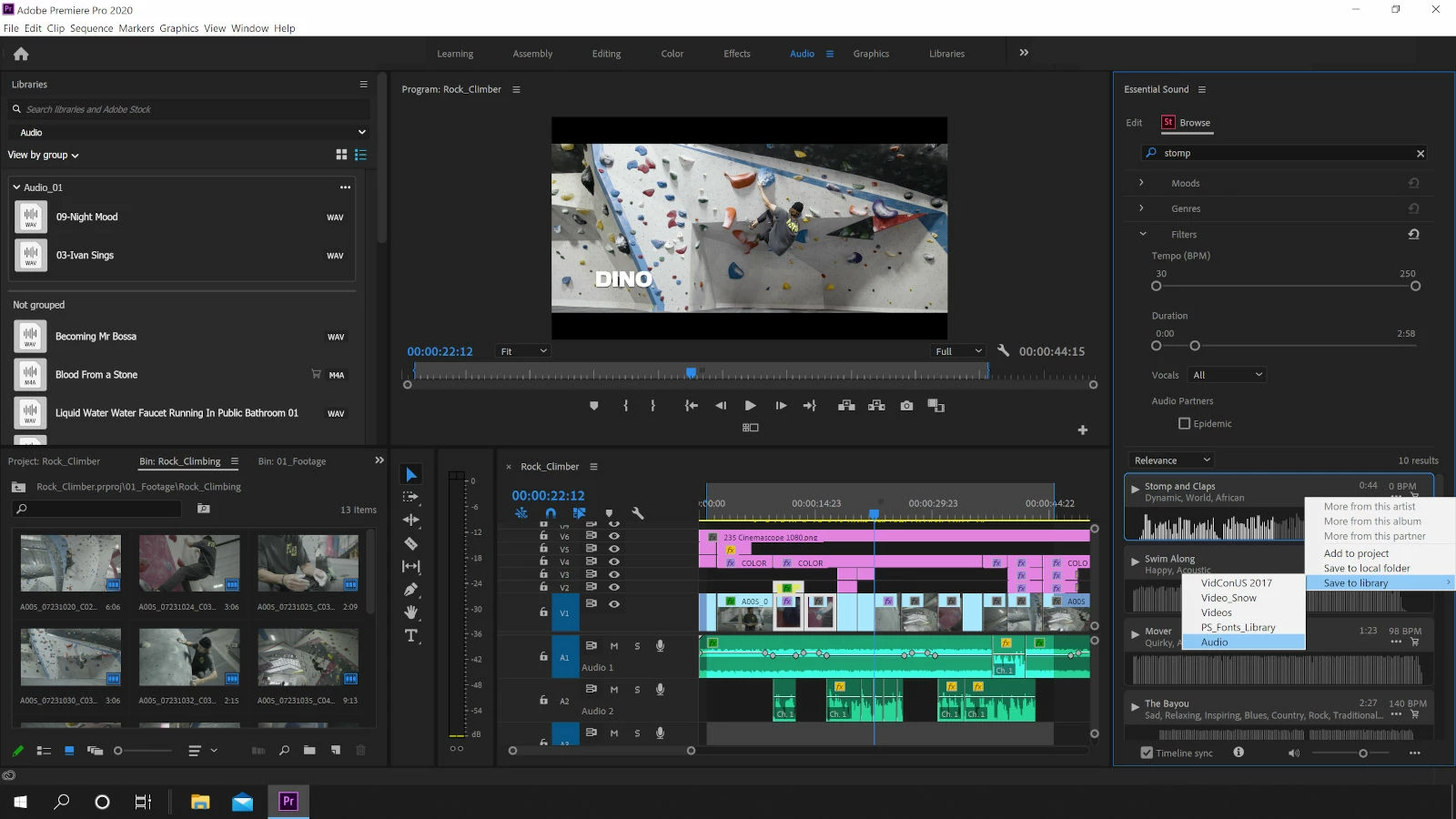
Here's my current layout: 
 

This topic has been closed for replies.
Correct answer Peru Bob

Try resetting the Workspaces:
Reset a workspace
Reset the current workspace to return to its original, saved layout of panels.
1. Do one of the following:
• Click the Workspace menu icon and select Reset to Saved Layout.
• Choose Window > Workspace > Reset to Saved Layout.
from here:
https://helpx.adobe.com/premiere-pro/using/workspaces.html

1 reply

Peru Bob
Community Expert
Peru BobCommunity ExpertCorrect answer
Community Expert
April 14, 2021

Try resetting the Workspaces:
Reset a workspace
Reset the current workspace to return to its original, saved layout of panels.
1. Do one of the following:
• Click the Workspace menu icon and select Reset to Saved Layout.
• Choose Window > Workspace > Reset to Saved Layout.
from here:
https://helpx.adobe.com/premiere-pro/using/workspaces.html

LuffytaroOfficial
Known Participant
April 14, 2021

Thank you very much, it turns out that my Project panel had disappeared for some reason so when I reset it, it's there again and I can see my project clips. 

Peru Bob
Community Expert
Community Expert
April 14, 2021

You're welcome.