

platypusrex256
Known Participant
May 18, 2021
Question

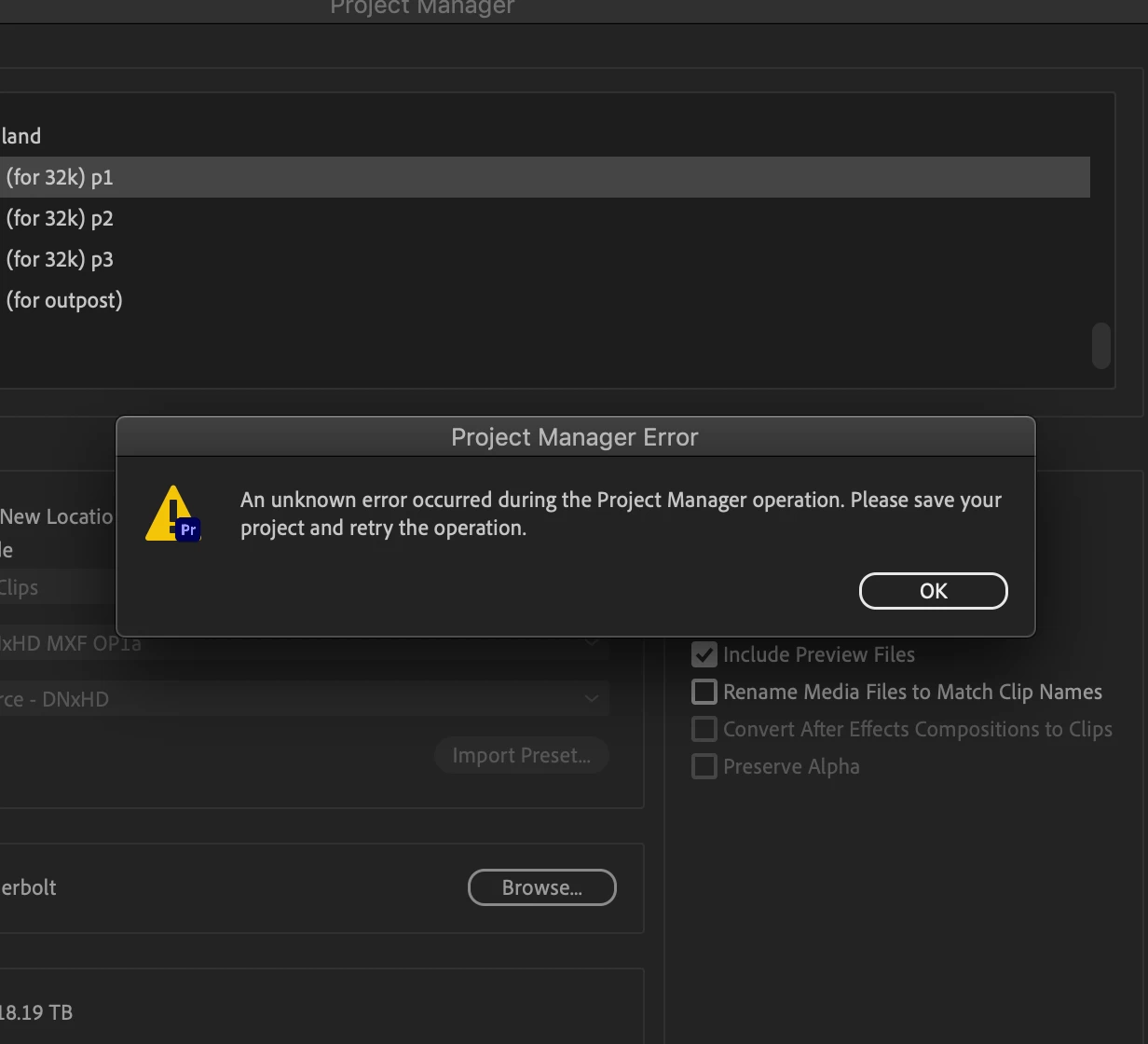
Media Manager is broken

  • May 18, 2021
  • 3 replies
  • 1605 views

I am finishing a feature length documentary project and trying to consolidate everything onto a RAID for my colorist. So I'm copying only the 16tb of footage that I'm using  onto a smaller 20tb RAID. The Project Manager copied 14tb over and unceremoniously pooped its pants and just deleted ALL of the copied data. So thanks, Project Manager. Thanks for that.


This topic has been closed for replies.

3 replies

Participating Frequently
May 19, 2021

Hello ! 


About the Project Manager issue, here are the main things you could try to have a successful consolidation (from the forums posts, it seems that it solves main issues). 

  • Do NOT include Audio Conformed Files
  • Do NOT include Preview Files 
  • Remove special characters in your media filenames 
  •  Move your sequence to a new fresh project


Otherwise, there are some limitation in the Project Manager if you are using some special PPro features (like Dynamic Link AE comps, Aegraphics, Merged Clips, maybe subclips too, ..).


If you want a better way to consolidate your project, you can try PlumePack : it's a third party paying plugin working in Premiere Pro. It gives you full details about what PlumePack does for your project : before consolidating (so you can tweek the parameters as you want before launching) and after (as a final result to be sure everything was ok). It has a special feature to trim your files without re-encoding : you keep the same codec, quality, metadata and Source Settings but with smaller files (from the use on your timeline). It makes it easier to transfer ! You can try to run the analysis for free (before buying a license) to know what PlumePack should do on your project (depending on the options you set). Note : if you have H264/H264 files, tick the "Trim New Codecs in Beta" option ! More infos on PlumePack here : https://www.autokroma.com/PlumePack 


Best,


Nicolas from Autokroma

platypusrex256
Known Participant
May 19, 2021

Got it. This feature is basically unusable then. My film has tons of RAW footage from C200, RED and Black Magic. And a lot of the footage is in different framerates (23.976, 24, 29.976, 59.976) and I've also read that THIS will create problems for Media Manager. And I don't want to rename any media filenames. I don't think they have special characters but renaming files is just a dealbreaker because it might make it difficult referencing back to the original files.


I might try PlumePack next time but I finally told my colorist to just keep all the files because I don't have time to mess around with Adobe anymore.


Participating Frequently
April 24, 2023

so - media manager is still broke?

Community Expert
May 19, 2021

I personally never have luck with Project Manager. Maybe if it's something super simple. A feature film? I'd be amazed. I'm lucky if I get a 5 minute video out of it, and I've never been able to quite figure out what makes it fail.


This doesn't exactly apply to your situation right now, because people are often looking to use Project Manager for archival purposes, but I've taken to using Render and Replace for everything in my timeline when archiving. It's a bit more manual, but I actually like that I can maintain an organized folder structure instead of everything being (to borrow your word) unceremoniously dumped into a single folder. Maybe something to keep in mind for future workflows/archival purposes.  


I'm sorry this is more commiseration than a solution. I've got thoughts around XML's or creating a new project and importing only the required sequences into that, but the problem is in the transferring of the used media from one place to another.

R Neil Haugen
Legend
May 18, 2021

There are unfortunately a TON of "oh, didn't you know this?" things when working with the project manager. It has had issues with cutting RED files, BRAW, and for gosh sakes do NOT include audio previews/pek files and such.


Neil

Everyone's mileage always varies ...
platypusrex256
Known Participant
May 18, 2021

So basically it doesn't work is what you're saying?

R Neil Haugen
Legend
May 19, 2021

It works for what it can do, if you use it exactly as it needs to be used. Yup.


There's a number of things such as t-coding only short snips of long-GOP/H.264 media it can't ... it will instead copy the whole file. Including some of the audio options may or may not work, and I can't remember all the caveats.


I know Jarle Leirpoll goes over this quite a bit in his tome The Cool Stuff in Premiere Pro which is by far the largest and most complete manual for working in PrPro. I've seen some other places that it is covered in some detail. There's a help bit Adobe has which is also good but it's not always that easy to find. And it's kinda frustrating that something so needed is not so easy to puzzle out.


Neil


Everyone's mileage always varies ...