
Participant
July 11, 2020
Answered

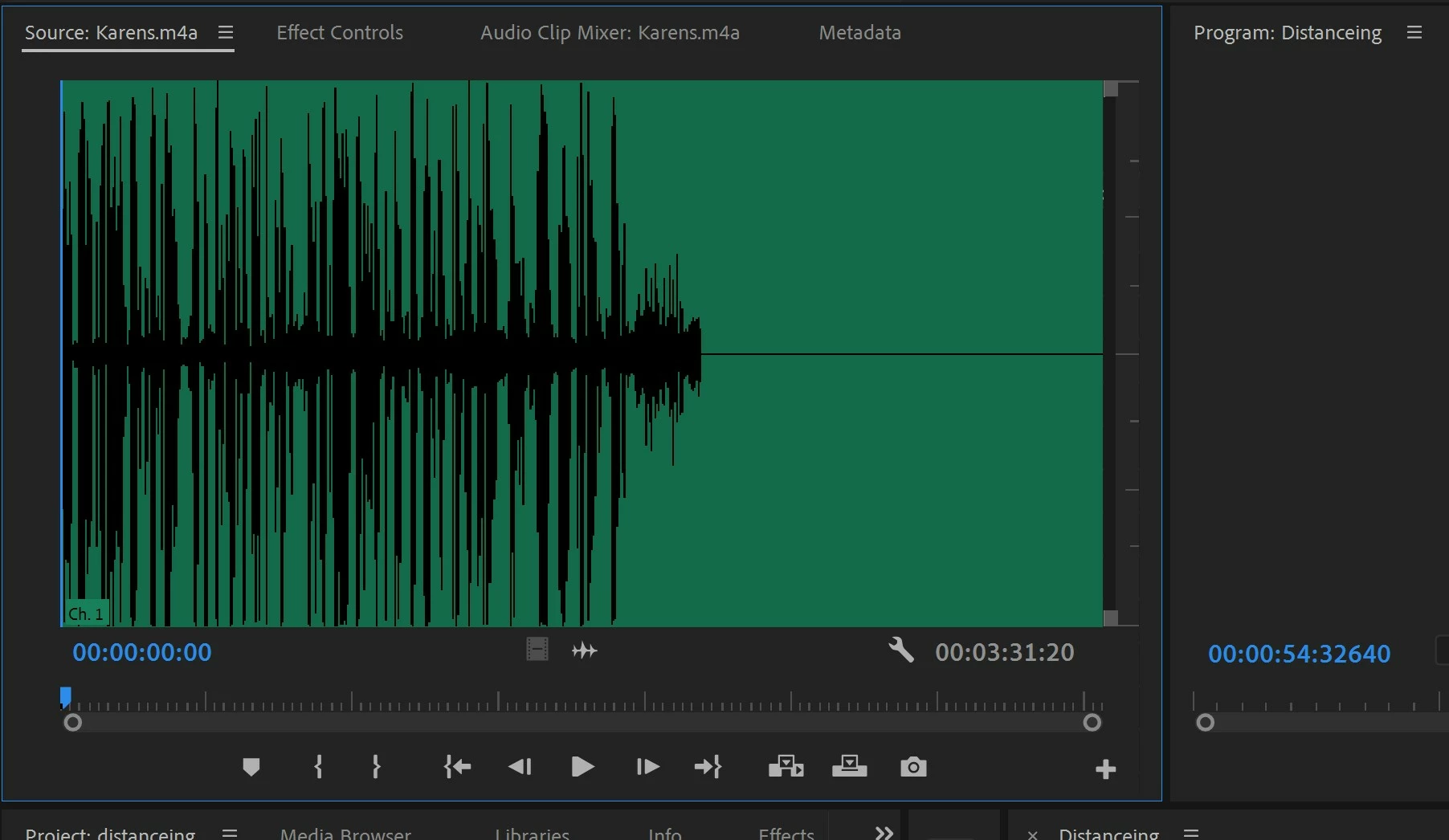
Missing FIRST half of AUDIO when IMPORTING to premiere pro

  • July 11, 2020
  • 1 reply
  • 1906 views

So i recorded about 5 different  audio clips from my phone voice reorder

and when I'm importing it to Premiere and play the audio thye all work EXCEPT FOR ONE. It starts about halfway through.

When i play the audio file just on regular media player it plays the whole clip.

The issue is only when importing to Premiere.

If someone could please help. I haven't done anything different. Premiere Pro is up to date as well.
This topic has been closed for replies.
Correct answer Ann Bens

When importing especially audio you have to wait until its fully loaded (bar bottom right side UI) before doing anything.

Delete from project.

Rename file

import again.

1 reply

Ann Bens
Community Expert
Ann BensCommunity ExpertCorrect answer
Community Expert
July 11, 2020

When importing especially audio you have to wait until its fully loaded (bar bottom right side UI) before doing anything.

Delete from project.

Rename file

import again.

zedkaytvAuthor
Participant
July 11, 2020

Hey Ann,


Thank for the reply. i actually jsut figured out. I don't know why. but all i did was rename the file then imported and the nit worked. No Idea why. but it worked.


Thank you though.


I actually don't know how to delete this post now lol

Ann Bens
Community Expert
Community Expert
July 11, 2020

You cannot delete posts.