
Answered
Missing Media from Premiere Pro Template
Hey, could someone point me in the right direction?
I am trying to create an ad "template" in Premiere using .morgt files so that anyone on my team can open and use them without have to rebuild the setup on their own computer. The problem I'm running into is that when they open the template, Premiere says that files are missing. Sure they can drag and drop from the Essentials Graphics panel but then they have to reset the location, etc. Is there a way to set up a Project so that all assets are linked to the same location (and not from the C:/ drive) to prevent any missing media?
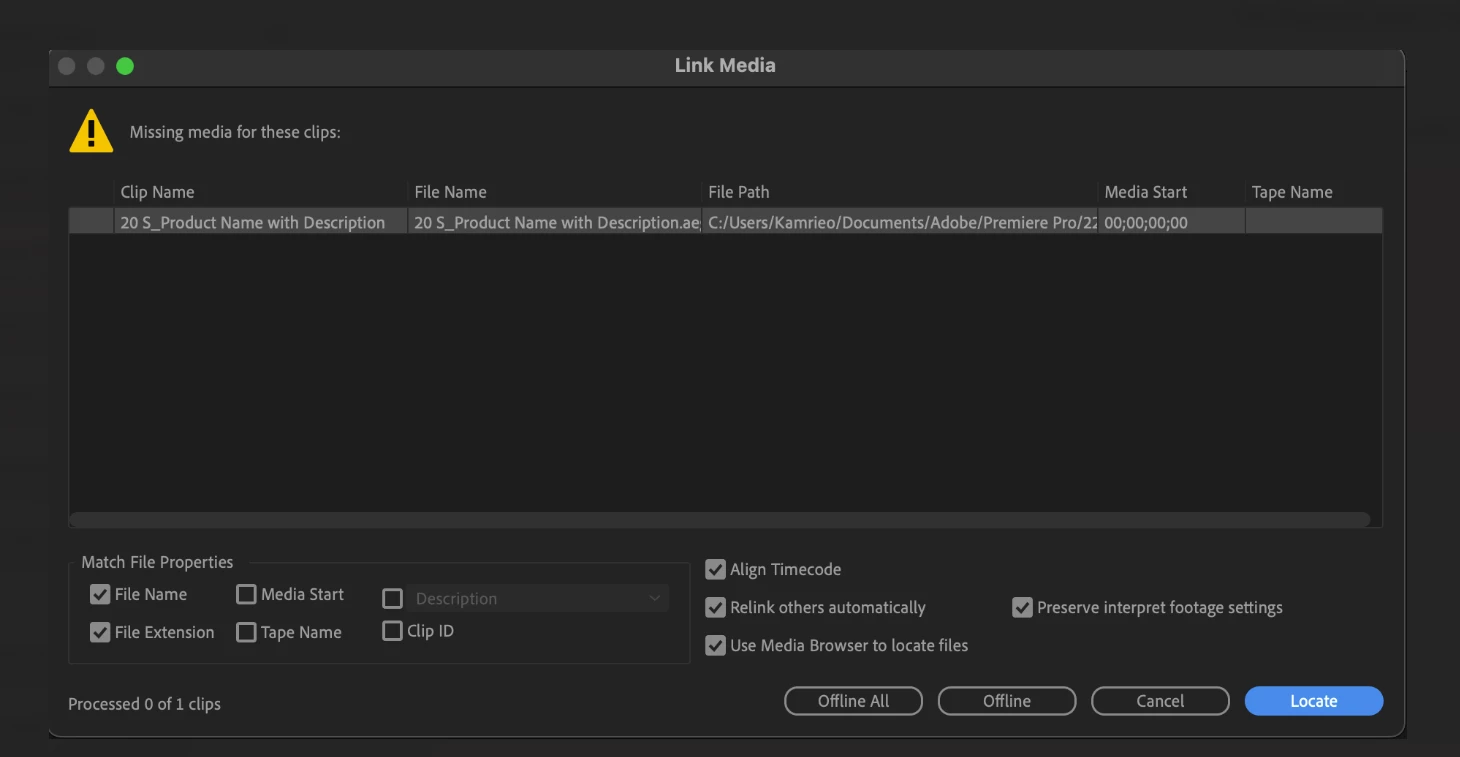
I have tried changing the scratch disk location, using Team Projects but haven't been able to find a soultion.
Windows X
Premiere Pro (22.3.1)
After Effects (22.3)
 AdChoices